
Pixel Art: Rozfarbovuvanna po nomerah
DownloadApp details
- Version
- 10.10.0 (1121010004)
- Updated
- 16.10.2026
- Category
- Puzzles and Quests
- Package name
com.europosit.pixelcoloring- Developer
- Easybrain
- Source
- Official Google Play page
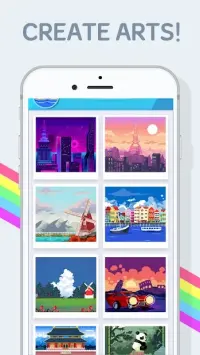
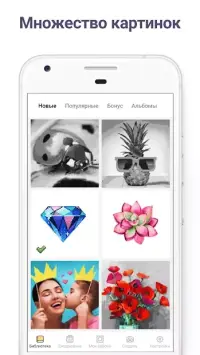
Pixel Art: Rozfarbovuvanna po nomerah is a distinctive application designed to help users enjoy their free time through the relaxing activity of digital coloring. This program features a large collection of images, making it an ideal choice for gamers of all age categories who appreciate creative hobbies. The interface is intuitive, ensuring that even beginners can navigate the app with ease and start creating art almost immediately.
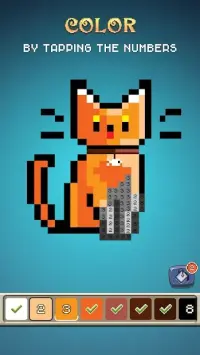
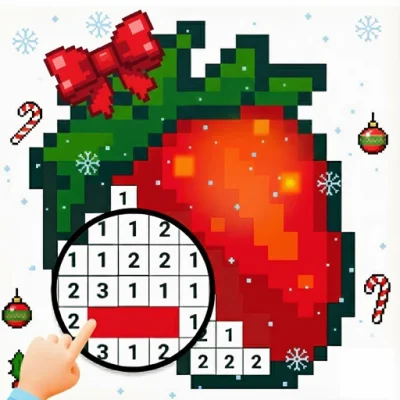
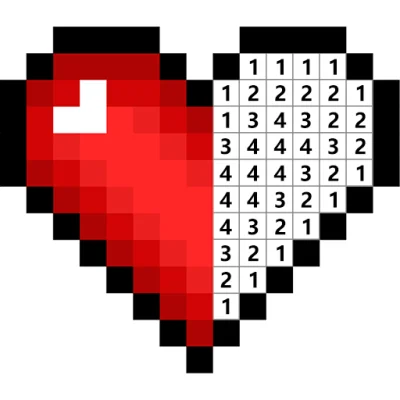
To complete a picture, you simply need to select the colors that correspond to the indicated numbers on the canvas. This classic method of pixel art allows you to fill in the grid systematically, revealing the final image as you go. The app provides various tools to enhance your experience, allowing you to customize your workflow and adjust settings to suit your preferences for a smoother coloring session.
One of the standout features of this APK is the ability to add your own photographs. You can upload personal images, which the app then processes into a stylish pixel art format. This functionality transforms ordinary photos into unique digital artworks, giving you a creative outlet to preserve memories in a trendy visual style.
It is a perfect way to turn any snapshot into a piece of digital decor. Interacting with the product is incredibly simple, as everything is designed to be understandable and user-friendly. The app supports standard Android features and integrates seamlessly into your device.
How to install the app
- Check the version, Android compatibility, developer and source in the app details block.
- Open the Downloads tab and use the official source or an available catalog link.
- Before installing, review app permissions and use only sources you trust.
Frequently asked questions
What is the main feature of Pixel Art: Rozfarbovuvanna po nomerah?
The main feature is a large collection of images for coloring by numbers, along with the ability to upload and convert your own photos into stylish pixel art formats.
Is this app suitable for all ages?
Yes, the application is designed for gamers of all age categories, offering a simple interface and relaxing gameplay that is easy to understand for beginners and experts alike.
How do I add my own photos to the app?
You can add your own photographs by using the built-in upload feature. The app will then process the image and convert it into a pixel art grid that you can color using the provided tools.
Does the app require a constant internet connection?
The app is designed to be lightweight and functional on Android devices. While some features may benefit from connectivity, the core coloring experience is accessible and easy to navigate.
Similar apps

Version history
Below are the catalog pages found for this app. When a source changelog is available, it will be added separately.
No comments yet. Be the first!