

AIMP
Open in Google PlayApp details
- Version
- v4.31.1747 (10.09.2026) (1747)
- Updated
- 11.11.2021
- Category
- Multimedia
- Package name
com.aimp.player- Developer
- Artem Izmaylov
- Source
- Official Google Play page
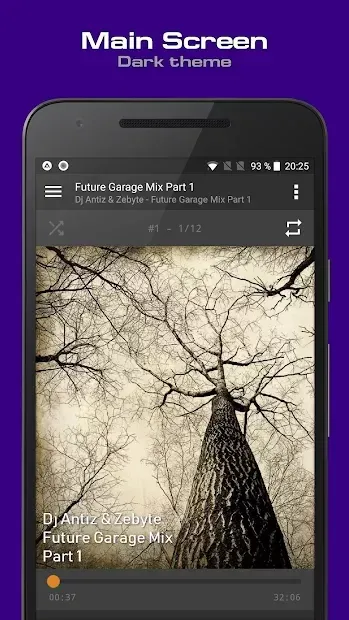
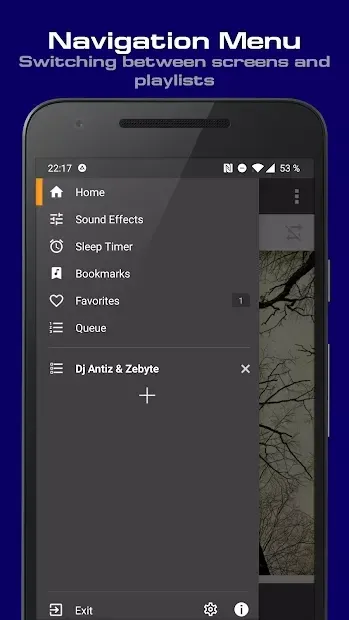
AIMP is a powerful and feature-rich music player designed for Android devices, offering a seamless listening experience for audiophiles and casual listeners alike. Known for its robust functionality, this application supports a wide range of audio formats, ensuring that your entire music library plays smoothly without compatibility issues. The interface is clean and intuitive, allowing you to navigate your playlists and albums with ease, while customizable skins let you personalize the look to suit your taste.
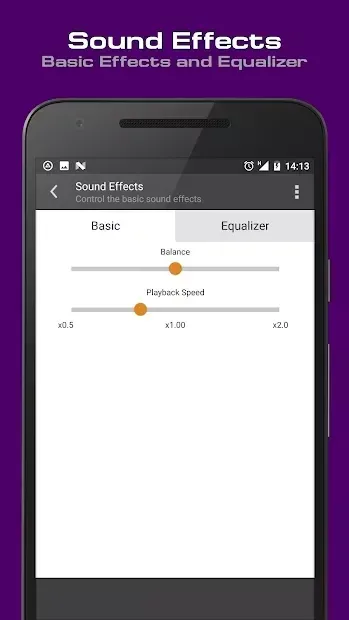
One of the standout features of AIMP is its advanced equalizer, which provides precise control over your audio output. You can fine-tune the sound to match your preferences or specific headphones, enhancing the overall quality of your music. The player also supports gapless playback, making it ideal for listening to live albums or classical compositions where continuous audio flow is essential.
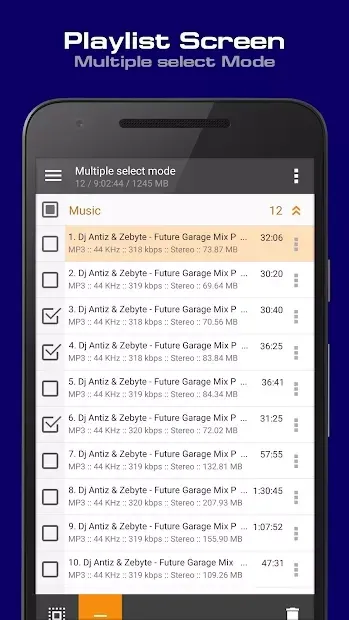
Additionally, it handles large libraries efficiently, maintaining fast loading times even with thousands of tracks. The application is optimized for performance, ensuring low CPU usage and minimal battery drain during extended listening sessions. It includes useful tools like a built-in tag editor, allowing you to correct metadata and organize your collection accurately.
The search function is quick and reliable, helping you find specific songs or artists without delay.
How to install the app
- Check the version, Android compatibility, developer and source in the app details block.
- Open the official app page on Google Play if a link is available.
- Before installing, review app permissions and use only sources you trust.
Frequently asked questions
Does AIMP support high-resolution audio formats?
Yes, AIMP is designed to handle high-resolution audio files, providing superior sound quality for audiophiles who want the best possible listening experience on their Android devices.
Can I customize the equalizer settings in AIMP?
Absolutely. AIMP features a powerful equalizer that allows you to adjust frequency bands to your liking, ensuring that the audio output matches your personal preferences and listening environment.
Is AIMP free to use on Android devices?
AIMP is available for free on Android, offering a full set of features including gapless playback, tag editing, and a wide range of supported audio formats without requiring a paid subscription.
What audio formats does AIMP support?
AIMP supports a wide variety of audio formats, including MP3, FLAC, OGG, WMA, and AAC, ensuring that you can play almost any music file in your library without needing additional codecs.
Similar apps
No comments yet. Be the first!