
Camera MX
Open in Google PlayApp details
- Version
- 4.7.198
- Updated
- 18.08.2021
- Category
- Arcade
- Compatibility
- Android 2.3
- Package name
com.magix.camera_mx- Source
- Official Google Play page
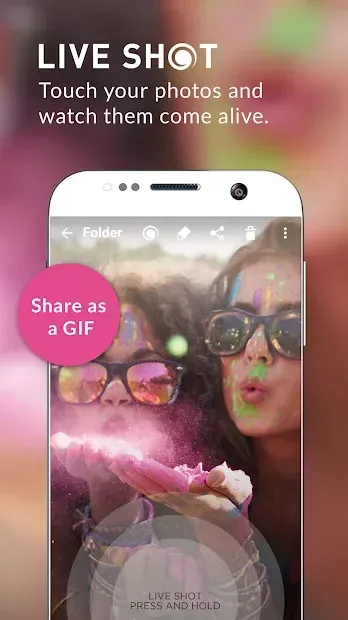
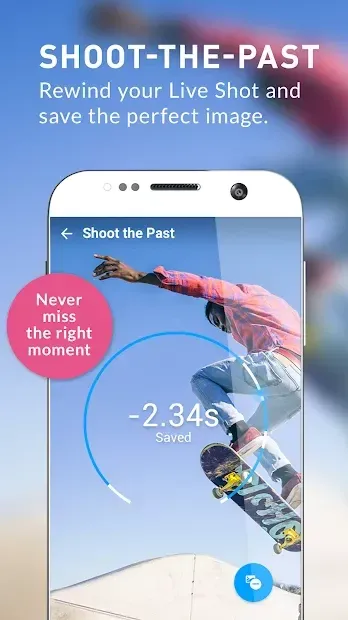
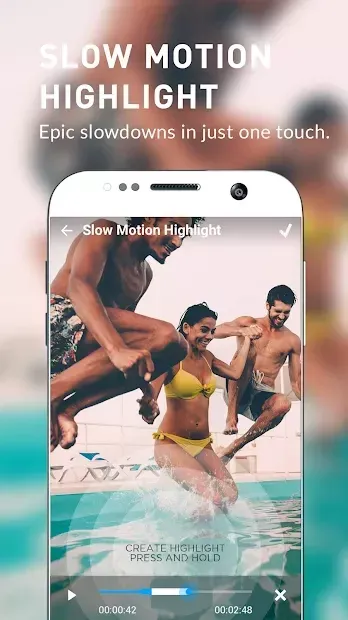
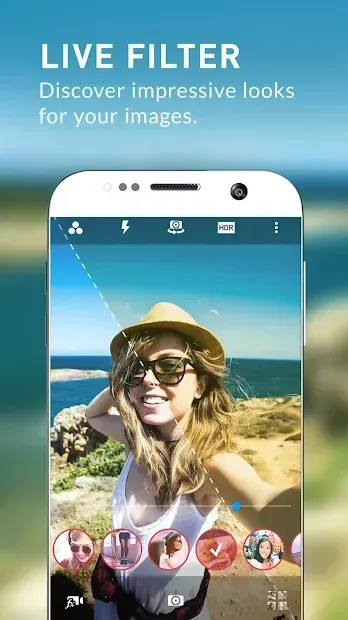
Standard utility apps for taking photos and videos often lack the depth required by modern users who want more than just basic functionality. Camera MX stands out as a beautiful and robust alternative to the default camera applications found on Android devices. It is not merely a simple add-on for capturing images; it is a comprehensive tool that combines high-quality photography with a powerful built-in photo editor, making it a versatile solution for both casual snapshots and more detailed visual projects.
Upon installation, users are presented with two distinct icons to streamline their workflow. The first icon is designed for quick, on-the-go photography. When launched, it initiates a rapid focus sequence and immediately captures the shot.
This feature is particularly useful for users who need to seize a fleeting moment without navigating through complex menus or waiting for the app to load, ensuring you never miss an important event. The second icon on the home screen launches the main application interface, which is crafted with a minimalist design aesthetic. The screen displays four primary buttons: starting the camera, accessing recording settings, sharing images to social media, and viewing saved photos in the device memory.
How to install the app
- Check the version, Android compatibility, developer and source in the app details block.
- Open the official app page on Google Play if a link is available.
- Before installing, review app permissions and use only sources you trust.
Frequently asked questions
What makes Camera MX different from standard camera apps?
Camera MX offers a powerful built-in editor with unique tools like horizon correction and advanced color tuning, which are not typically found in basic default camera applications.
How many icons appear after installing Camera MX?
Two distinct icons appear: one for quick, rapid-fire photography and another for launching the full-featured main application with a minimalist interface.
Can I share photos directly from Camera MX?
Yes, the main interface includes a dedicated button that allows you to easily send and share your captured images directly to various social media platforms.




Version history
Below are the catalog pages found for this app. When a source changelog is available, it will be added separately.
No comments yet. Be the first!