

Evernote
Open in Google PlaySpaceAPK does not provide APK files. A listed Google Play link is a reference: check the store for availability, version, price and paid features. The catalog version is not offered as a downloadable file.
App details
- Recorded version
- 11.36.3 (1255224)
- Updated
- 26.03.2021
- Category
- Games for Android
- Package name
com.evernote- Developer
- Evernote by Bending Spoons
- Source
- Google Play reference
Evernote is a powerful organizer designed specifically for mobile devices running the Android operating system. This application offers a wide range of functionality that is sure to be useful for users who want to keep their digital life organized. With Evernote, you can collect various notes, write to-do lists, make records, and much more.
The app allows you to utilize its native capabilities across different devices, ensuring seamless synchronization and access to your data wherever you go. The versatility of Evernote makes it an ideal tool for everyday tasks. You can write down culinary recipes, create shopping lists, or jot down important ideas as they come to mind.
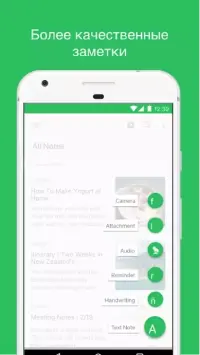
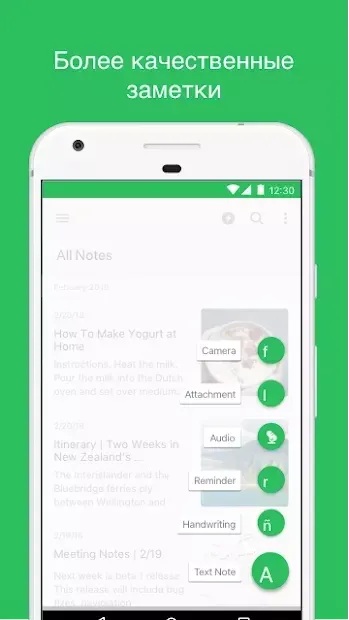
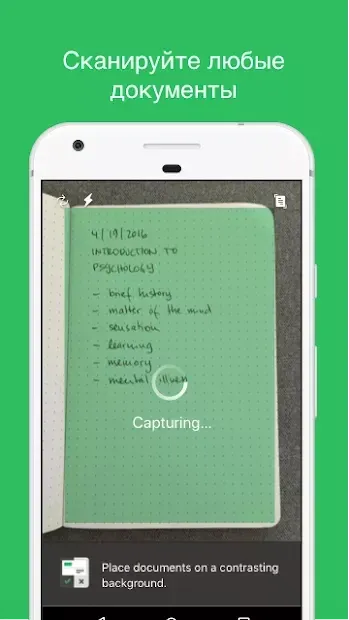
Beyond simple text entries, the app supports the integration of audio and video data, allowing you to capture rich media directly within your notes. You can also attach photographs, making it easier to document events, products, or documents with visual context. This multimedia support ensures that your notes are comprehensive and detailed.
When creating a to-do list, Evernote allows you to check off completed items, helping you track your progress and stay on top of your responsibilities. The app is a great find for owners of mobile gadgets and busy professionals alike. It helps keep various affairs under control, ensuring that your records are always at your fingertips.
Availability and source
- Check the version, Android compatibility, developer and source in the app details block.
- Open the official app page on Google Play if a link is available.
- Before installing, review app permissions and use only sources you trust.
Frequently asked questions
What is Evernote used for on Android?
Evernote is used for organizing notes, creating to-do lists, storing photos, audio, and video files, and managing daily tasks efficiently on Android devices.
Does Evernote support multimedia notes?
Yes, Evernote allows you to add text, images, audio recordings, and video clips to your notes, making it a versatile tool for comprehensive information storage.
Is Evernote easy to use for beginners?
Yes, Evernote features an intuitive interface and simple navigation, making it easy for users of all skill levels to start organizing their notes and tasks quickly.
Similar apps
No comments yet. Be the first!