

ExaGear RPG
Open in Google PlaySpaceAPK does not provide APK files. A listed Google Play link is a reference: check the store for availability, version, price and paid features. The catalog version is not offered as a downloadable file.
App details
- Recorded version
- 2.6.8
- Updated
- 23.10.2021
- Category
- Arcade
- Compatibility
- Android 5.0
- Package name
com.eltechs.erpg- Source
- Google Play reference
ExaGear RPG is a specialized Android application designed for enthusiasts who have always dreamed of running their favorite classic role-playing games on mobile devices. This emulator allows players to revisit nostalgic titles and immerse themselves in familiar stories right from the palm of their hand. It bridges the gap between legacy PC gaming and modern Android hardware, offering a seamless experience for retro gaming fans.
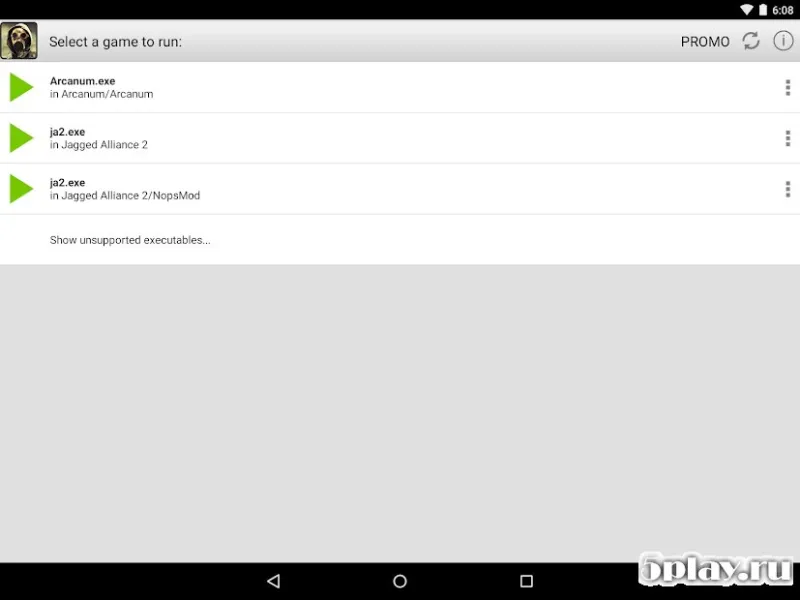
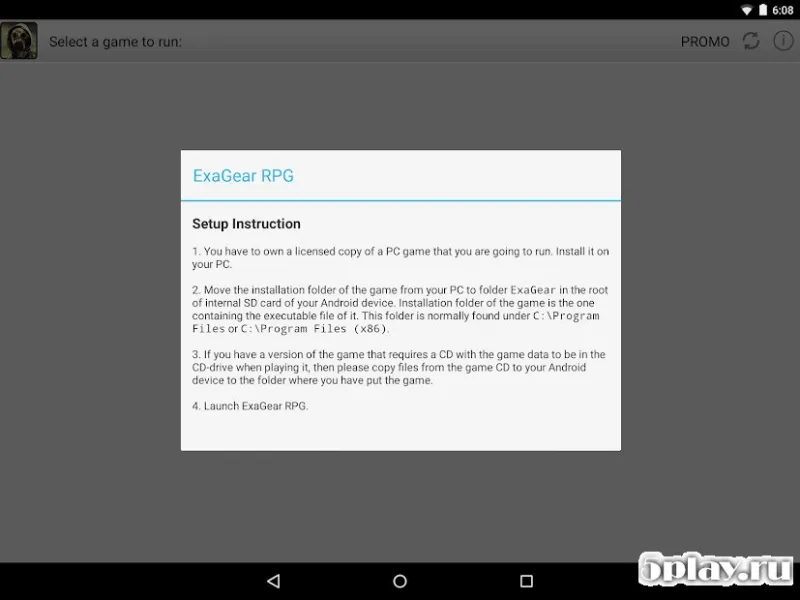
The setup process is remarkably straightforward, requiring minimal technical knowledge. After installing the application, users simply need to copy the game files, which typically have a .exe extension, into the root directory of the emulator. This simple step ensures that the core structure of the original game is preserved, allowing for authentic gameplay without complex configuration steps.
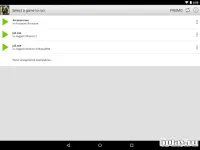
Once the files are in place, launching the game is as easy as opening the specific file through the ExaGear RPG interface. The emulator handles the execution environment, translating PC commands for the Android OS. This means you can enjoy the full depth of classic RPGs without worrying about compatibility issues that usually plague older software on mobile platforms.
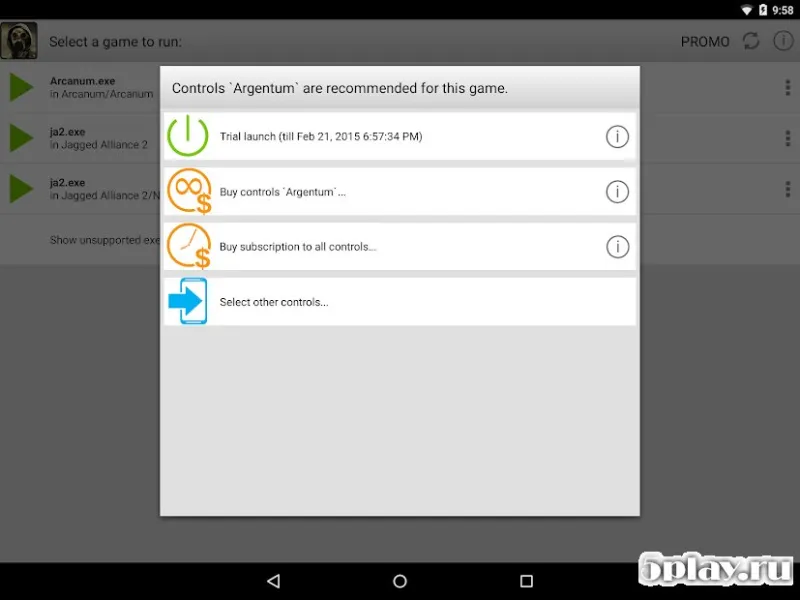
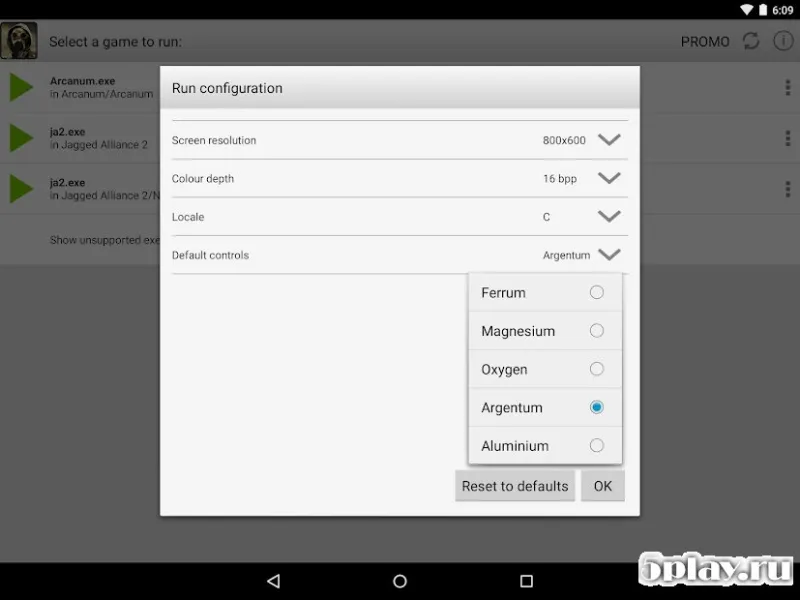
A standout feature of this tool is its unique control system tailored for each project. Unlike generic emulators that use a one-size-fits-all approach, ExaGear RPG provides customized control schemes that adapt to the specific needs of different games.
Availability and source
- Check the version, Android compatibility, developer and source in the app details block.
- Open the official app page on Google Play if a link is available.
- Before installing, review app permissions and use only sources you trust.
Frequently asked questions
What is ExaGear RPG used for?
ExaGear RPG is an emulator that allows users to play classic PC role-playing games on Android devices by converting executable files for mobile use.
How do I install a game in ExaGear RPG?
You need to copy the game's .exe file into the root directory of the ExaGear RPG folder on your Android device to prepare it for launching.
Does ExaGear RPG support custom controls?
Yes, the application provides a specific control system for each project, ensuring that controls are optimized and convenient for the specific game being played.
Is ExaGear RPG free to use?
The application is available for download as an APK file, allowing users to access and play their personal collection of classic RPGs on mobile devices.
Similar apps





No comments yet. Be the first!