

Firefox
Open in Google PlaySpaceAPK does not provide APK files. A listed Google Play link is a reference: check the store for availability, version, price and paid features. The catalog version is not offered as a downloadable file.
App details
- Recorded version
- 79.0.5
- Updated
- 28.11.2021
- Category
- Browsers
- Compatibility
- Android 4.0.3
- Package name
org.mozilla.firefox- Source
- Google Play reference
Firefox is a leading mobile browser designed for Android devices, offering a seamless and intuitive browsing experience for users worldwide. It stands out as an indispensable assistant for anyone who values speed, security, and convenience in their daily internet usage. The application is engineered to handle modern web content efficiently, ensuring that pages load quickly and smoothly even on devices with limited processing power or memory.
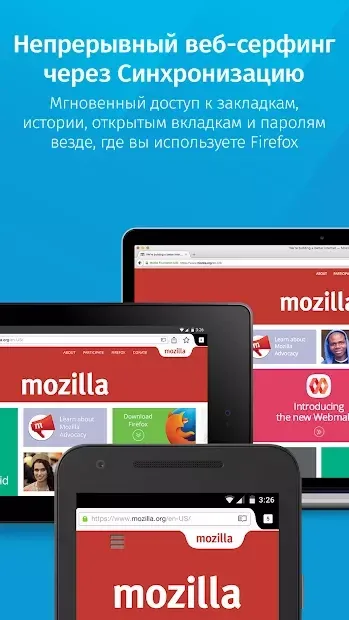
This performance optimization makes it a reliable choice for both casual surfers and power users who demand reliability from their mobile tools. One of the core strengths of Firefox is its robust synchronization capabilities. Users can seamlessly sync information between their personal computers and the Android version of the app.
This feature ensures that bookmarks, open tabs, passwords, and browsing history are available across all your devices. Whether you start reading an article on your desktop and switch to your phone during your commute, Firefox keeps your place and context intact, providing a continuous and uninterrupted workflow without the need for manual data entry or third-party sync services. The browser includes a rich set of features tailored for modern web interaction.
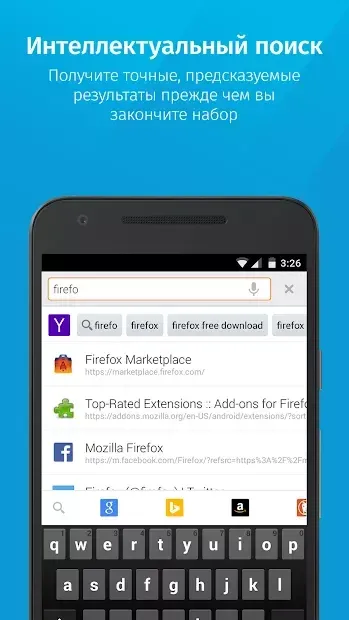
You can manage bookmarks with ease, review your search history to find previously visited sites, and save passwords securely for faster logins.
Availability and source
- Check the version, Android compatibility, developer and source in the app details block.
- Open the official app page on Google Play if a link is available.
- Before installing, review app permissions and use only sources you trust.
Frequently asked questions
Does Firefox sync data between PC and Android?
Yes, Firefox offers synchronization of bookmarks, open tabs, passwords, and browsing history between your personal computer and Android device for a seamless experience.
Can I install add-ons on the Android version?
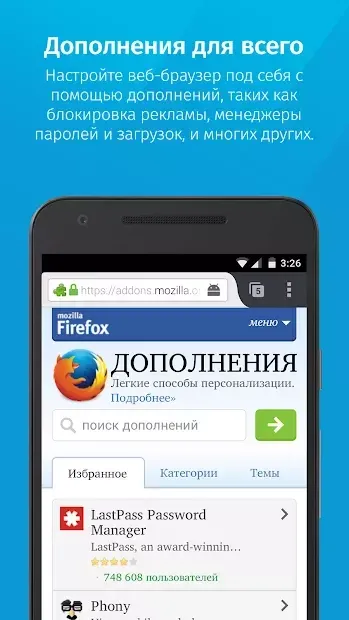
Absolutely. Firefox for Android supports a wide range of add-ons and extensions that allow you to customize your browsing experience with tools like ad blockers and privacy enhancers.
Is Firefox secure for everyday browsing?
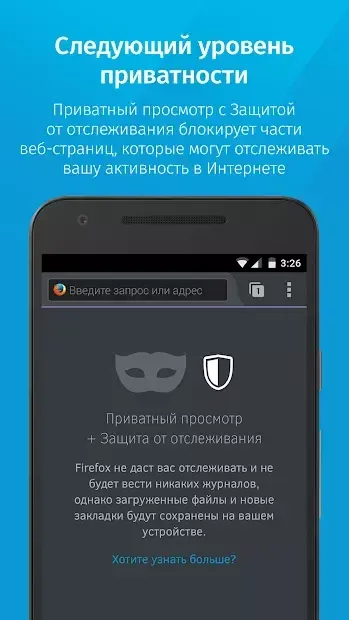
Firefox is designed with security in mind, offering features like enhanced tracking protection and secure password storage to keep your personal data safe while you surf the web.
How do I manage tabs and history in Firefox?
You can easily view your search history, save bookmarks, and manage multiple open tabs within the browser interface, making it simple to navigate between different websites and articles.

No comments yet. Be the first!