
Hipster Wallpapers
Open in Google PlayApp details
- Version
- 1.0
- Updated
- 17.10.2021
- Category
- Arcade
- Compatibility
- Android 2.3.3
- Package name
com.andromo.dev230101.app312270- Source
- Official Google Play page
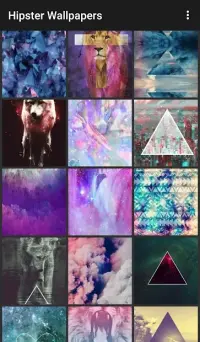
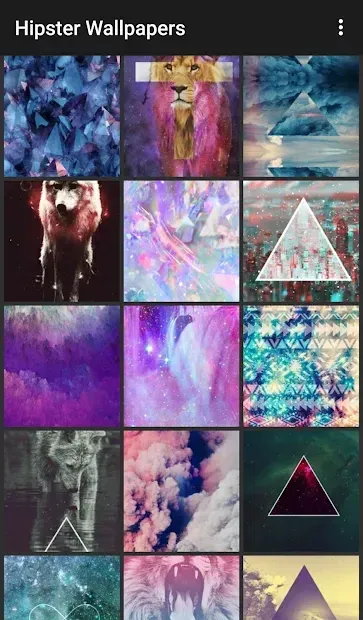
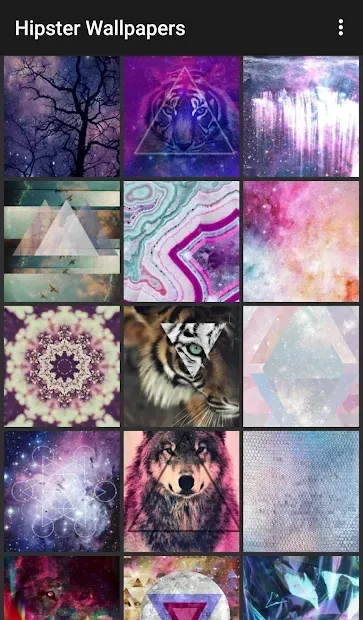
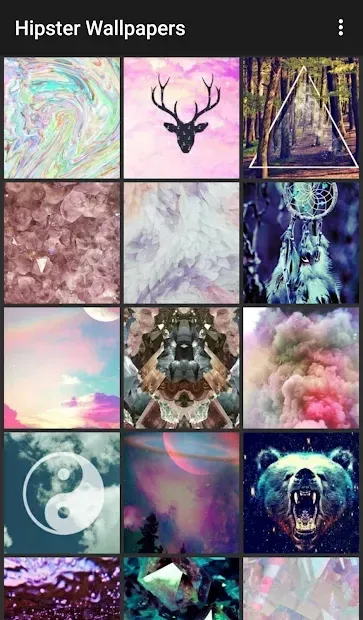
Discover a curated collection of stylish visuals with the Hipster Wallpapers APK, designed specifically for Android device users seeking to personalize their home screens. This application serves as a comprehensive gallery, offering a diverse range of artistic backgrounds that cater to various aesthetic preferences. Whether you prefer minimalist designs, vintage vibes, or modern abstract art, this app ensures that every user can find imagery that resonates with their personal taste and style.
The interface is intuitive, making it easy for anyone to navigate and select the perfect backdrop for their smartphone or tablet. One of the standout features of this APK is its organized structure. Images are conveniently arranged into distinct categories, allowing you to quickly browse through themes without wasting time searching.
The user-friendly menu enhances the overall experience, ensuring that even those new to customizing their devices can effortlessly explore the extensive library. The app is optimized for performance, providing smooth scrolling and quick loading times, which is essential for a seamless browsing experience on mobile devices. While the visual quality of most images is decent, it is worth noting that they are best suited for smartphones rather than high-resolution tablets.
The resolution is tailored for standard mobile screens, ensuring that the graphics look crisp and clear on typical phone displays.
How to install the app
- Check the version, Android compatibility, developer and source in the app details block.
- Open the official app page on Google Play if a link is available.
- Before installing, review app permissions and use only sources you trust.
Frequently asked questions
Is Hipster Wallpapers free to use on Android?
Yes, the application is generally available for free download on Android devices, allowing users to browse and set backgrounds without additional cost.
How are the images organized in the app?
The images are neatly categorized by theme, making it easy for users to find specific styles or moods quickly without scrolling through unrelated content.
Are the wallpapers optimized for tablets?
The wallpapers are primarily optimized for smartphones, so they may appear less detailed on larger tablet screens compared to their appearance on mobile devices.
Similar apps





No comments yet. Be the first!