
Home Design 3D
Open in Google PlaySpaceAPK does not provide APK files. A listed Google Play link is a reference: check the store for availability, version, price and paid features. The catalog version is not offered as a downloadable file.
App details
- Recorded version
- 4.4.1
- Updated
- 23.09.2021
- Category
- Arcade
- Compatibility
- Android 4.1
- Package name
fr.anuman.homedesign3d- Source
- Google Play reference
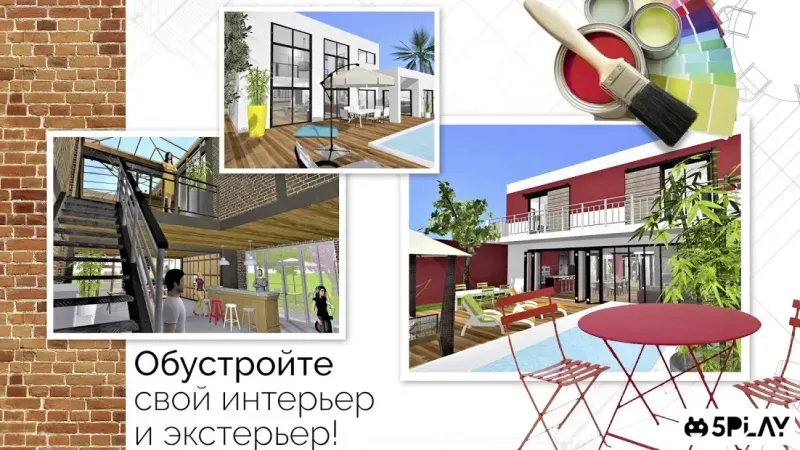
Home Design 3D is a versatile and powerful application that allows you to design your own home or apartment directly on your Android device. This intuitive tool is suitable for both professional interior designers and everyday users who want to visualize their living space with ease. The app provides a comprehensive set of tools to create unique and personalized interiors, making the design process accessible to everyone regardless of their technical skills.
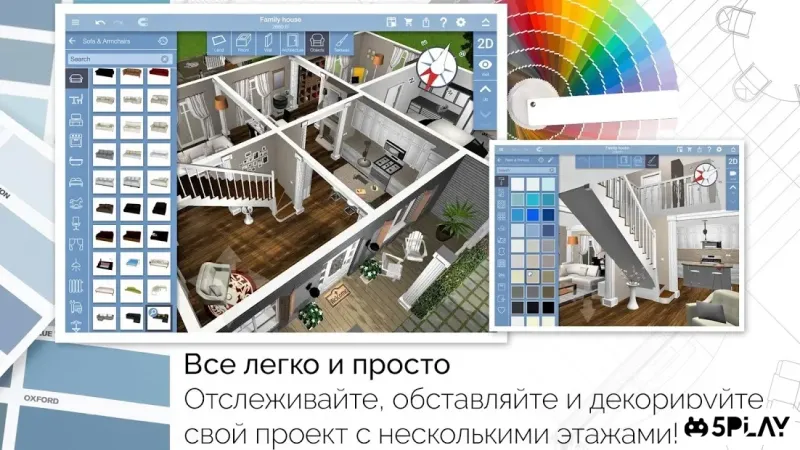
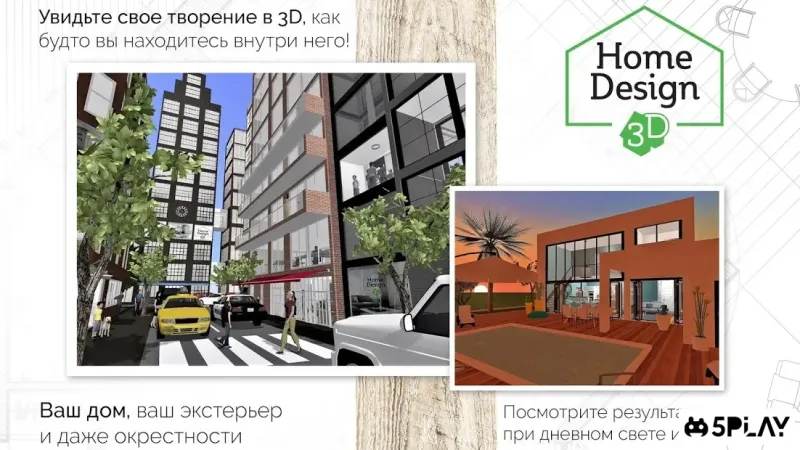
With a user-friendly interface, Home Design 3D helps you realize even the most creative ideas. You can draw your floor plans, add furniture, and decorate rooms in 3D. The application supports real-time 3D views, allowing you to walk through your designs as if you were actually inside the space.
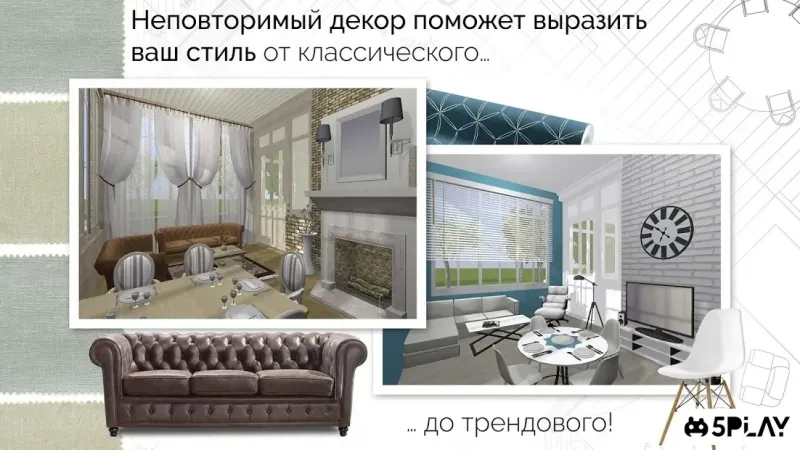
This feature makes it easier to understand how different elements fit together and look in your actual home environment. The app includes a vast library of furniture and decor items that you can drag and drop into your designs. You can customize colors, textures, and dimensions to match your personal taste.
Whether you are renovating a single room or planning a complete home makeover, Home Design 3D offers the flexibility to experiment with different styles and layouts. You can save multiple projects and switch between them to compare different design options. One of the key advantages of this APK is its ability to work offline, meaning you can design your spaces without needing a constant internet connection.
Availability and source
- Check the version, Android compatibility, developer and source in the app details block.
- Open the official app page on Google Play if a link is available.
- Before installing, review app permissions and use only sources you trust.
Frequently asked questions
Is Home Design 3D free to use on Android?
Home Design 3D offers a free version with basic features, while a premium version unlocks additional furniture items and export options for professional use.
Can I use Home Design 3D offline?
Yes, the app allows you to design your floor plans and interiors offline, making it convenient for use without an active internet connection.
Does Home Design 3D support 3D visualization?
Absolutely, the app provides real-time 3D views, allowing you to walk through your designs and see how furniture and decor look in your space.
Can I export my designs from Home Design 3D?
Yes, you can export your designs in various formats to share with others or print them out for reference during your home renovation projects.
Similar apps




No comments yet. Be the first!