
Klaviatura SwiftKey 8.10.21.3 Final
DownloadApp details
- Updated
- 17.10.2026
- Category
- Miscellaneous
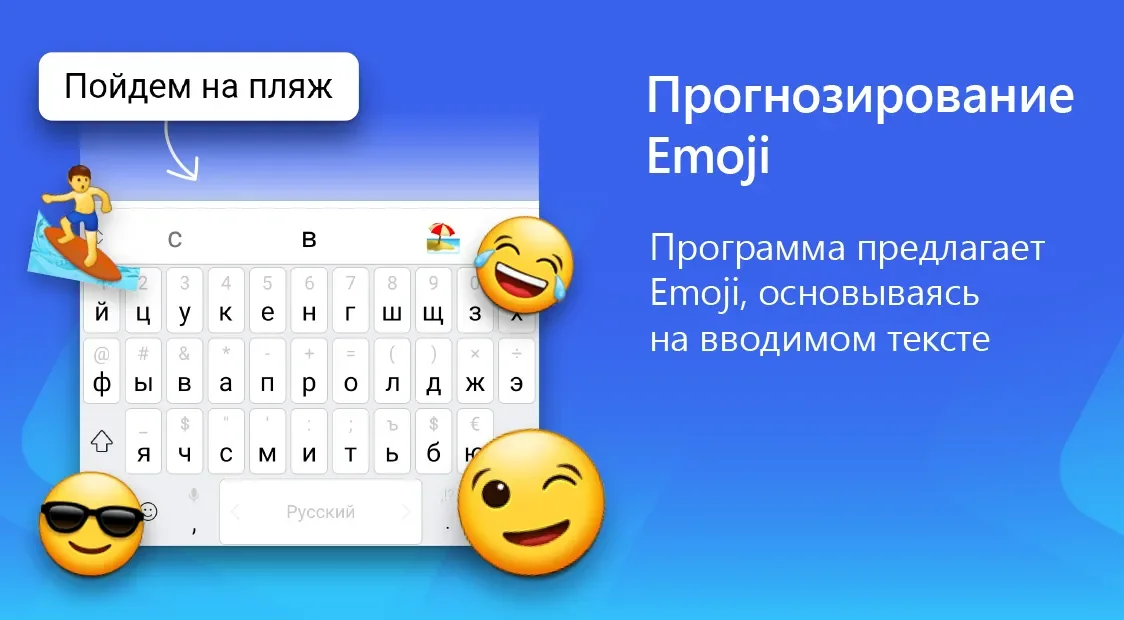
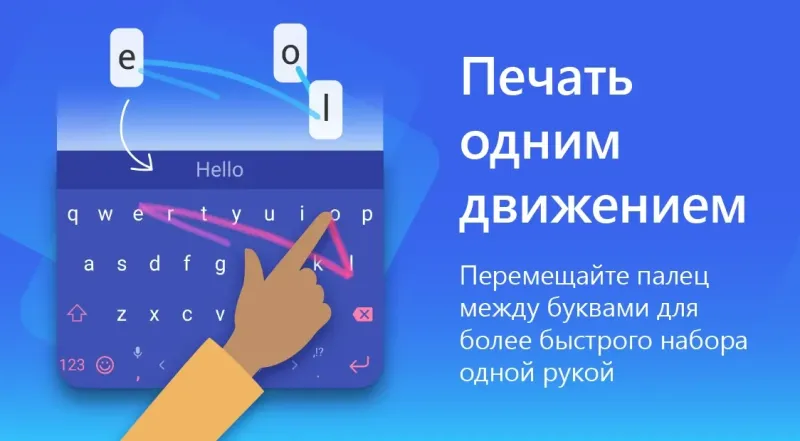
The SwiftKey keyboard is a highly popular application for Android devices that quickly becomes an indispensable assistant right after installation. It is rightfully considered one of the best keyboards for smartphones and tablets because the program is designed in a way that reduces the amount of typing required from the user. This innovative approach leverages advanced artificial intelligence to predict your next words with remarkable accuracy, making text entry faster and more intuitive than ever before.
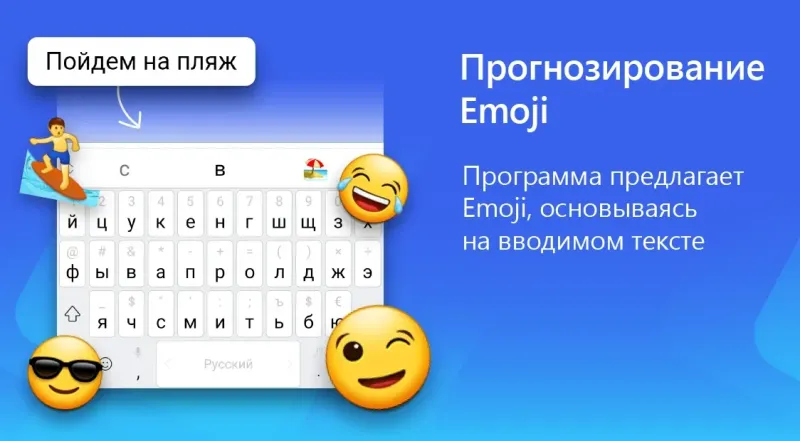
Unlike standard keyboards, SwiftKey learns from your writing style over time, adapting to your vocabulary, slang, and even emojis. This personalized learning process ensures that the suggestions become increasingly relevant as you use the app more frequently. The interface is clean and customizable, allowing users to change themes, colors, and key sizes to suit their preferences.
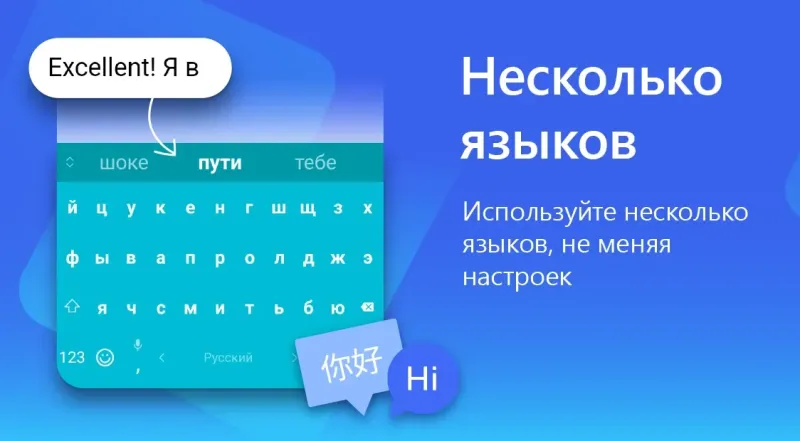
Whether you are typing a quick message or drafting a long email, the experience remains smooth and efficient across all Android versions supported by the APK. One of the standout features of this keyboard is its support for multiple languages simultaneously. You can switch between languages on the fly without needing to change system settings, which is perfect for bilingual users or those who travel frequently.
The predictive text engine works seamlessly across different apps, ensuring consistency whether you are messaging on WhatsApp, posting on social media, or filling out forms.
How to install the app
- Check the version, Android compatibility, developer and source in the app details block.
- Open the Downloads tab and use the official source or an available catalog link.
- Before installing, review app permissions and use only sources you trust.
Frequently asked questions
Is SwiftKey keyboard free to use on Android?
Yes, the core features of SwiftKey are free to use on Android devices, including predictive text and multi-language support.
Does SwiftKey learn my typing style?
Yes, SwiftKey uses AI to learn your writing style, vocabulary, and emoji usage to provide more accurate predictions over time.
Can I use SwiftKey on multiple devices?
Yes, you can sync your keyboard data across multiple Android devices using your Microsoft account for a consistent experience.
Is this APK version stable?
The provided APK is a final, stable version optimized for various Android devices, ensuring reliable performance and minimal battery usage.
Similar apps








No comments yet. Be the first!