

Advanced Download Manager
DownloadApp details
- Version
- 9.0
- Updated
- 16.10.2026
- Category
- Arcade
- Compatibility
- Android 4.0
- Package name
com.dv.adm- Source
- Official Google Play page
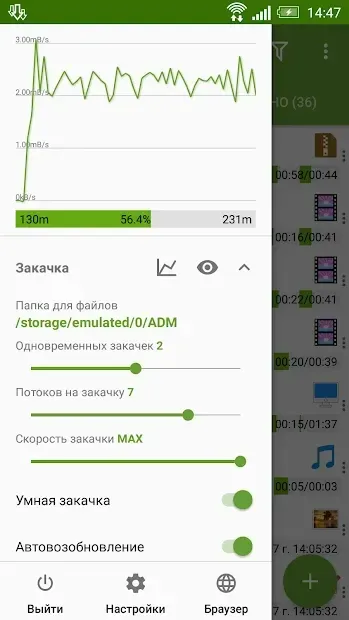
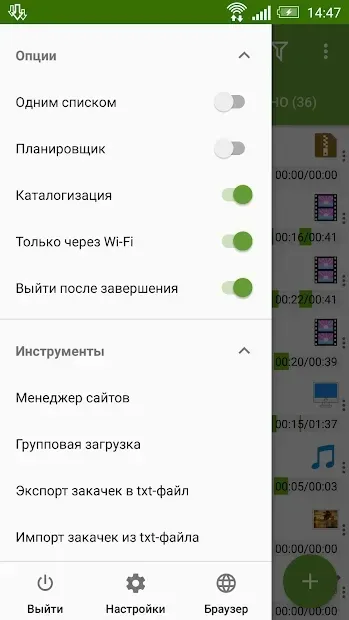
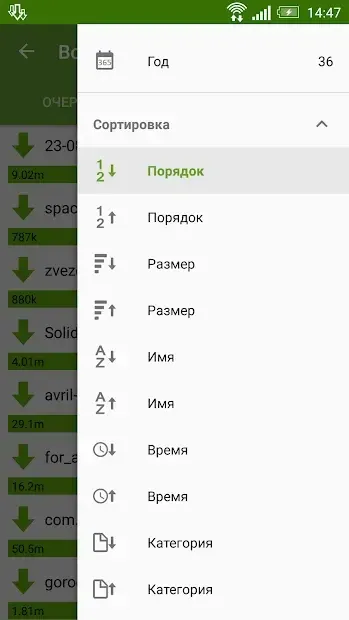
The Advanced Download Manager is a highly useful application designed for any Android device that requires efficient file management. This versatile tool acts as a comprehensive download manager, allowing users to organize their media and documents with ease. By integrating seamlessly into the Android ecosystem, it provides a streamlined experience for handling large files and multiple downloads simultaneously without cluttering your device's storage.
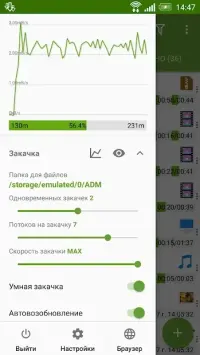
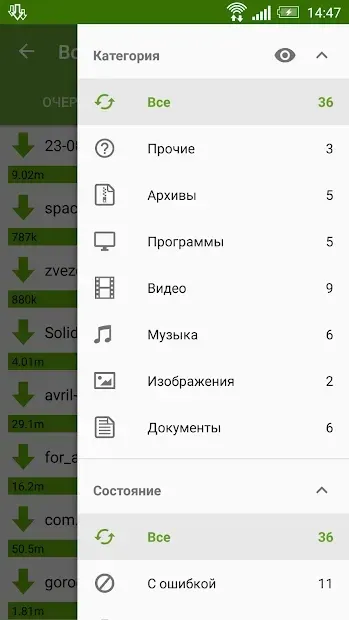
One of the standout features of this app is its ability to categorize files automatically based on content type. For instance, video files can be downloaded directly into a dedicated folder named "Video," while images, music, applications, and other data types are sorted into their respective directories. This intelligent organization ensures that your files are always in the right place, making it easier to locate and access your media library without manual sorting.
Another critical feature is the app's capability to resume interrupted downloads. Whether the connection was lost due to network instability or other reasons, the Advanced Download Manager can restart the download from where it left off. This functionality saves both time and mobile data, ensuring that you do not have to start the process from scratch every time an error occurs.
The application is designed to be user-friendly and efficient, making it suitable for both casual users and power users who need reliable download management.
How to install the app
- Check the version, Android compatibility, developer and source in the app details block.
- Open the Downloads tab and use the official source or an available catalog link.
- Before installing, review app permissions and use only sources you trust.
Frequently asked questions
What is the main benefit of using Advanced Download Manager on Android?
It automatically organizes downloaded files into specific folders based on their type, such as videos or images, saving time on manual sorting.
Can the app resume downloads after a connection loss?
Yes, the app is designed to resume interrupted downloads caused by network issues or other reasons, saving data and time.
Is this app suitable for all Android devices?
Yes, the Advanced Download Manager is compatible with any Android device, providing a versatile and efficient download experience.
What types of files can be managed by this application?
It supports various file types including videos, images, music, applications, and other data, organizing them into dedicated directories.
Similar apps







No comments yet. Be the first!