
AirDroid 4.2.9.10
An official link is not currently available. Downloads from other sources are disabled.
App details
- Updated
- 12.06.2025
- Category
- Miscellaneous
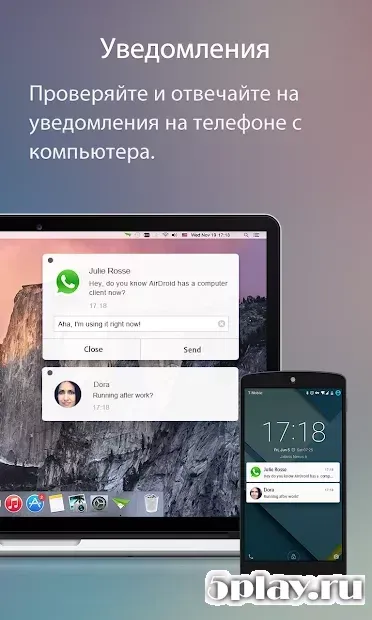
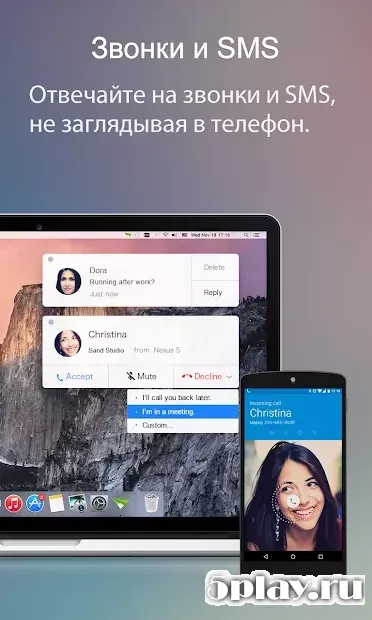
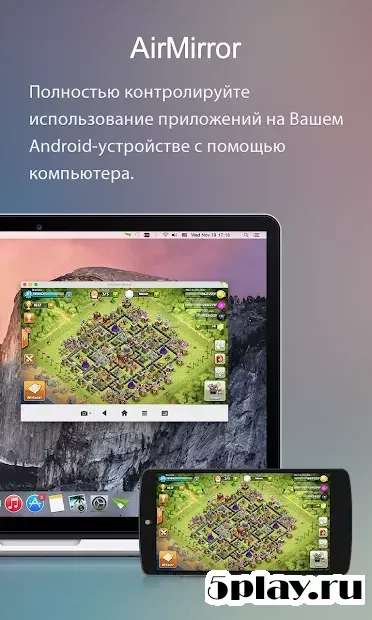
AirDroid is a powerful application designed for remote work with Android devices directly through a PC browser. This tool allows users to access all functions of their gadget seamlessly, requiring only a Wi-Fi connection and the access password. The desktop version boasts a beautiful interface, making it easy to manage files, messages, and notifications from your computer without needing to pick up your phone.
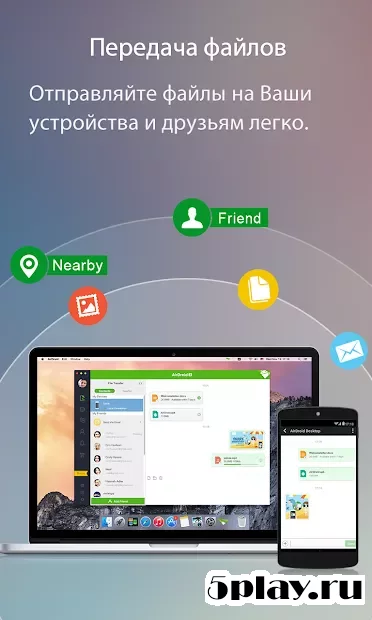
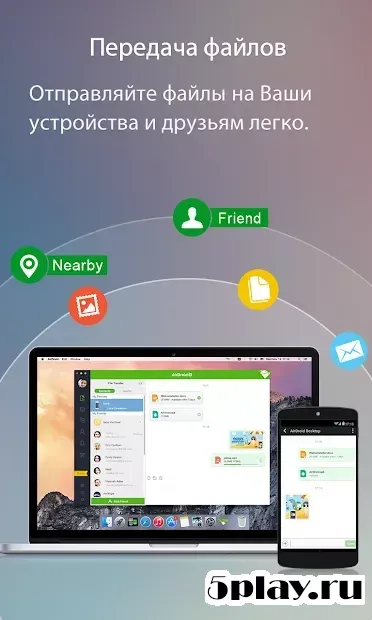
The core functionality revolves around wireless connectivity, ensuring that you can control your Android device from anywhere within your local network. By simply connecting to the same Wi-Fi network, you can mirror notifications, send text messages, and transfer files between your PC and Android device. This makes it an ideal solution for professionals who need to stay connected to their mobile devices while working at their desks.
One of the standout features of this version is its ability to handle multiple tasks simultaneously. The interface is optimized for productivity, allowing you to drag and drop files, view photos, and manage contacts with ease. The desktop client provides a comprehensive view of your Android device's status, giving you full control over settings and applications without interrupting your workflow on the computer.
AirDroid 4.2.9.10 is particularly useful for users who want to avoid carrying their phone around during long work sessions.
How to install the app
- Check the version, Android compatibility, developer and source in the app details block.
- Open the official app page on Google Play if a link is available.
- Before installing, review app permissions and use only sources you trust.
Frequently asked questions
How does AirDroid connect to my Android device?
AirDroid connects via a Wi-Fi network. You need the access password to establish a secure link between your PC browser and the Android device.
Can I use AirDroid without an internet connection?
Yes, as long as both devices are on the same Wi-Fi network, you can access functions locally without an active internet connection.
What features are available in the desktop version?
The desktop version offers a beautiful interface for managing files, messages, notifications, and contacts directly from your computer browser.

No comments yet. Be the first!