
All PDF Reader: PDF Viewer
DownloadApp details
- Version
- 1.0.1
- Updated
- 22.10.2026
- Category
- Tools
- Compatibility
- Android
- Package name
com.pdfreader.pdfviewer.office.sign.editor- Source
- Official Google Play page
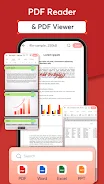
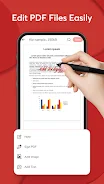
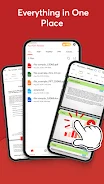
All PDF Reader: PDF Viewer is a convenient and powerful application designed for reading, editing, and managing your documents efficiently. This app combines PDF viewing and office file editing features into a single, user-friendly interface, allowing you to work with various formats without switching between different programs. You can quickly open important documents, edit them directly on your device, and effectively organize your workflow.
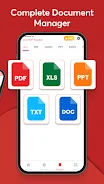
The application supports a wide range of file formats, making it an essential tool for students, office workers, and anyone who frequently handles different types of documents. The app allows you to open and read PDF documents, edit Word text files, modify data in Excel spreadsheets, edit PowerPoint and PPT presentations, and work with simple TXT text files. Whether you need to simply view a document or make significant changes, All PDF Reader provides the necessary tools to complete these tasks.
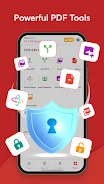
Key features include powerful tools for processing PDF files, such as merging multiple PDF documents into one file, splitting them into separate parts, or removing duplicate pages. In addition to basic editing, the app lets you change page orientation, add watermarks, insert images into documents, and convert images to PDF format. You can also export images from PDF files and invert page colors for better readability.
How to install the app
- Check the version, Android compatibility, developer and source in the app details block.
- Open the Downloads tab and use the official source or an available catalog link.
- Before installing, review app permissions and use only sources you trust.
Frequently asked questions
What file formats does All PDF Reader support?
The app supports PDF, Word, Excel, PowerPoint, PPT, and TXT formats.
Can I merge or split PDF files with this APK?
Yes, you can merge multiple PDFs into one file or split them into separate parts.
Does the app allow editing images within documents?
Yes, you can insert images into documents and export images from PDF files.
No comments yet. Be the first!