

Amazon Kindle
DownloadApp details
- Version
- 14.146.100(2.0.74785.0) (1306036210)
- Updated
- 11.12.2021
- Category
- Racing
- Package name
com.amazon.kindle- Developer
- Amazon Mobile LLC
- Source
- Official Google Play page
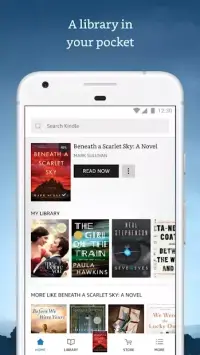
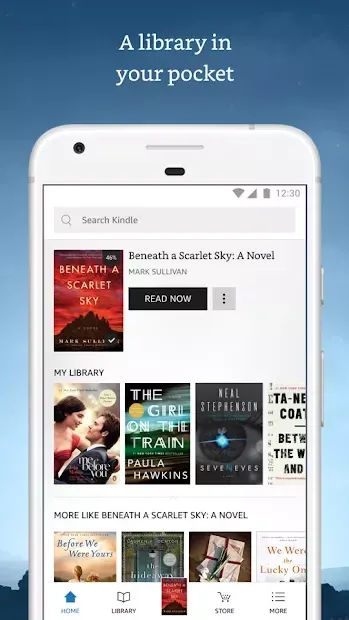
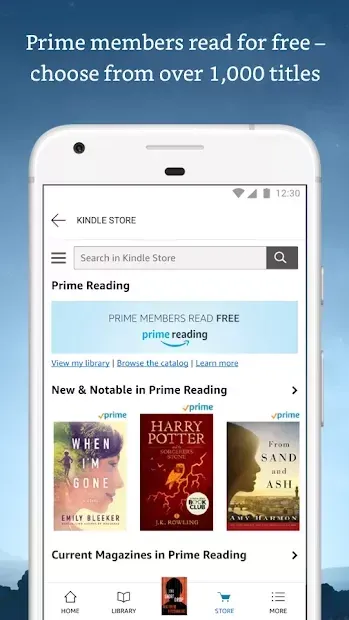
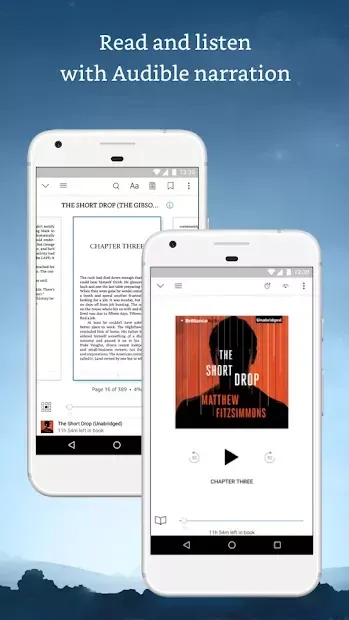
The Amazon Kindle app is a powerful and widely used application developed by the popular e-book reading service. It provides users with access to a vast library of literature, including both paid and free publications. Whether you are looking for bestsellers, classic novels, or niche genres, this platform offers a comprehensive catalog that caters to diverse reading tastes.
The service is designed to make discovering new books effortless, ensuring that readers can always find something engaging to read on their devices. One of the key features of the Amazon Kindle app is its user-friendly interface. The application includes convenient filters that allow you to easily find suitable works by genre or category.
You can browse through extensive lists and discover new authors without much effort. The app is designed to be intuitive, making it simple for anyone to navigate and start reading immediately. Even beginners can quickly understand how to use all the features without needing a steep learning curve.
Before downloading a full book, users can take advantage of demo versions to preview the content. This feature allows you to sample chapters or entire sections to ensure the book meets your expectations before you commit to purchasing it. The app also helps you manage subscriptions to periodicals, keeping you updated with your favorite magazines and journals.
How to install the app
- Check the version, Android compatibility, developer and source in the app details block.
- Open the Downloads tab and use the official source or an available catalog link.
- Before installing, review app permissions and use only sources you trust.
Frequently asked questions
Is the Amazon Kindle app free to download?
Yes, the Amazon Kindle app is free to download and install on Android devices. While the app is free, some books and periodicals may require purchase or a subscription.
Can I read books offline with Amazon Kindle?
Yes, once you download a book to your device, you can read it offline without an internet connection. This is ideal for traveling or areas with poor connectivity.
Does Amazon Kindle support synchronization between devices?
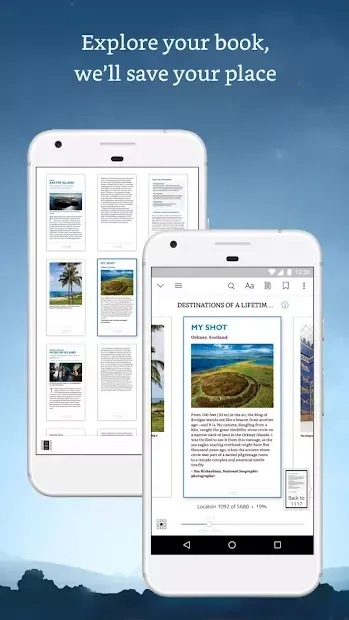
Yes, the app allows you to synchronize your reading progress, bookmarks, and notes across multiple devices linked to your Amazon account.



No comments yet. Be the first!