
App Cloner 1.5.32
DownloadApp details
- Updated
- 10.10.2026
- Category
- Miscellaneous
App Cloner is a powerful tool designed for creating clones of your favorite applications and games. This app is perfect for users who need access to multiple accounts within the same app. For instance, you can easily duplicate a social media application and log in with a different account, allowing you to manage personal and professional profiles simultaneously without hassle.
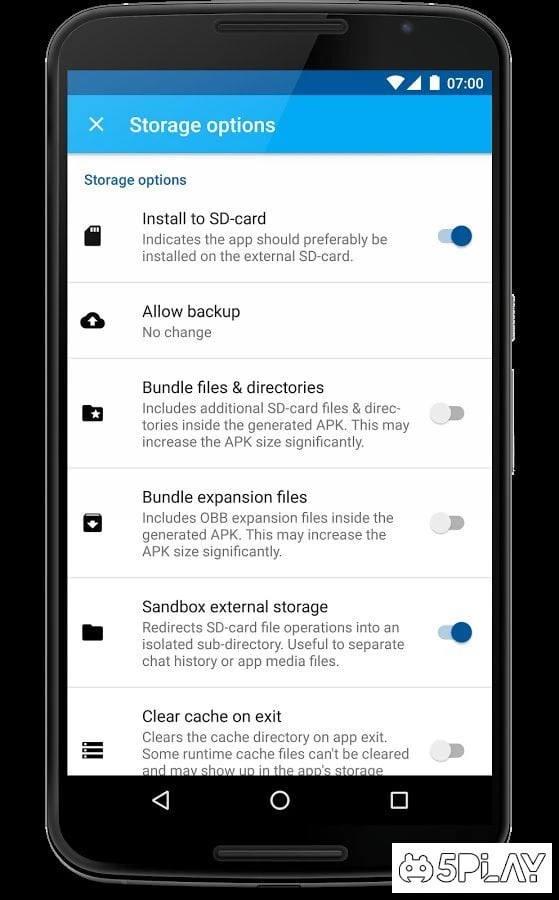
The cloning process is straightforward, ensuring a seamless experience for all users. With App Cloner, customization options are abundant. You can modify the cloned apps to suit your preferences, including changing the app name, icon, and even permissions.
This level of personalization not only helps you differentiate between multiple clones but also enhances your overall user experience. Whether you are a gamer or a social media enthusiast, this app provides the flexibility you need. Additionally, App Cloner supports a wide range of applications, making it a versatile choice for anyone looking to manage their app usage efficiently.
The app is regularly updated, ensuring compatibility with the latest versions of popular applications. You can rest assured that your cloned apps will function smoothly. Downloading App Cloner is simple and quick, and it is suitable for various Android devices.
The app's user-friendly interface makes it easy to navigate through its features, even for those who may not be tech-savvy. Start enjoying the benefits of having multiple app accounts today with App Cloner.
How to install the app
- Check the version, Android compatibility, developer and source in the app details block.
- Open the Downloads tab and use the official source or an available catalog link.
- Before installing, review app permissions and use only sources you trust.
Frequently asked questions
What is App Cloner?
App Cloner is an app that allows users to create clones of their favorite applications.
How does cloning work?
Cloning is simple; just select the app you want to clone and follow the prompts to create a duplicate.
Can I customize cloned apps?
Yes, you can change the name, icon, and permissions of cloned apps.
Is App Cloner free to download?
Yes, App Cloner is free to download and use on Android devices.
Similar apps






No comments yet. Be the first!