

App details
- Version
- 4.24.3
- Updated
- 08.10.2021
- Category
- Arcade
- Compatibility
- Android 2.3
- Package name
com.box.android- Source
- Official Google Play page
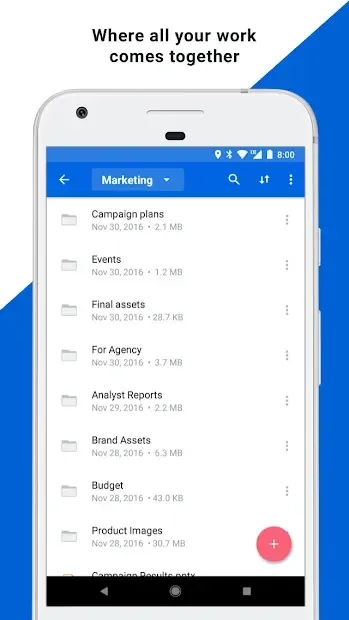
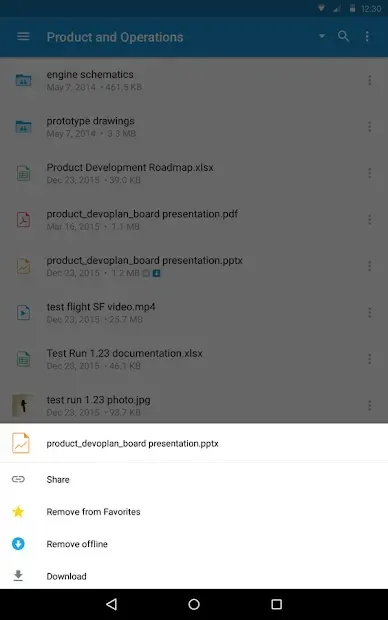
Managing information in the digital age has become a complex challenge for many users. With the abundance of data we generate daily, finding a reliable and secure place to store everything is crucial. Box for Android offers a robust solution by allowing you to synchronize any information to your personal cloud storage.
This ensures that your important files are always accessible, whether you are at work, at home, or on the go, providing a seamless experience across all your devices. Each user is permitted to upload up to 10 GB of data to the service, which is a generous amount for personal and professional use. The Box cloud information service is designed to give you full control over your data.
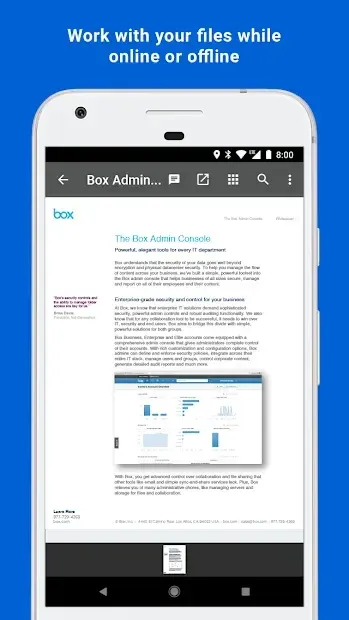
You can share access to various documents by sending them to other people, ensuring that they get exactly what they need without giving them full access to your entire account. This granular permission system enhances security and collaboration. The application supports viewing more than 100 file formats, making it incredibly versatile for different types of media and documents.
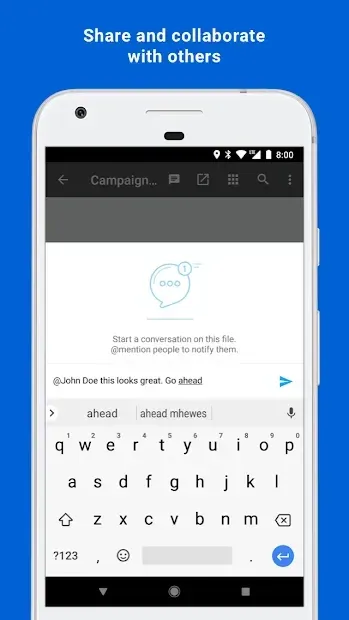
Some of these files can even be edited directly within the app, although the editing capabilities are implemented at a basic level. This feature is particularly useful for quick adjustments to text documents or simple images without needing to download the file to a separate editor. Working in a group on a single document has become much more convenient thanks to Box.
How to install the app
- Check the version, Android compatibility, developer and source in the app details block.
- Open the official app page on Google Play if a link is available.
- Before installing, review app permissions and use only sources you trust.
Frequently asked questions
How much storage space does Box provide for free users?
Each user is allowed to upload up to 10 GB of data to the Box cloud service, which is sufficient for most personal document storage needs.
Can I edit files directly within the Box application?
Yes, the application allows you to view more than 100 file formats and edit some of them directly within the app, although the editing features are basic.
Is the data encrypted when stored on Box servers?
All files uploaded to the cloud server are encrypted, providing a high level of protection. You can also install additional security levels for extra safety.
How does Box handle file sharing and permissions?
You can share access to specific documents by sending them to others. This allows recipients to view or edit files without gaining full access to your entire account.
Similar apps







No comments yet. Be the first!