

BSPlayer Pro
DownloadApp details
- Version
- 3.08.222
- Updated
- 18.10.2026
- Category
- Arcade
- Compatibility
- Android 2.3
- Package name
com.bsplayer.bspandroid.full- Source
- Official Google Play page
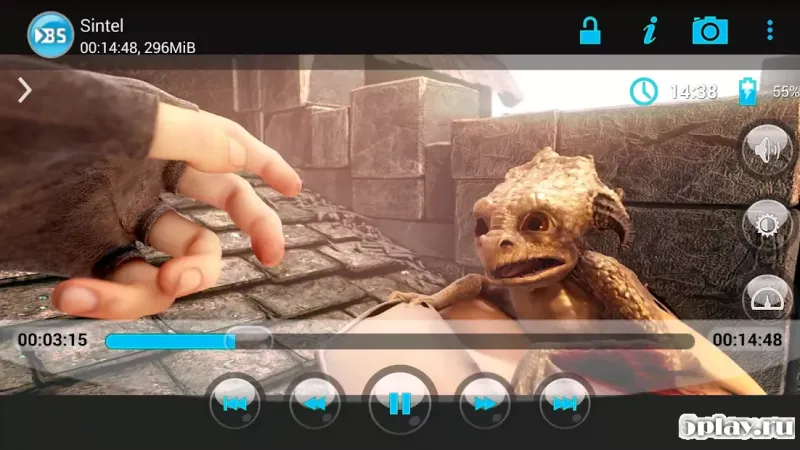
BSPlayer Pro stands out as a powerful multimedia player designed specifically for Android devices. It distinguishes itself from many analog programs by incorporating hardware acceleration for video playback. This feature significantly reduces battery consumption while increasing productivity during video playback, ensuring a smooth and efficient viewing experience even on devices with limited processing power.
Upon launching the application, users are presented with a window offering two distinct modes for video management. The manual mode allows you to independently locate necessary files on your device. The playlist mode automatically collects data on files you have previously viewed and groups them by categories, making it easy to organize your media library for quick access whenever you wish to watch a specific movie or series.
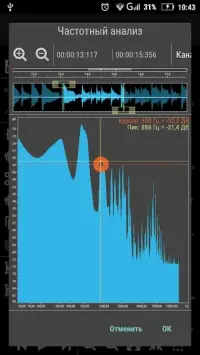
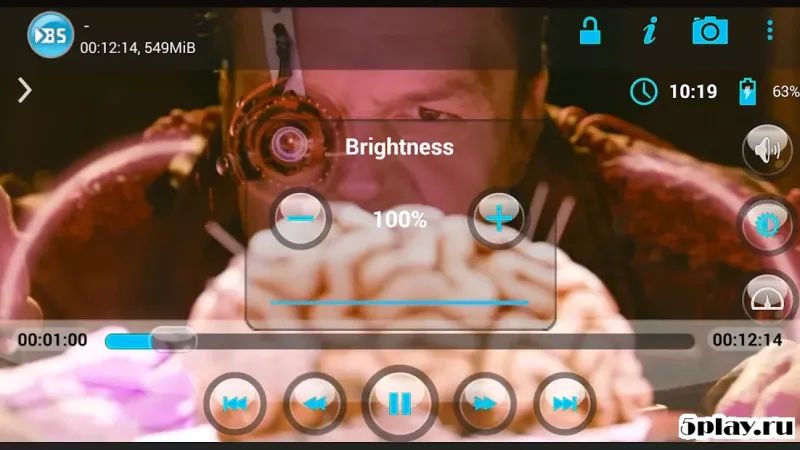
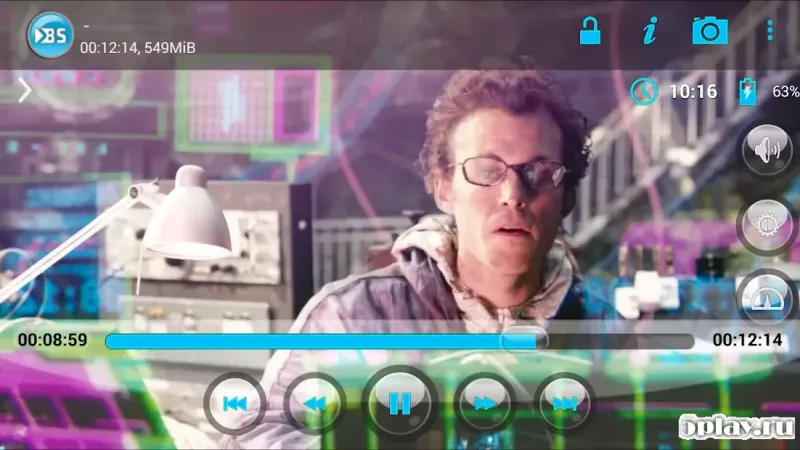
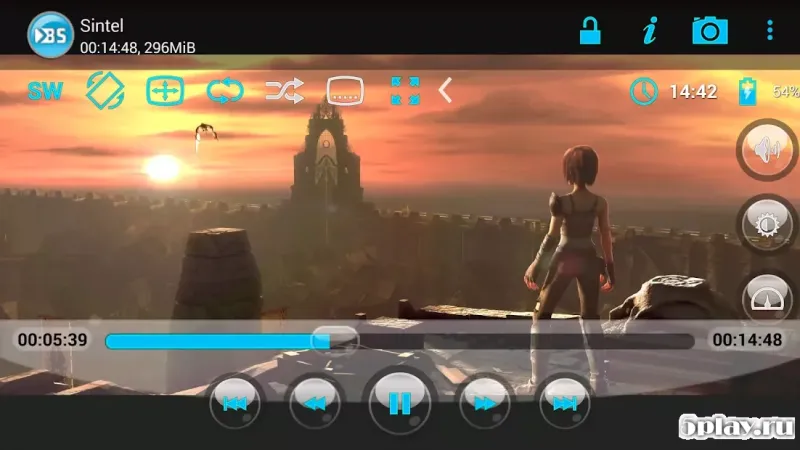
To view a selected video, simply tap on its name. After this action, you will see a set of functions for working with the file. The player includes special keys such as Repeat for continuous playback, Display for viewing settings, Clean to remove the selected file from memory, Preferences for accessing main settings, and Generate thumbnail for automatic playlist creation.
These tools provide comprehensive control over your media files. BSPlayer Pro is designed for the global market, featuring a useful function for searching and generating subtitles in various formats.
How to install the app
- Check the version, Android compatibility, developer and source in the app details block.
- Open the Downloads tab and use the official source or an available catalog link.
- Before installing, review app permissions and use only sources you trust.
Frequently asked questions
Does BSPlayer Pro support hardware acceleration?
Yes, BSPlayer Pro includes hardware acceleration to reduce battery consumption and increase playback productivity on Android devices.
How can I manage my video files in BSPlayer Pro?
You can use the manual mode to find files or the playlist mode which groups viewed files by categories for organized access.
Does the app support subtitles?
BSPlayer Pro supports searching and generating subtitles in various formats, including automatic mode if subtitles are already present.
What special functions are available in the player?
The player offers Repeat, Display, Clean, Preferences, and Generate thumbnail functions for comprehensive media file control.
Similar apps







No comments yet. Be the first!