
Challenger Comics Viewer
DownloadApp details
- Version
- 2.01.28
- Updated
- 16.10.2026
- Category
- Arcade
- Compatibility
- Android 3.0
- Package name
org.kill.geek.bdviewer- Source
- Official Google Play page
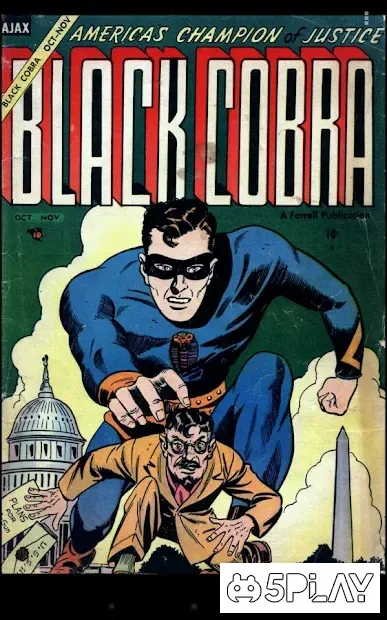
Challenger Comics Viewer is a versatile and robust application designed specifically for Android users who love reading digital publications. It serves as an all-in-one solution for accessing comics, manga, and standard books, ensuring that your favorite stories are always at your fingertips. The app is engineered to handle a wide variety of content types, making it an essential tool for bibliophiles and casual readers alike who want a seamless reading experience on their mobile devices.
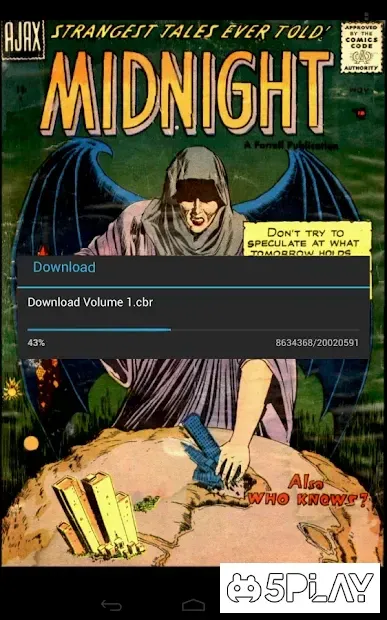
One of the standout features of this APK is its extensive support for multiple file formats. Users can view images in common formats like JPG and PNG, which are often used for individual comic pages. Additionally, the app supports archive files such as RAR and ZIP, allowing you to download and read entire comic series stored in compressed folders without needing to extract them manually.
This feature significantly simplifies the process of organizing and accessing large collections of digital media. Beyond images and archives, Challenger Comics Viewer also supports electronic books in DjVu and ePUB formats. This broad compatibility means you can store all your reading material in one place, whether it is a vintage comic or a modern novel.
The application ensures that the transition between different file types is smooth, providing a consistent interface regardless of the content you choose to open.
How to install the app
- Check the version, Android compatibility, developer and source in the app details block.
- Open the Downloads tab and use the official source or an available catalog link.
- Before installing, review app permissions and use only sources you trust.
Frequently asked questions
What file formats does Challenger Comics Viewer support?
The app supports a wide range of formats including image files like JPG and PNG, archive files such as RAR and ZIP, and electronic books in DjVu and ePUB formats.
Can I use Challenger Comics Viewer for manga and comics?
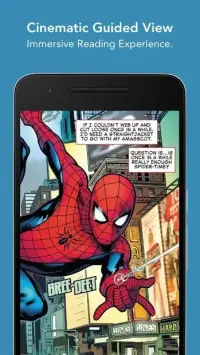
Yes, the application is specifically designed to handle comics and manga, offering a comfortable reading experience with features like automatic scrolling and adaptive display.
How do I add files to my library in this app?
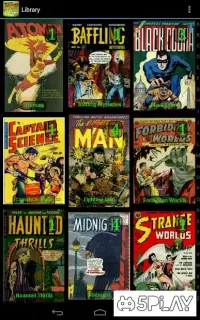
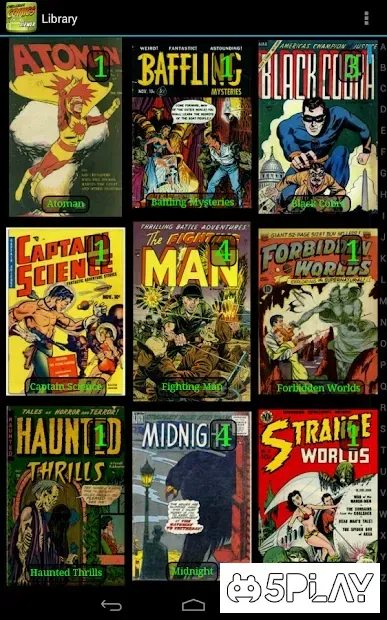
You can add files to your library from the main menu by selecting the file you wish to read. You can also transfer files from cloud storage or local memory directly into the application.
Is the app suitable for reading on any Android screen size?
Yes, the reader is adapted for any screen size, ensuring that content is displayed correctly and comfortably regardless of your device's display dimensions.
Similar apps






No comments yet. Be the first!