
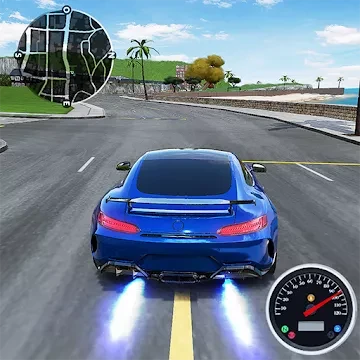
Drive for Speed: Simulator
Open in Google PlayApp details
- Version
- 1.35.13 (614013158)
- Updated
- 30.09.2021
- Category
- Racing
- Package name
com.mastercomlimited.cardriving_t- Developer
- Play365
- Source
- Official Google Play page
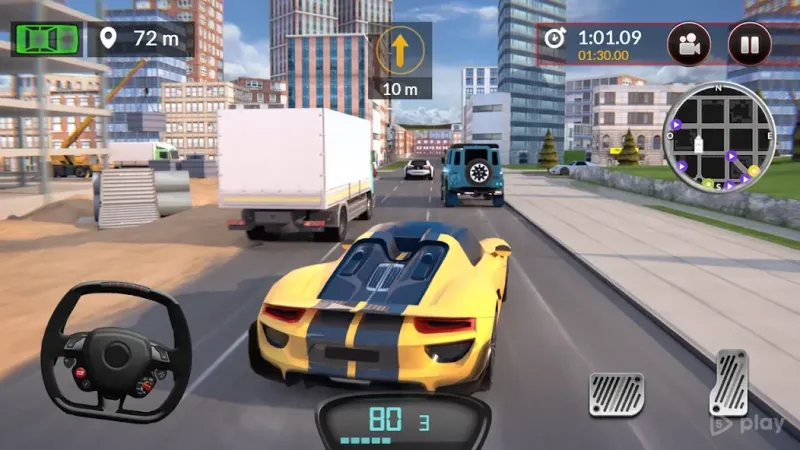
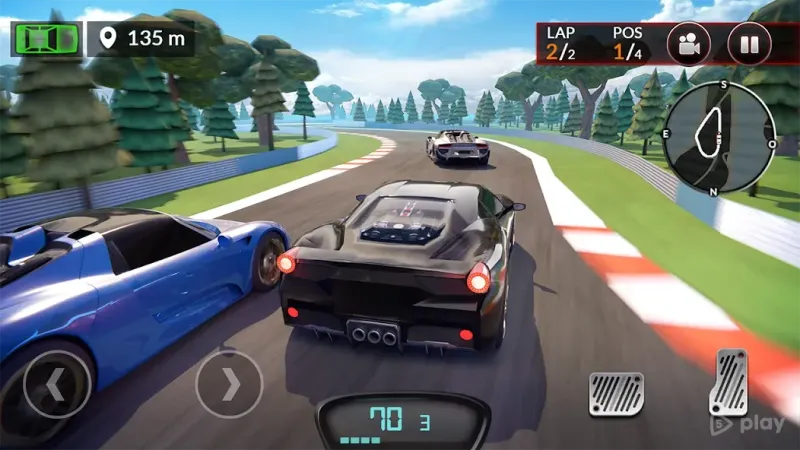
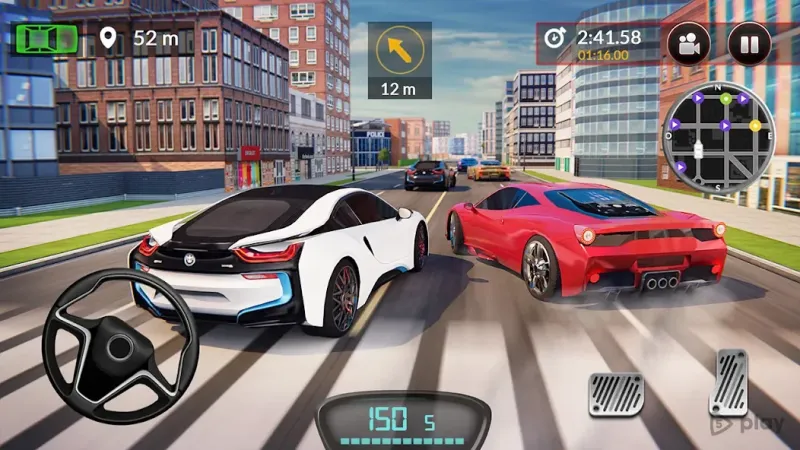
Drive for Speed: Simulator is an engaging auto-simulator that features a variety of game modes supported by stunning graphics. Players are tasked with choosing from a range of presented vehicle models that best suit their preferences and testing their skills in exciting missions. Although the cars are not licensed, they closely resemble their real-world counterparts, offering a realistic driving experience.
The application includes standard modes such as free driving and races in large heavy-duty trucks. The variety of tasks ensures that players remain engaged, with rewards for completing challenges. Controls are handled via virtual buttons, providing an intuitive interface for managing your vehicle on the road.
Technical parameters of the cars can be adjusted in the garage, allowing for customization. The musical accompaniment in Drive for Speed: Simulator for Android is executed at a high level. Sound effects fully correspond to reality, perfectly conveying the characteristic features of each car brand.
Overall, the app is impressive and capable of pleasing genre enthusiasts. It gives the opportunity to realize your racing dreams by feeling like a racer or another famous driver. Experts rate the game five stars, noting it as a competitive product that easily satisfies user demands.
How to install the app
- Check the version, Android compatibility, developer and source in the app details block.
- Open the official app page on Google Play if a link is available.
- Before installing, review app permissions and use only sources you trust.
Frequently asked questions
Is Drive for Speed: Simulator free to play?
Yes, the application is available for free download and installation on Android devices, offering various game modes and missions without initial cost.
Can I customize my vehicles in the game?
Yes, players can adjust technical parameters of their cars in the garage, allowing for personalization and optimization of performance before races.
What kind of graphics does the simulator feature?
The game features stunning graphics that support various game modes, providing a visually immersive experience that closely mimics real-world driving environments.
How is the audio quality in the simulator?
The musical accompaniment and sound effects are executed at a high level, fully corresponding to reality and conveying the characteristic features of each car brand effectively.
Similar apps








No comments yet. Be the first!