

DU Battery Saver Pro
DownloadApp details
- Version
- 4.0.0
- Updated
- 16.10.2026
- Category
- Arcade
- Compatibility
- Android 2.3
- Package name
com.dianxinos.dxbs.paid- Source
- Official Google Play page
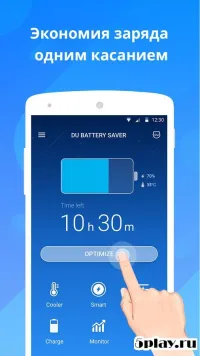
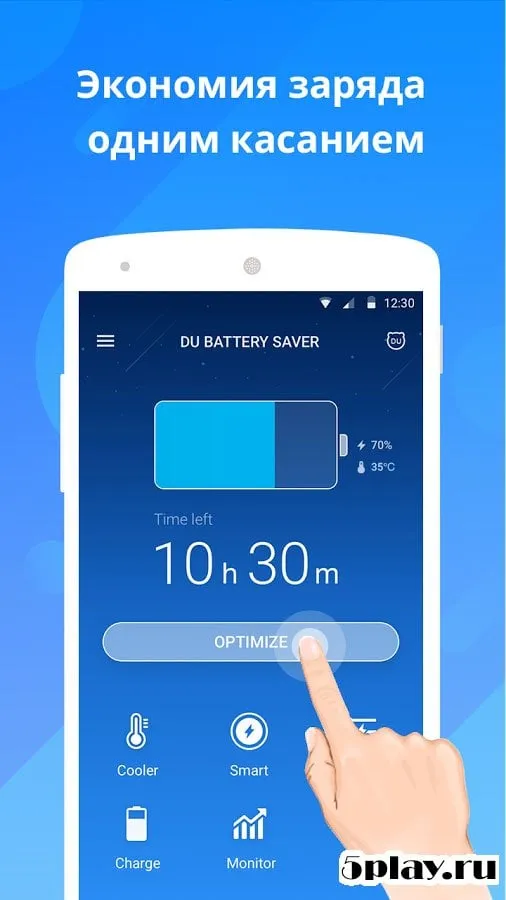
DU Battery Saver Pro is a highly useful utility application designed specifically for devices running the Android platform. It provides a comprehensive set of tools to ensure your gadget operates stably and efficiently. The main screen of the program displays essential information about the device's current status.
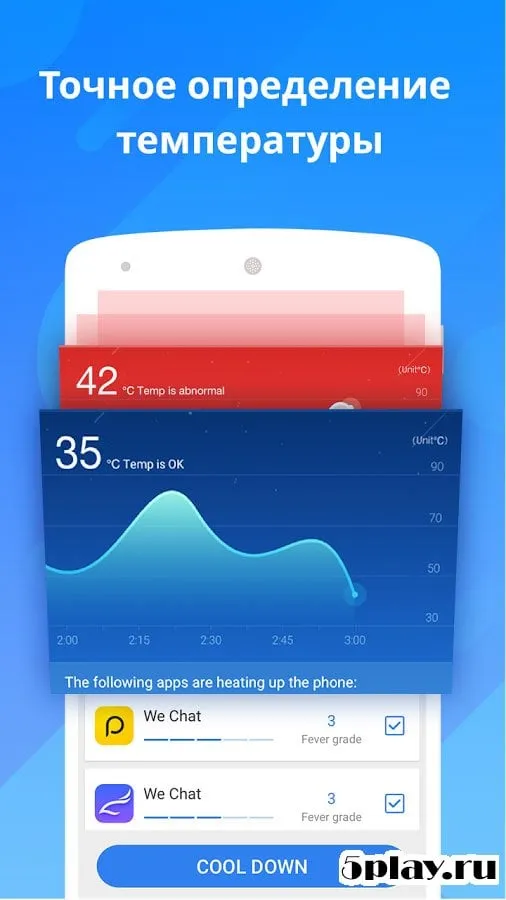
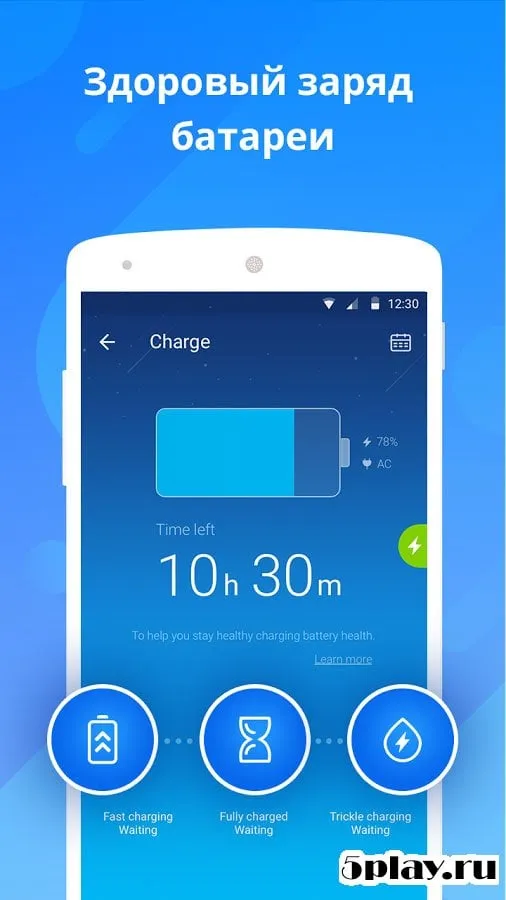
Users have access to critical data regarding the battery capacity, the estimated time remaining on the last charge, the current temperature, and the voltage levels. This detailed overview helps you understand your device's health at a glance. The application also features a visual graph that shows the decline of battery charge over time.
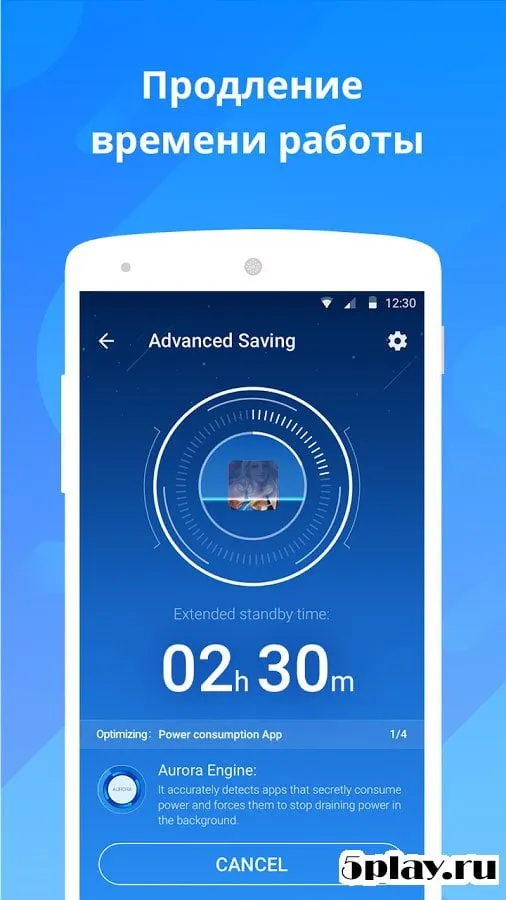
This visual aid allows you to track usage patterns and identify which apps or processes consume the most power. A large, prominent button is available to trigger the optimization of background processes. Pressing this button initiates a cleanup of unnecessary tasks running in the background, freeing up system resources and extending your battery life significantly.
After installing the program, you will notice a dedicated battery icon in the status bar. Additionally, a new panel appears in the notification area, providing quick access to short information about the device. These features are designed to keep you informed without cluttering your interface.
You can easily disable these additional features in the settings if you prefer a cleaner look.
How to install the app
- Check the version, Android compatibility, developer and source in the app details block.
- Open the Downloads tab and use the official source or an available catalog link.
- Before installing, review app permissions and use only sources you trust.
Frequently asked questions
How does DU Battery Saver Pro optimize battery life?
The app optimizes battery life by analyzing background processes and allowing users to disable unnecessary modules. It provides real-time monitoring of voltage, temperature, and charge levels to help users manage power consumption effectively.
Can I customize the energy-saving modes in DU Battery Saver Pro?
Yes, you can create custom energy-saving modes. These modes allow you to temporarily turn off specific features like internet connections during certain times, such as at night, to conserve battery power.
Does DU Battery Saver Pro work on all Android devices?
Yes, DU Battery Saver Pro is designed for devices on the Android platform. It is compatible with both smartphones and tablets, providing essential tools to maintain stable operation and extend battery life across various device types.
What information does the main screen of DU Battery Saver Pro display?
The main screen displays critical information including battery capacity, estimated remaining time, temperature, and voltage. It also features a visual graph showing the decline of battery charge over time for easy tracking.
Similar apps





No comments yet. Be the first!