

Epic Citadel
DownloadApp details
- Version
- 1.07
- Updated
- 18.10.2026
- Category
- Arcade
- Compatibility
- Android 2.3.3
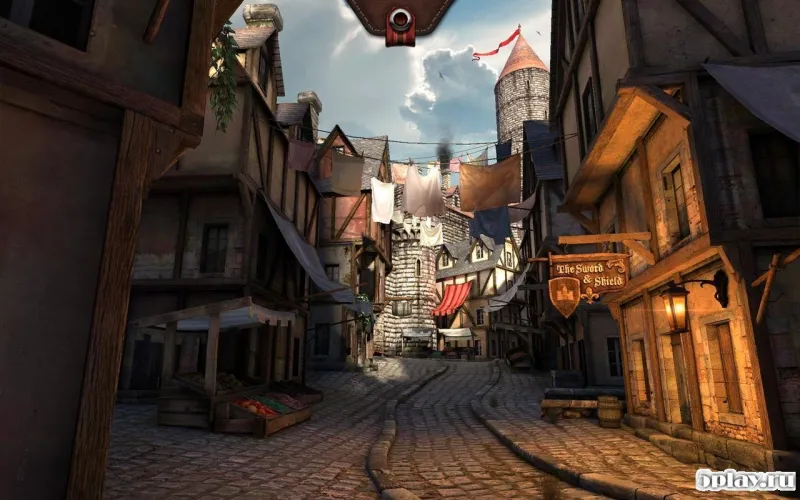
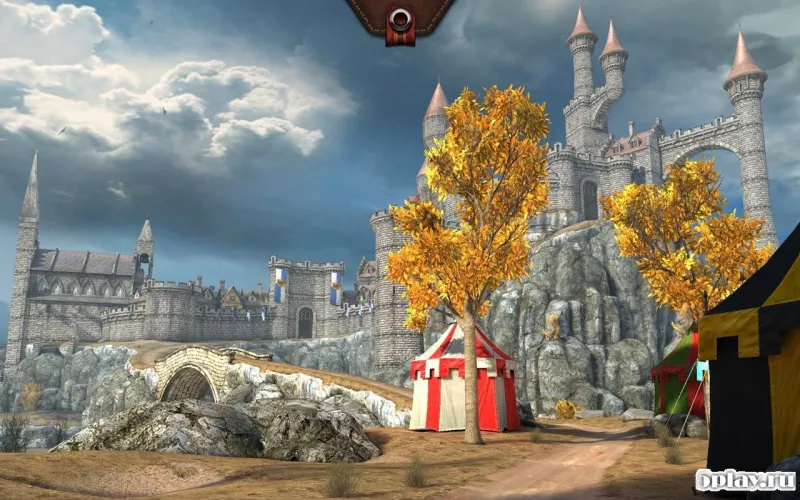
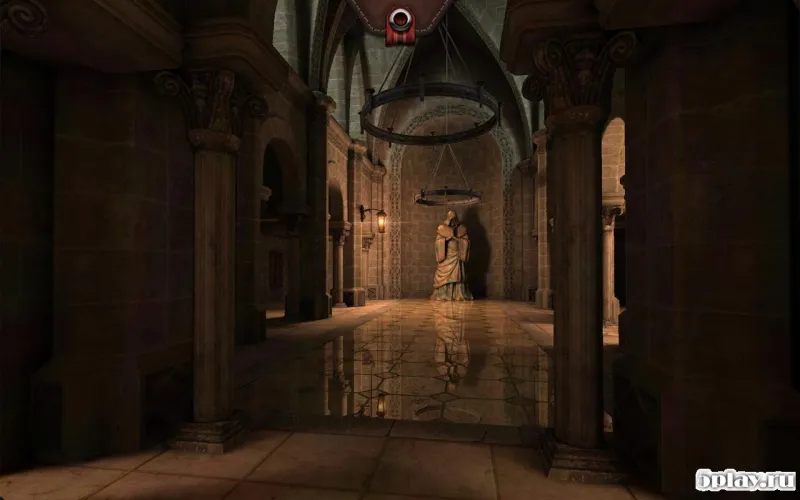
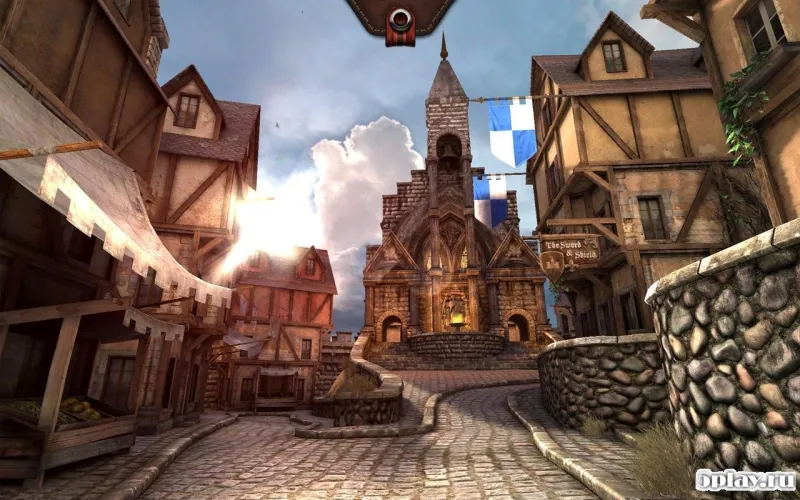
Epic Citadel is a sophisticated benchmark application developed by Epic Games, designed specifically to test the graphical capabilities of Android smartphones and tablets. By leveraging the power of Unreal Engine 3, this app provides a realistic and visually stunning environment that simulates high-end gaming performance. It serves as an excellent tool for users who want to understand how their mobile device handles complex 3D graphics and rendering tasks under load.
The application allows you to not only verify the technical specifications of your device but also to immerse yourself in a beautifully crafted virtual location. You can explore detailed environments that showcase lighting effects, textures, and geometric precision. This immersive experience helps users appreciate the potential of mobile hardware when running advanced game engines, offering a clear view of what modern Android devices are capable of achieving in terms of visual fidelity.
A key feature of Epic Citadel is the real-time display of frames per second (FPS) in the corner of the screen. This metric is one of the most important indicators of performance during the benchmark test. By monitoring the FPS, users can objectively assess the smoothness of the graphics and identify any potential bottlenecks in their device's processor or GPU.
How to install the app
- Check the version, Android compatibility, developer and source in the app details block.
- Open the Downloads tab and use the official source or an available catalog link.
- Before installing, review app permissions and use only sources you trust.
Frequently asked questions
What is Epic Citadel used for on Android devices?
Epic Citadel is primarily used as a graphical benchmark to test the performance of Android smartphones and tablets using Unreal Engine 3 technology.
How can I measure performance in Epic Citadel?
The app displays the frames per second in the corner of the screen, which serves as a key indicator of the device's graphical rendering speed and stability.
Does Epic Citadel allow navigation within the test environment?
Yes, users can use on-screen touch controls to move around the virtual maps and evaluate the graphical quality from various angles and perspectives.







No comments yet. Be the first!