

GLTools
Open in Google PlaySpaceAPK does not provide APK files. A listed Google Play link is a reference: check the store for availability, version, price and paid features. The catalog version is not offered as a downloadable file.
App details
- Recorded version
- 3.06
- Updated
- 13.11.2021
- Category
- Arcade
- Compatibility
- Android 2.3
- Package name
com.n0n3m4.gltools- Source
- Google Play reference
GLTools is a powerful utility designed for Android devices that have been rooted, offering users deep control over their device's graphics processing unit (GPU). This application allows you to modify the graphical settings of games and other applications, enabling you to optimize performance or enhance visual fidelity depending on your needs. It is an essential tool for enthusiasts who want to squeeze the most out of their hardware without needing to flash custom ROMs.
With GLTools, you can adjust the priority and permissions of the graphics driver, which can significantly impact how smoothly games run. The app provides access to detailed GPU information, allowing you to monitor temperatures, clock speeds, and other vital statistics in real-time. This level of insight helps you understand how your device is handling heavy graphical loads and make informed decisions about performance tweaks.
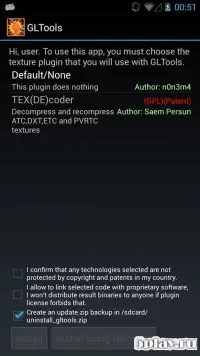
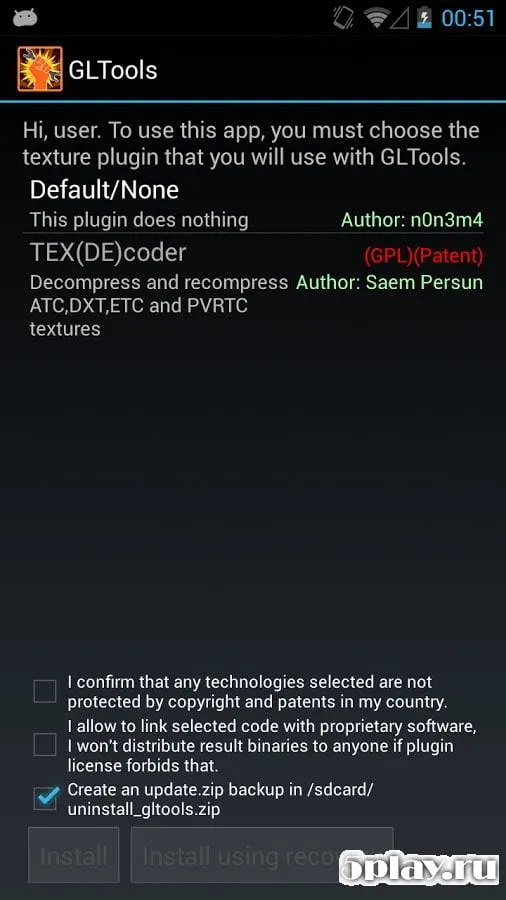
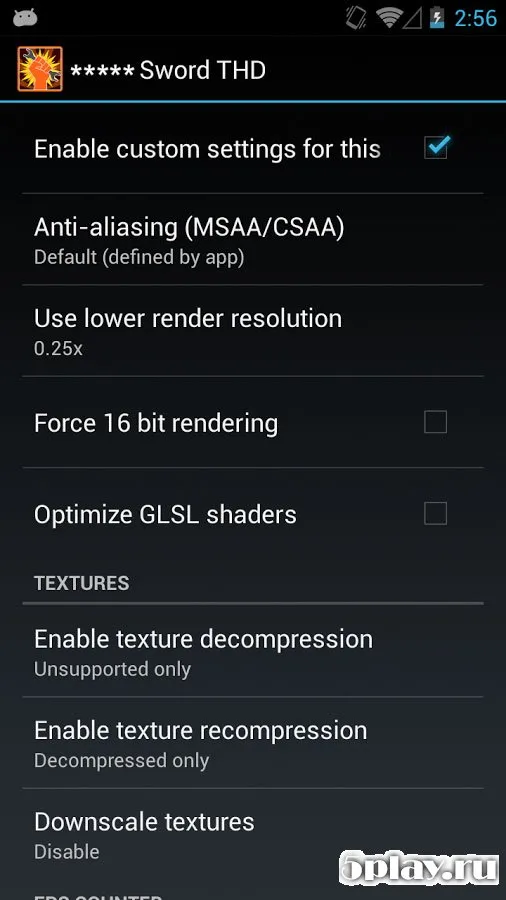
One of the key features of GLTools is its ability to compress textures and optimize rendering pipelines. By reducing the memory footprint of high-resolution textures, you can improve frame rates and reduce lag, especially on budget smartphones or tablets. This optimization is crucial for playing resource-intensive games without sacrificing visual quality, ensuring a smoother gaming experience overall.
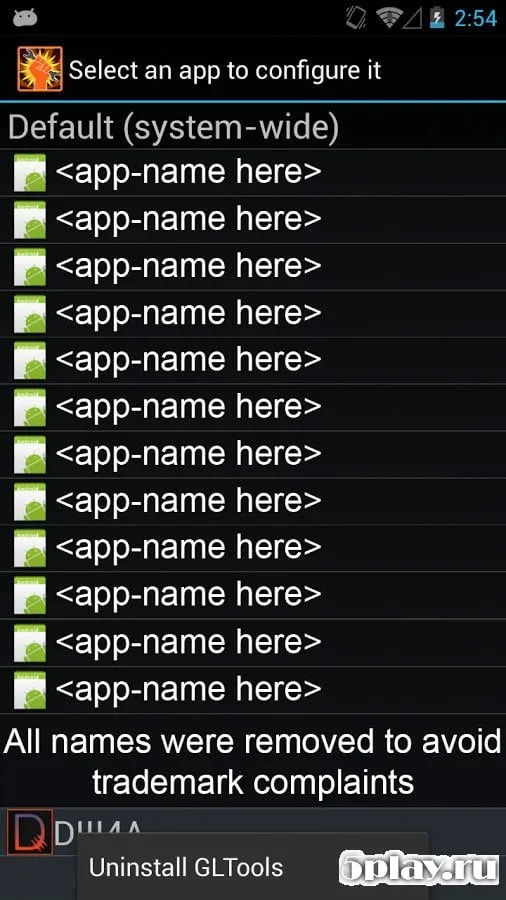
The utility also allows you to enable or disable anti-aliasing and other graphical effects on a per-application basis.
Availability and source
- Check the version, Android compatibility, developer and source in the app details block.
- Open the official app page on Google Play if a link is available.
- Before installing, review app permissions and use only sources you trust.
Frequently asked questions
What is GLTools used for on Android?
GLTools is used to modify and optimize the graphics processing unit (GPU) settings on rooted Android devices, allowing users to adjust performance and visual quality.
Does GLTools require root access?
Yes, GLTools requires root access on your Android device to modify system-level graphics driver settings and permissions effectively.
Can GLTools improve game performance?
Yes, by compressing textures and optimizing rendering, GLTools can reduce lag and improve frame rates on resource-intensive games on Android devices.
Is GLTools free to use?
GLTools is available as a free utility for Android users, though some advanced features may require a paid version or additional configuration.
Similar apps
No comments yet. Be the first!