

GO Keyboard
Open in Google PlayApp details
- Version
- 3.60
- Updated
- 13.10.2021
- Category
- Arcade
- Compatibility
- Android 2.0
- Package name
com.jb.emoji.gokeyboard- Source
- Official Google Play page
GO Keyboard is a powerful Android application developed by the creators of Go Launcher, designed to provide a highly comfortable environment for typing text on smartphones and tablets. The application is distinguished by its compact installation file size and minimal system resource requirements, while still offering a significant amount of functionality for users who value efficiency and customization in their daily mobile interactions. This lightweight approach ensures that the app runs smoothly on a wide variety of Android devices without consuming excessive storage or memory.
The setup process is remarkably straightforward, allowing even inexperienced users to activate the basic functionality with just a few simple clicks. Once launched, users can immediately begin typing using the standard layout, which outperforms many custom keyboards even in its default state. The primary difference between GO Keyboard and its competitors lies in the variety of input methods it offers.
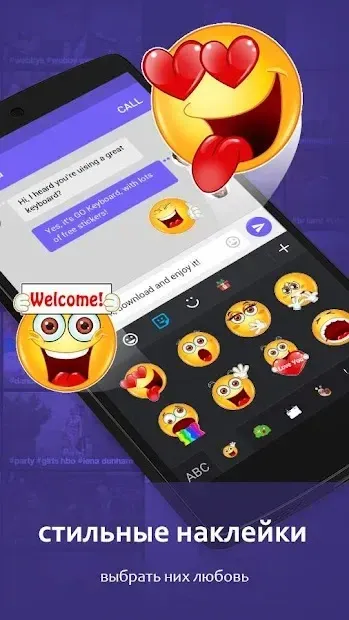
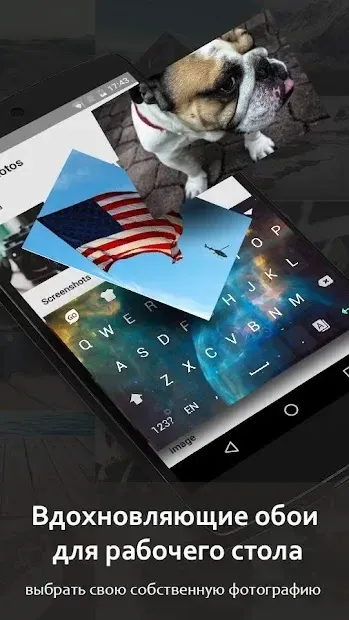
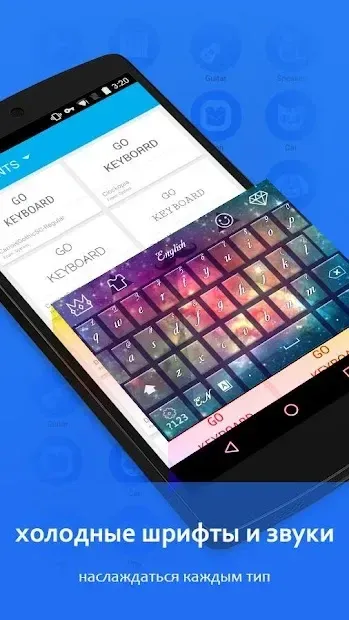
Beyond the classic typing method, it includes a SlideIT-like feature that significantly speeds up the process of sending messages through smart algorithms that predict your next move. For enthusiasts of non-standard interfaces, the developers have implemented the ability to install various themes and plugins, resulting in a vast library of visual options. All these customization tools can be easily accessed through the Personal Settings menu within the application.
How to install the app
- Check the version, Android compatibility, developer and source in the app details block.
- Open the official app page on Google Play if a link is available.
- Before installing, review app permissions and use only sources you trust.
Frequently asked questions
Is GO Keyboard free to use on Android devices?
Yes, GO Keyboard is available as a free application that can be easily installed on most Android smartphones and tablets without any additional cost.
What input methods does GO Keyboard support?
It supports classic typing as well as a SlideIT-like gesture method that allows users to type faster by sliding their finger across the keys to form words.
Can I customize the appearance of the keyboard?
Absolutely, the app offers extensive personalization options including various themes, plugins, font changes, and sound settings to match your style.
Does GO Keyboard consume a lot of storage space?
No, the application is known for its small installation file size and minimal system resource requirements, making it ideal for devices with limited storage.







No comments yet. Be the first!