

Google Earth
DownloadApp details
- Version
- 10.119.62.03 (253409456)
- Updated
- 06.12.2021
- Category
- Navigators and taxis
- Package name
com.google.earth- Developer
- Google LLC
- Source
- Official Google Play page
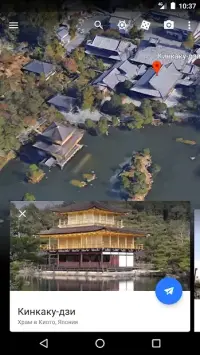
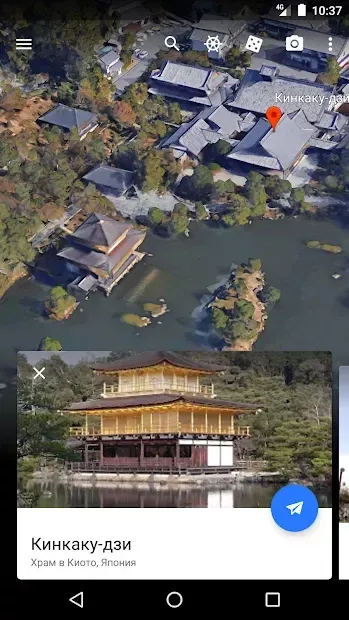
Google Earth is a premier application designed for enthusiasts of travel and geography, specifically optimized for mobile devices running the Android operating system. This powerful tool allows users to virtually visit any country or region in the world from the comfort of their smartphones or tablets. By leveraging advanced satellite imagery and mapping technology, the app provides an immersive experience that brings the planet's diverse landscapes directly to your screen.
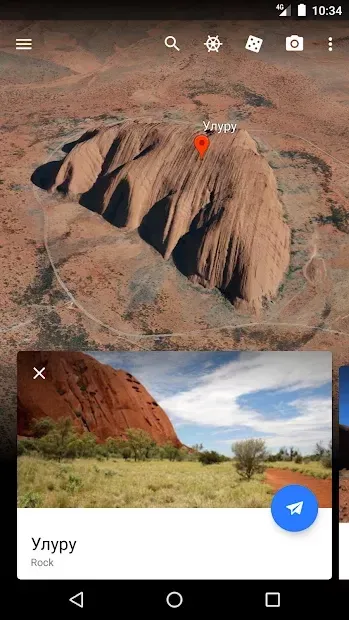
The application features high-resolution satellite images placed on specific geographic coordinates with maximum precision. These photos are captured in real-time or recent history, ensuring that users see accurate and up-to-date views of the Earth's surface. The high clarity of these images ensures that details are sharp and vivid, making it easy to identify landmarks, streets, and natural features.
This level of detail is crucial for both casual exploration and more serious geographical analysis. Advanced satellite systems enable users to view interesting locations from various altitudes and perspectives. You can zoom in incredibly close to the surface, allowing for a detailed examination of terrain, relief, water bodies, and continents.
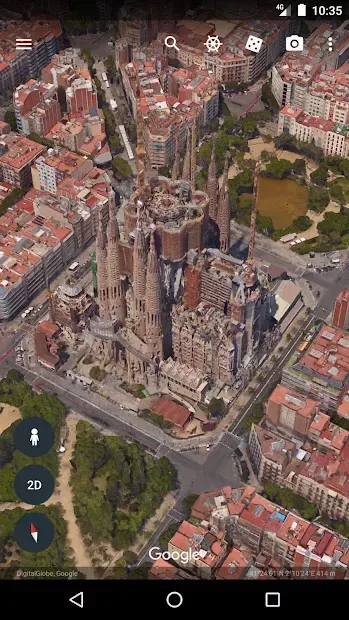
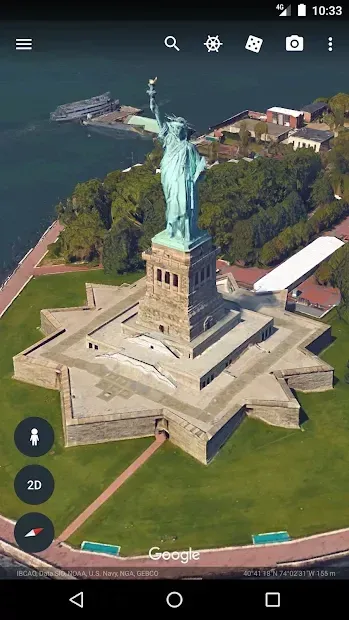
The app supports 3D graphics technology, which adds depth and realism to the visual experience.
How to install the app
- Check the version, Android compatibility, developer and source in the app details block.
- Open the Downloads tab and use the official source or an available catalog link.
- Before installing, review app permissions and use only sources you trust.
Frequently asked questions
Does Google Earth work on Android devices?
Yes, Google Earth is fully compatible with Android devices and offers a rich, interactive mapping experience optimized for mobile screens.
Can I view 3D buildings and terrain?
Absolutely, the app uses 3D graphics technology to provide realistic views of buildings, terrain, and geographical features in many cities worldwide.
Is voice search available in the app?
Yes, the application includes a voice search feature that allows users to find locations quickly and easily without manual typing.
Can I see historical images of a location?
Users can review historical data and images for selected places, allowing them to see how landscapes and cities have changed over time.






No comments yet. Be the first!