
IPTV Player: Playlist Hub
DownloadApp details
- Version
- 1.0.6
- Updated
- 14.09.2026
- Category
- Tools
- Compatibility
- Android 12+
- Package name
com.solara.iptv.smart.live- Source
- Official Google Play page
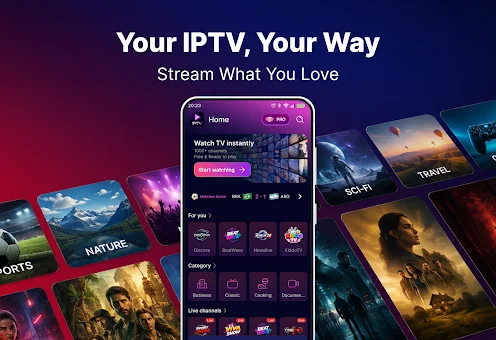
IPTV Player: Playlist Hub is a versatile media player designed for the effective management and playback of your personal playlists. Unlike traditional IPTV apps that provide ready-made content, channels, or subscriptions, this application focuses on organizing media resources that you add yourself. It serves as a transparent player that reads information from your files without altering or controlling third-party content.
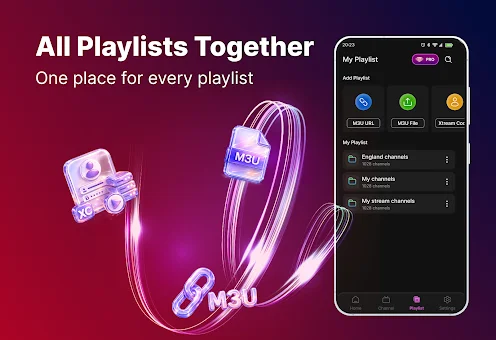
All playlists, channels, and media sources must be provided by the user, making it an ideal tool for those who already have access to IPTV services or own their own M3U and M3U8 playlists. The main advantage of this app lies in its ability to organize media resources efficiently. It offers convenient tools for viewing your imported playlists in a single, unified interface.
You can import playlists from your own authorized sources, structure them, and view available records whenever convenient. Whether you maintain separate playlists for different service providers or gather personal collections, the app supports a clean and structured interface for easy access to everything you need. This organization allows you to keep different collections in one place without switching between multiple programs.
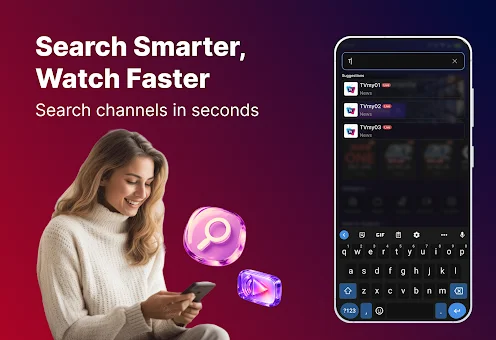
Navigation becomes significantly faster with the search feature, especially when playlists are quite large. You can quickly find the desired channel or record in the list by name without scrolling through long lists.
How to install the app
- Check the version, Android compatibility, developer and source in the app details block.
- Open the Downloads tab and use the official source or an available catalog link.
- Before installing, review app permissions and use only sources you trust.
Frequently asked questions
Does IPTV Player: Playlist Hub provide its own TV channels?
No, this app does not provide ready-made content, TV channels, or subscriptions. It is a transparent player that plays content from playlists you add yourself, such as M3U or M3U8 files.
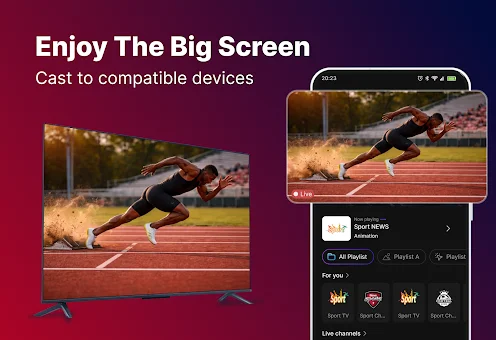
Can I cast content from the app to my TV?
Yes, the app supports casting to compatible TVs and other devices. You can easily stream your personal playlists and media files to larger screens for a better viewing experience.
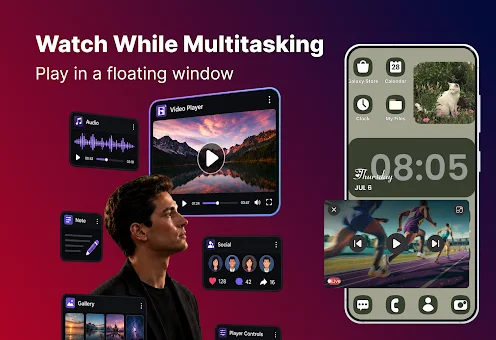
What is the picture-in-picture mode?
Picture-in-picture mode allows you to watch a video in a small floating window while using other apps on your Android device. This feature is available on compatible devices for multitasking convenience.
Who is responsible for the content and rights?
The user is responsible for the availability of necessary rights and authorizations for accessing imported sources. The developer does not guarantee or control content from third parties added by the user.
Similar apps

No comments yet. Be the first!