
Kika Keyboard
DownloadApp details
- Version
- 5.5.8.3130
- Updated
- 16.10.2026
- Category
- Arcade
- Compatibility
- Android 4.0
- Package name
com.qisiemoji.inputmethod- Source
- Official Google Play page
Kika Keyboard is a smart and efficient input method designed specifically for Android devices, offering a streamlined typing experience that significantly boosts productivity. This application provides a robust set of features aimed at making text entry faster and more intuitive, allowing users to compose messages with ease in social networks and messengers. The interface is clean and modern, resembling other popular smart keyboards but distinguished by its extensive customization options and unique functional tools.
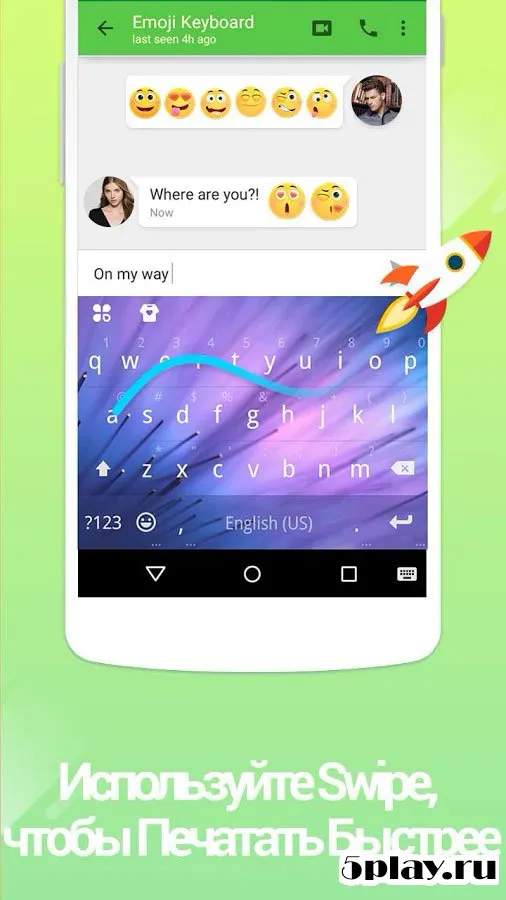
One of the standout features is the swipe typing capability, often referred to as Swipe to Type. By mastering this gesture-based input method, users can significantly improve both the speed and accuracy of their communication. The keyboard also includes an intelligent auto-complete dictionary that adapts to the author's writing style, ensuring that frequently used words and phrases appear quickly as you type.
This adaptive learning process helps reduce errors and keeps the flow of conversation smooth and natural. Customization is at the heart of the Kika Keyboard experience. While the default appearance is sleek and minimalist, users can easily download new skins from the Kika Store.
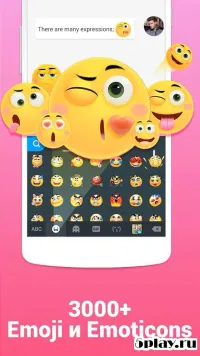
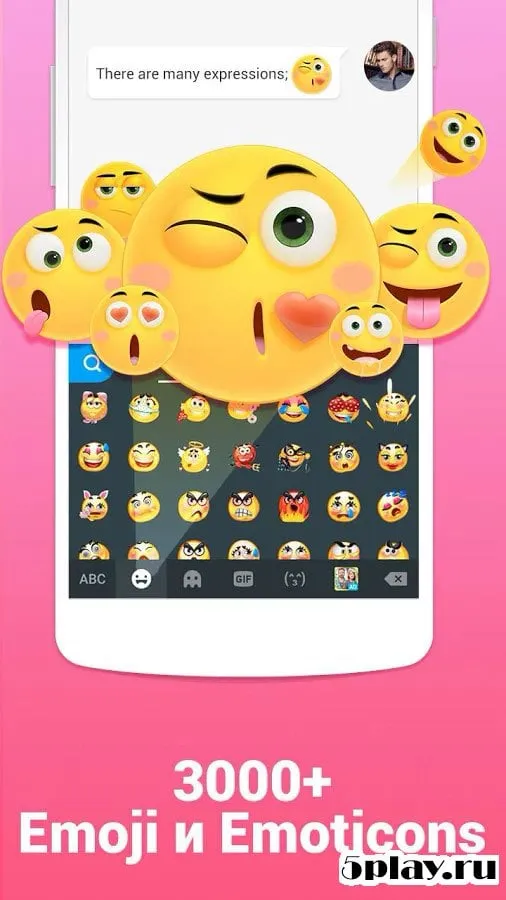
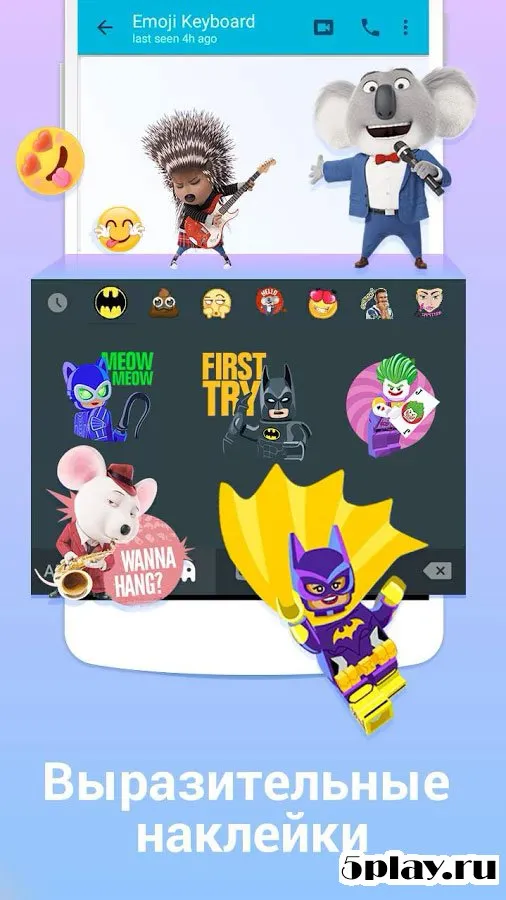
Beyond just visual themes, the store offers a wide variety of stickers, emojis, sound themes, and fonts.
How to install the app
- Check the version, Android compatibility, developer and source in the app details block.
- Open the Downloads tab and use the official source or an available catalog link.
- Before installing, review app permissions and use only sources you trust.
Frequently asked questions
Does Kika Keyboard support swipe typing?
Yes, Kika Keyboard features a dedicated swipe typing mode that allows users to draw letters with their finger for faster and more accurate text entry on Android devices.
Can I customize the look of Kika Keyboard?
Absolutely. The app includes a built-in store where you can download various skins, sound themes, fonts, stickers, and emojis to personalize your keyboard appearance.
Is there an auto-complete dictionary?
Yes, the keyboard includes an intelligent dictionary that learns your writing style and suggests words to help you type faster and reduce errors during conversations.
What customization options are available in settings?
Users can change the interface language, edit dictionaries, manage push notifications, enable click sounds, adjust vibration, and fine-tune text correction settings.
Similar apps






No comments yet. Be the first!