
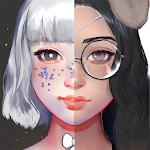
Live Portrait Maker: Girls
DownloadApp details
- Version
- 2.32
- Updated
- 16.10.2026
- Category
- Arcade
- Compatibility
- Android 4.3
- Package name
com.zephyo.liveportraitmaker- Source
- Official Google Play page
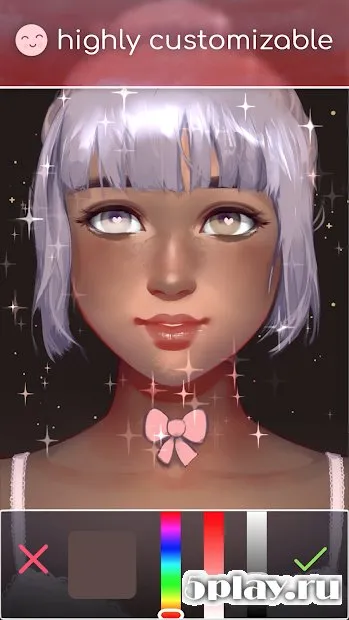
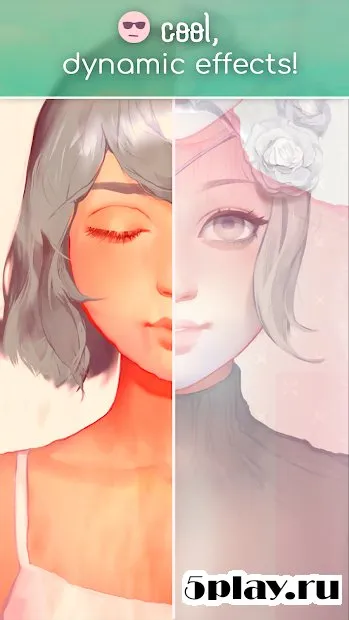
Live Portrait Maker: Girls is a captivating add-on that is sure to appeal to anyone who loves creating personalized digital art. This application allows users to design unique faces for female characters with great detail and precision. You can customize every aspect of the character's appearance, from skin tone to facial structure, ensuring a truly unique result.
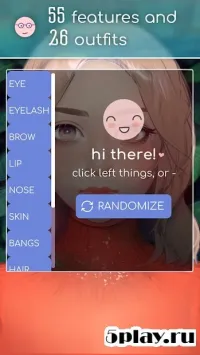
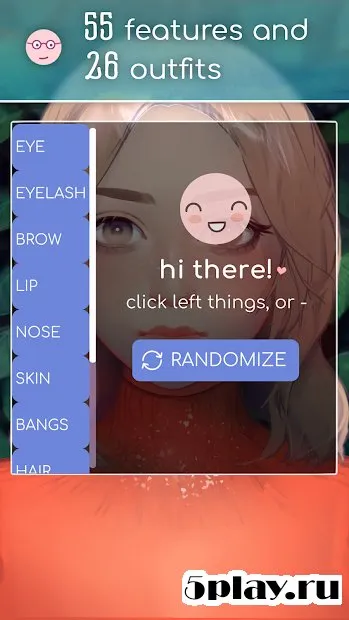
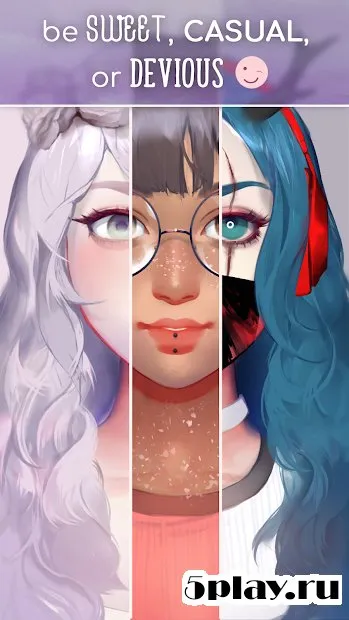
The customization options are extensive, giving you full control over the character's look. You can adjust the shape of the eyes, nose, lips, and eyebrows to achieve the desired expression. Additionally, you can choose the hairstyle and outfit to complete the look.
Whether you want to create a modest coquette or a fatal lady, this tool provides the flexibility to bring your imagination to life. The app features attractive graphics and an intuitive interface that makes the creation process enjoyable. It is designed to satisfy the preferences of users who appreciate high-quality visual design.
The smooth navigation and clear controls ensure that even beginners can easily create stunning portraits without any prior experience. With Live Portrait Maker: Girls, you can explore different styles and moods for your characters. The variety of options allows you to experiment with various combinations of features and clothing.
How to install the app
- Check the version, Android compatibility, developer and source in the app details block.
- Open the Downloads tab and use the official source or an available catalog link.
- Before installing, review app permissions and use only sources you trust.
Frequently asked questions
What features does Live Portrait Maker: Girls offer?
The app allows you to customize skin tone, facial features like eyes and nose, hairstyles, and outfits to create unique female portraits with high detail.
Is the app suitable for beginners?
Yes, the intuitive interface and clear controls make it easy for beginners to create stunning portraits without any prior design experience or technical skills.
What kind of graphics does the app use?
The application features attractive and high-quality graphics that enhance the visual appeal of the created portraits and make the user interface enjoyable to navigate.
How can I install the APK on my device?
You can download the APK file from trusted sources, enable installation from unknown sources in your settings, and then open the file to install the app directly on your Android device.
Similar apps



No comments yet. Be the first!