
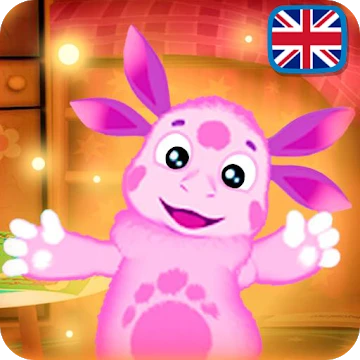
Luntik: Ditaci igri
DownloadApp details
- Updated
- 15.10.2021
- Category
- Games for Android
- Package name
com.psvstudio.luntikminigames- Source
- Official Google Play page
Luntik: Ditaci igri is a delightful educational app designed specifically for the youngest children, offering a gentle introduction to digital play and cognitive development. Developed by Russian creators using the robust Unity platform, this APK is freely available for download from the official site, ensuring a safe and high-quality experience for families. The app opens with a clean main menu, providing easy navigation for small fingers and young eyes, making it an ideal choice for parents looking for screen time that actually helps their kids learn.
Upon launching the application, users are greeted by a user-friendly interface that displays current coins and bonuses at the top of the screen. A convenient button reveals the available mini-games for the current session, while a gallery on the left automatically saves snapshots of the child's progress and completed tasks. This automatic archiving feature allows parents to review their child's achievements and enjoy the creative outputs without needing to manually save every image, keeping the device storage organized and clutter-free.
The first activity challenges children to connect stars with a single line. By dragging their finger along the shortest path between celestial bodies, kids create recognizable shapes that correspond to scenes from the popular Luntik cartoon.
How to install the app
- Check the version, Android compatibility, developer and source in the app details block.
- Open the Downloads tab and use the official source or an available catalog link.
- Before installing, review app permissions and use only sources you trust.
Frequently asked questions
Is Luntik: Ditaci igri free to download?
Yes, the app is developed on a cost-free Unity platform and is available for free download from the official website for all interested users.
What activities are included in the game?
The app features three main activities: connecting stars to form shapes, mixing primary colors to create specific shades, and coloring Luntik drawings with a gouache palette.
Does the app save the child's artwork?
Yes, completed drawings and progress snapshots are automatically saved to an in-app gallery, allowing parents to review their child's creative work easily.
Is this app suitable for very young children?
Absolutely, the interface is designed for small fingers with simple drag-and-drop mechanics and bright visuals, making it perfect for early childhood development.
Similar apps



No comments yet. Be the first!