
Master for Minecraft - Launcher
DownloadApp details
- Version
- 2.2.5 (20133)
- Updated
- 15.10.2021
- Category
- Tools
- Package name
com.groundhog.mcpemaster- Developer
- Nimo TV
- Source
- Official Google Play page
Master for Minecraft - Launcher is a versatile utility application designed to enhance the gaming experience on Android devices. It serves as a comprehensive tool for managing various elements associated with Minecraft Pocket Edition. While it is not created by Mojang and does not fully support the Lite version, it offers a user-friendly interface that makes customization and management easy for players.
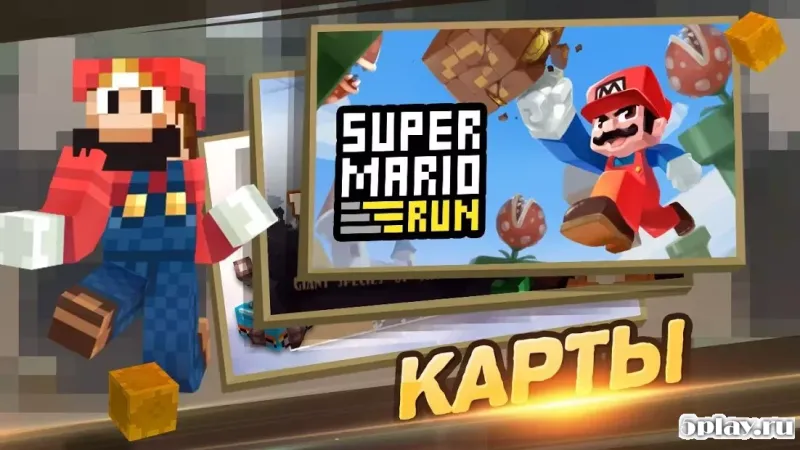
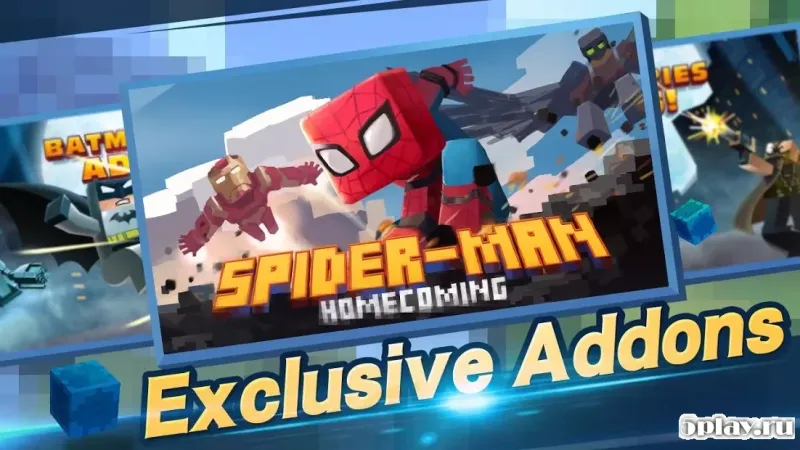
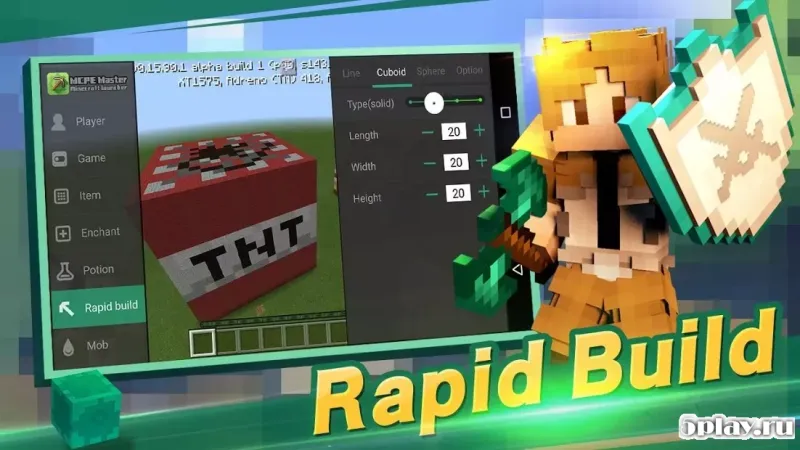
The app allows users to control textures, locations, skins, and modifications, providing a centralized hub for all these assets. One of the key features of this launcher is its organized display of different categories. Users can browse through a wide array of options, each with a detailed description.
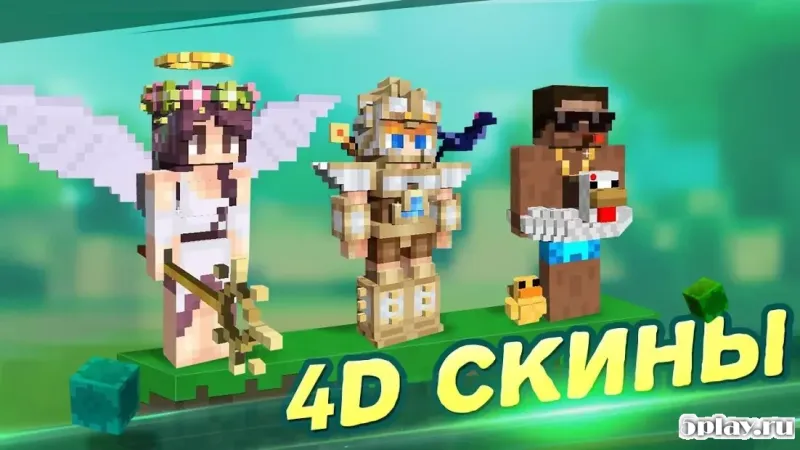
For instance, in the skins section, players can find hundreds of different faces for their heroes. This variety allows users to personalize their avatars extensively, ensuring that their in-game character stands out with unique and creative designs. The launcher also enables users to change the core game environment.
However, it is important to note that to realize these changes, players may need to start the game from the beginning. This ensures that the new settings are properly applied and integrated into the gameplay. The app provides a seamless way to access these modifications, making it a valuable tool for those who enjoy customizing their Minecraft world.
When downloading files, the app saves them to the memory of your preferred Android app.
How to install the app
- Check the version, Android compatibility, developer and source in the app details block.
- Open the Downloads tab and use the official source or an available catalog link.
- Before installing, review app permissions and use only sources you trust.
Frequently asked questions
Is Master for Minecraft - Launcher created by Mojang?
No, this application is not created by Mojang and does not fully support the Lite version of the game, but it offers a user-friendly interface for managing game assets.
What can I customize using this launcher?
You can customize skins, locations, textures, and modifications. The app provides access to hundreds of different faces for your hero and various game environments.
How do I save downloaded files?
When you click the download button, the selected files are saved to the memory of your preferred Android app, ensuring they are securely stored for future use.
Do I need to restart the game to apply changes?
Yes, to realize changes in the core game environment, you may need to start the game from the beginning to ensure the new settings are properly applied.
Similar apps

No comments yet. Be the first!