

Mi Drop
Open in Google PlaySpaceAPK does not provide APK files. A listed Google Play link is a reference: check the store for availability, version, price and paid features. The catalog version is not offered as a downloadable file.
App details
- Recorded version
- 1.28.17
- Updated
- 24.11.2021
- Category
- Arcade
- Compatibility
- Android 4.4
- Package name
com.xiaomi.midrop- Source
- Google Play reference
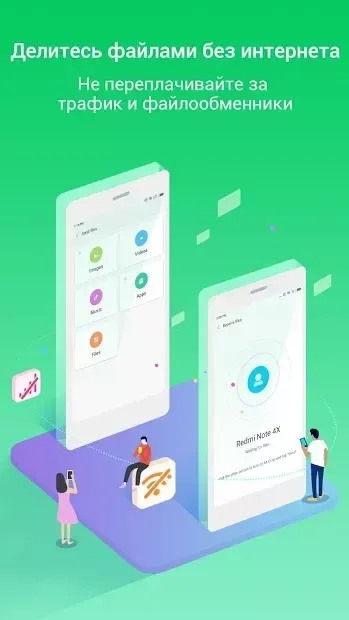
Mi Drop is a versatile utility designed for seamless data exchange between Android devices without the need for an internet connection. This application allows users to share files quickly and efficiently, making it an essential tool for those who frequently move photos, documents, videos, and other media between smartphones or tablets. By utilizing a local Wi-Fi network, Mi Drop ensures that data transfer speeds are significantly faster than traditional Bluetooth connections, saving you valuable time and reducing battery consumption during large file transfers.
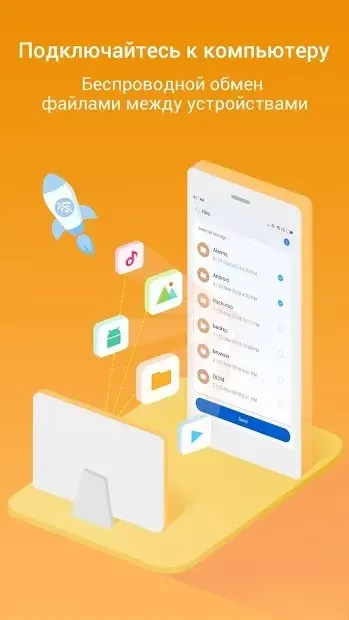
One of the standout features of Mi Drop is its user-friendly interface, which is designed to be intuitive and easy to navigate. The app organizes your files in a logical manner, allowing you to sort and manage your data with ease. Whether you are looking to share a single photo or transfer an entire folder of high-definition videos, Mi Drop handles the process smoothly.
The interface ensures that you can locate and select the files you wish to share without any hassle, making the sharing process straightforward even for less tech-savvy users. Another key advantage of using Mi Drop is its ability to resume interrupted connections. If your Wi-Fi signal drops or the connection is temporarily lost, the app is designed to reconnect and continue the transfer from where it left off.
This feature is particularly useful when dealing with large files or when moving between areas with varying network stability.
Availability and source
- Check the version, Android compatibility, developer and source in the app details block.
- Open the official app page on Google Play if a link is available.
- Before installing, review app permissions and use only sources you trust.
Frequently asked questions
Does Mi Drop require an internet connection to transfer files?
No, Mi Drop uses a local Wi-Fi network to transfer files directly between devices, so an active internet connection is not required for the process.
What types of files can be shared using Mi Drop?
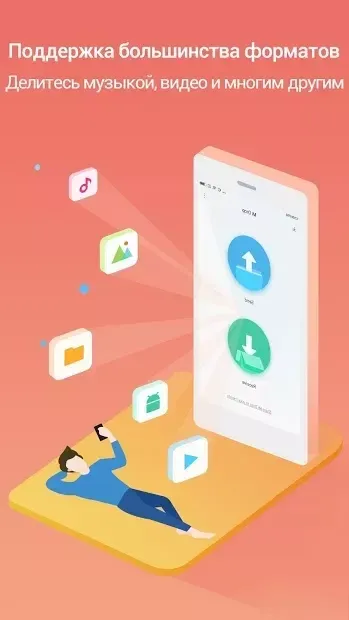
Mi Drop supports a wide variety of file types, including photos, videos, music, documents, archives, and other media files stored on your Android device.
Is Mi Drop compatible with all Android devices?
Yes, Mi Drop is designed to work with a broad range of Android smartphones and tablets, ensuring broad compatibility across different device models and versions.
Can Mi Drop resume transfers if the connection is lost?
Yes, one of the key features of Mi Drop is its ability to resume interrupted transfers, ensuring that large files are not lost if the Wi-Fi connection drops temporarily.
Similar apps







No comments yet. Be the first!