
Minecraft: Skin Studio
DownloadApp details
- Version
- 4.9.0
- Updated
- 17.10.2026
- Category
- Arcade
- Compatibility
- Android 4.0
- Package name
com.fsdigital.skinstudio- Source
- Official Google Play page
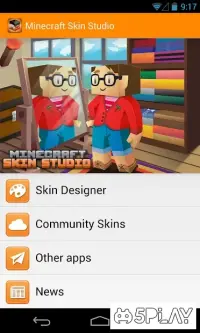
Minecraft: Skin Studio is a powerful add-on designed to help any player create custom characters for the original Minecraft game. Every user starts with a standard character appearance, which often becomes repetitive over time. This application solves that problem by allowing you to modify your avatar's look completely.
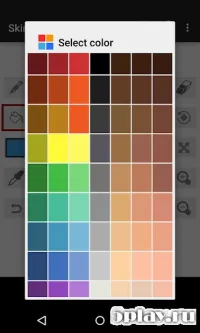
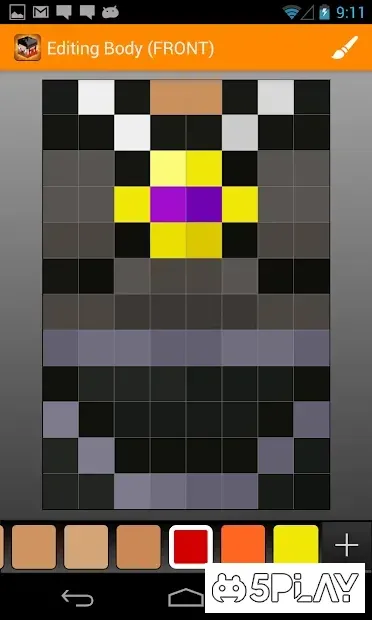
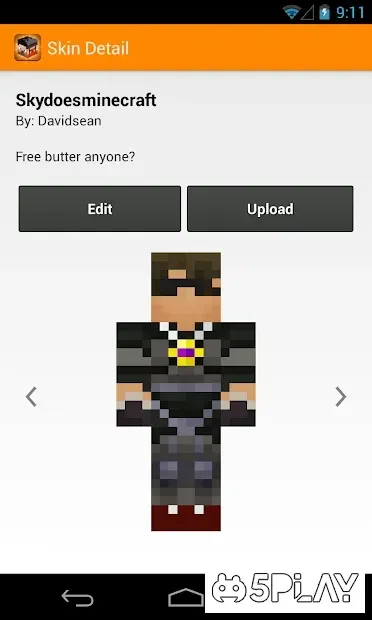
You can adjust various details to create a unique look that stands out in the server or single-player world. The tool offers a wide range of settings that let you customize every aspect of your protagonist's appearance. You can change skin colors, add accessories, and tweak proportions to match your personal style.
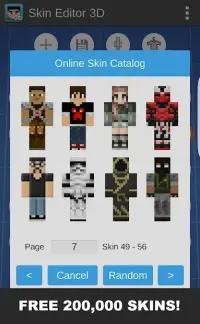
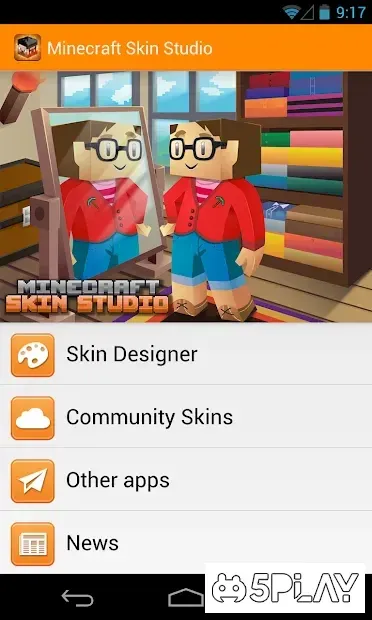
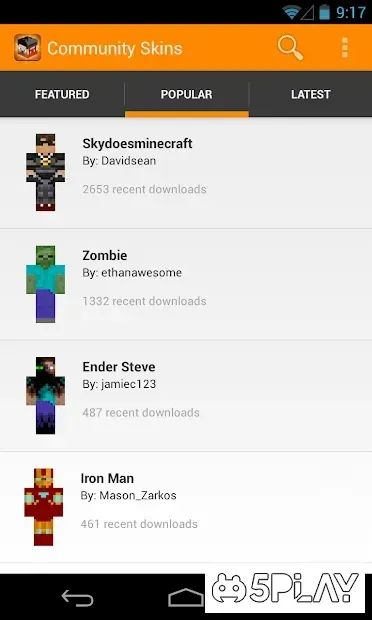
Once you are satisfied with your design, you can easily download the new skin directly into the game. This seamless integration makes it simple to switch between different looks without leaving your current session. In addition to creating skins from scratch, the app allows you to use skins designed by other community members.
This feature lets you browse through a variety of pre-made designs and apply them to your character with just a few taps. It is a great way to stay updated with the latest trends or find inspiration for your own creations without starting from a blank canvas. Using this APK on your Android device is straightforward and efficient.
The interface is intuitive, making it accessible for both beginners and experienced players. You do not need advanced technical skills to produce high-quality results.
How to install the app
- Check the version, Android compatibility, developer and source in the app details block.
- Open the Downloads tab and use the official source or an available catalog link.
- Before installing, review app permissions and use only sources you trust.
Frequently asked questions
What is the main purpose of Minecraft: Skin Studio?
The main purpose is to allow players to create and customize their own character skins for the original Minecraft game, replacing the default appearance.
Can I use skins created by other users?
Yes, the application allows you to browse and use skins designed by other community members, giving you access to a wide variety of pre-made designs.
Is it easy to download the new skin to the game?
Yes, the app is designed to make downloading your custom skin directly into the game simple and fast, requiring minimal technical knowledge from the user.
Similar apps



No comments yet. Be the first!