

Minigore 2: Zombies
Open in Google PlaySpaceAPK does not provide APK files. A listed Google Play link is a reference: check the store for availability, version, price and paid features. The catalog version is not offered as a downloadable file.
App details
- Recorded version
- 1.28 (28)
- Updated
- 01.07.2021
- Category
- Arcade
- Package name
net.mountainsheep.minigore2zombies- Developer
- Mountain Sheep
- Source
- Google Play reference
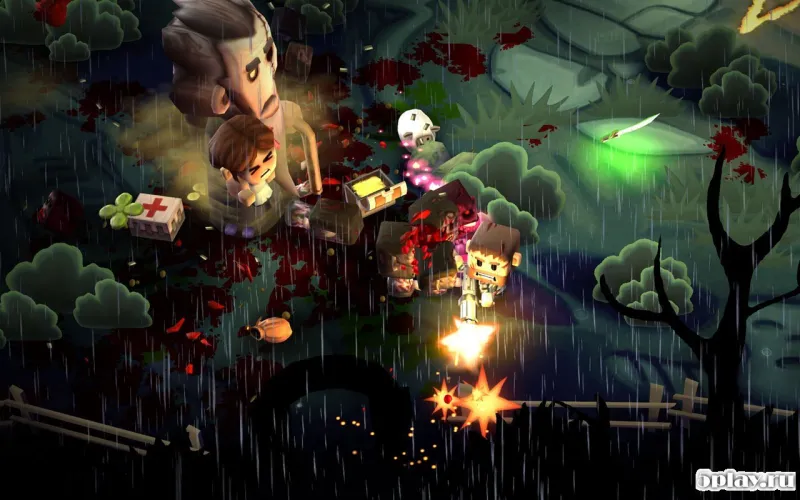
Minigore 2: Zombies delivers a thrilling 3D shooter experience where you step into the shoes of John Gore, a fearless adventurer ready to face down hordes of undead enemies. Set in a dark, mysterious forest, the game plunges you into a world overrun by crazed zombies. You must help John survive the relentless attacks of these undead creatures as they swarm from all directions.
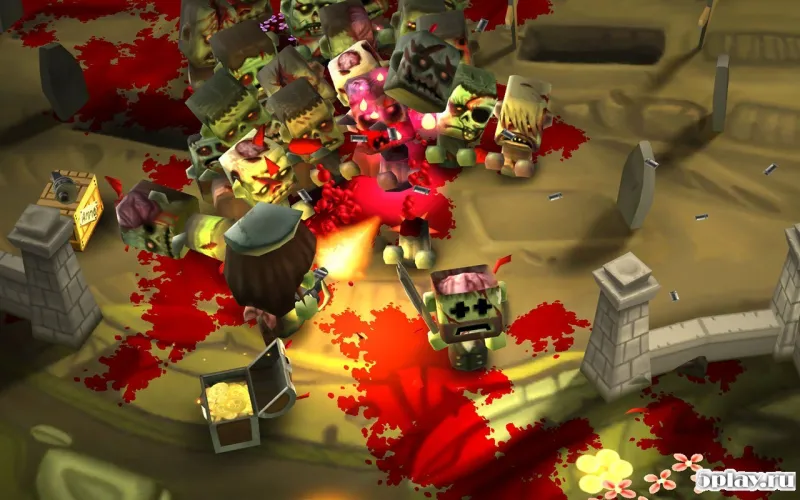
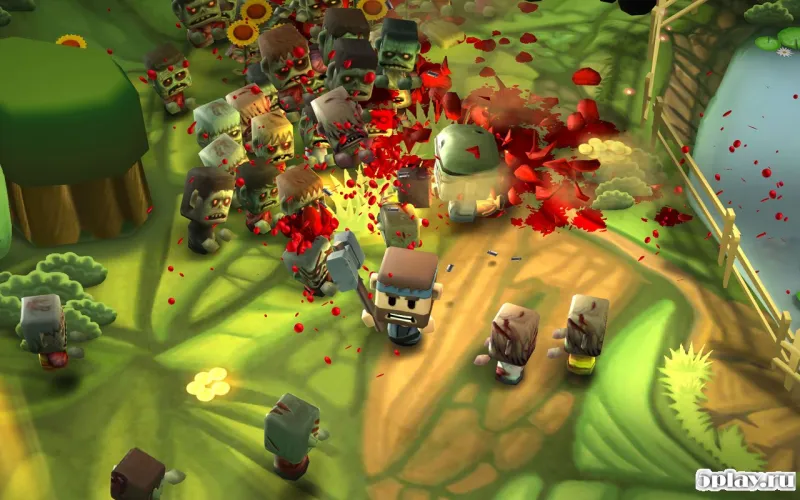
The atmosphere is tense and immersive, keeping you on edge as you navigate through the eerie woodland environment. The gameplay is fast-paced and action-packed, requiring quick reflexes and strategic thinking. Enemies attack in large groups, creating chaotic scenes that resemble a bloody meat grinder.
You are armed with a diverse arsenal of weapons to handle these threats. Use ranged weapons to take out enemies from a distance, or switch to dual-handled swords and heavy axes for close-quarters combat. Each weapon has a unique feel, allowing you to adapt your playstyle based on the situation.
Resource management is key to survival. You earn in-game currency for every enemy you eliminate, which can be spent on upgrading weapons, purchasing ammunition, unlocking new maps, and leveling up John. Different enemies have different values; smaller zombies yield less currency, while larger, tougher foes provide a greater reward.
This system encourages you to prioritize targets and manage your resources wisely to stay effective in longer battles. For newcomers, the game offers a helpful auto-aim feature.
Availability and source
- Check the version, Android compatibility, developer and source in the app details block.
- Open the official app page on Google Play if a link is available.
- Before installing, review app permissions and use only sources you trust.
Frequently asked questions
What is the main objective in Minigore 2: Zombies?
The main objective is to survive waves of zombies in a dark forest setting, earning currency to upgrade weapons and unlock new maps for continued gameplay.
Does Minigore 2: Zombies have an auto-aim feature?
Yes, the game includes an auto-aim option for beginners to help target enemies easily, but experienced players can disable it for a more challenging manual aiming experience.
How do I earn currency in Minigore 2: Zombies?
You earn in-game currency by eliminating enemies. Larger zombies provide more currency than smaller ones, allowing you to purchase upgrades, ammo, and new maps.








No comments yet. Be the first!