
Multiplayer for Minecraft PE
DownloadApp details
- Version
- 2.5
- Updated
- 16.10.2026
- Category
- Arcade
- Compatibility
- Android 4.0
- Package name
com.groundhog.multiplayermaster- Source
- Official Google Play page
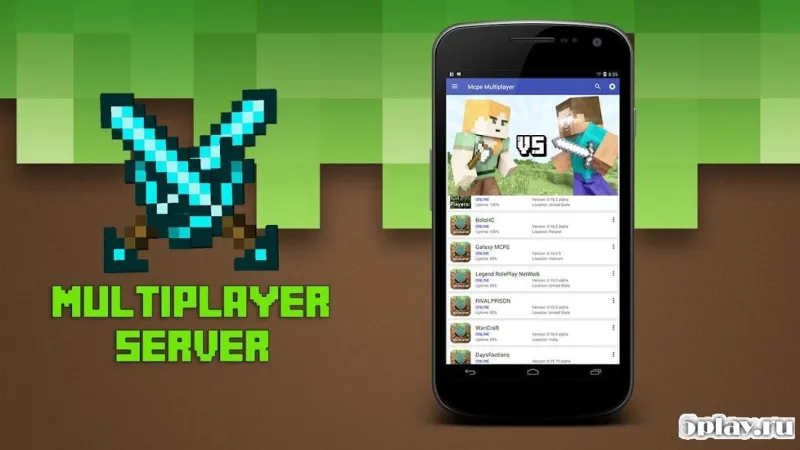
Multiplayer for Minecraft PE opens up the exciting possibility of playing together with friends in your favorite pixel sandbox world. This application allows users to enjoy Minecraft at any time and in any place, ensuring that your gaming sessions are never limited by location or schedule. Whether you are at home or on the go, the app keeps you connected to the community.
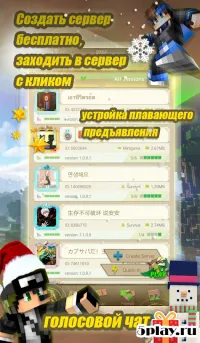
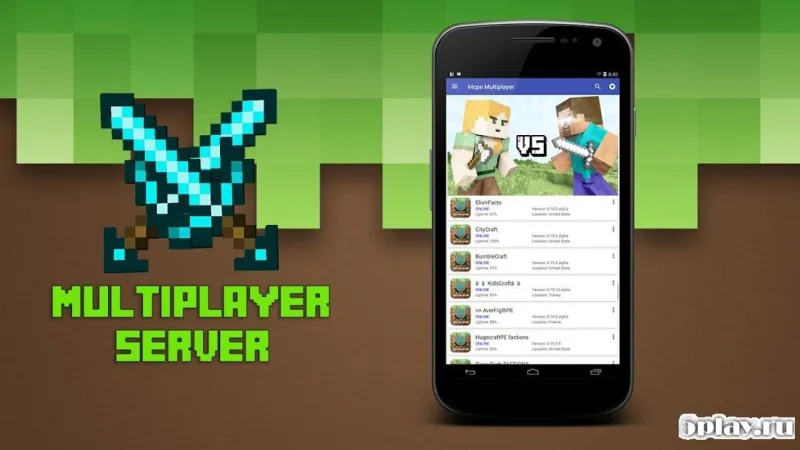
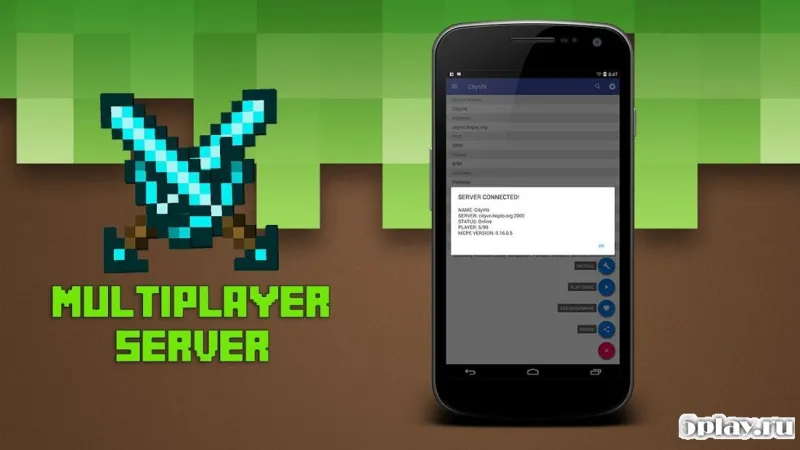
You can create your own private rooms on a server or join existing servers to start a shared adventure with a fun group of friends. The platform supports both custom setups and popular public servers, giving you the flexibility to choose your preferred multiplayer environment. It is designed to make joining a game as simple as possible, so you can focus on building and exploring.
The app includes useful tools for detecting and removing unfair players, helping to maintain a balanced and enjoyable gaming experience. With an intuitive interface that requires minimal settings, you can quickly configure your connection and jump into the action. The clean design ensures that even new users can navigate the features without confusion or frustration.
By providing a seamless way to connect with others, Multiplayer for Minecraft PE enhances the core Minecraft experience. It bridges the gap between single-player creativity and collaborative multiplayer fun. The application is optimized for Android devices, ensuring smooth performance and reliable connectivity for APK users who want to expand their gameplay horizons.
How to install the app
- Check the version, Android compatibility, developer and source in the app details block.
- Open the Downloads tab and use the official source or an available catalog link.
- Before installing, review app permissions and use only sources you trust.
Frequently asked questions
How do I join a server with this app?
You can join existing servers by selecting them from the list and connecting directly through the intuitive interface provided by the application.
Can I create my own private room?
Yes, the app allows you to create your own private room on a server so you can play with specific friends in a controlled environment.
Does the app help manage unfair players?
The application includes tools to detect and remove unfair players, ensuring a balanced and enjoyable gaming experience for everyone involved.
Similar apps


No comments yet. Be the first!