
Netflix
Open in Google PlayApp details
- Updated
- 24.11.2021
- Category
- Android applications
- Package name
com.netflix.mediaclient- Source
- Official Google Play page
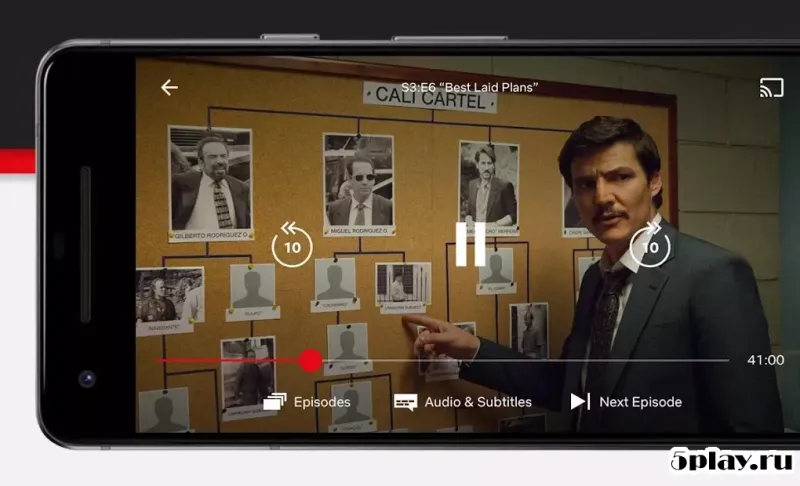
Netflix stands as one of the most popular streaming services globally, offering a vast library of serialized content and feature films. To begin your journey, you will need to secure a paid subscription, which unlocks access to a massive collection of exclusive video material. The application is designed with simplicity in mind, making it easy for users to navigate the interface and manage their viewing preferences without any technical hurdles.
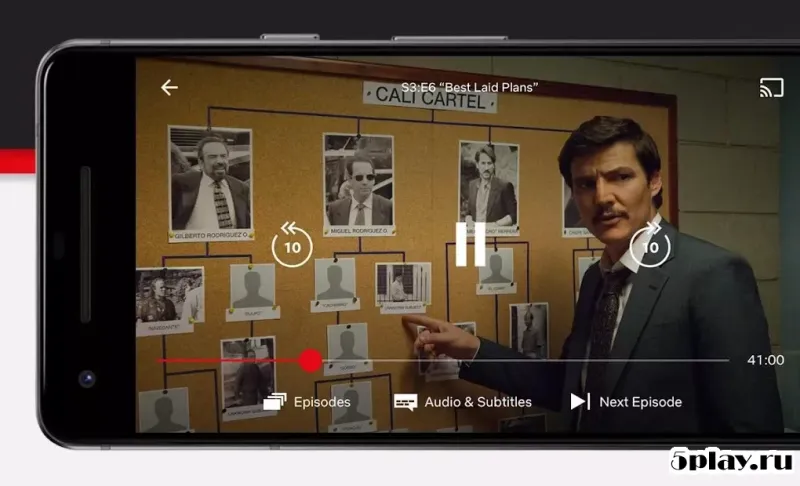
This streamlined approach ensures that even first-time users can dive right into their favorite genres with minimal effort. The official Android client from the renowned company provides a premium experience for movie and series enthusiasts. Thanks to this program, you will never miss a new episode of your beloved shows, as updates are delivered directly to your device.
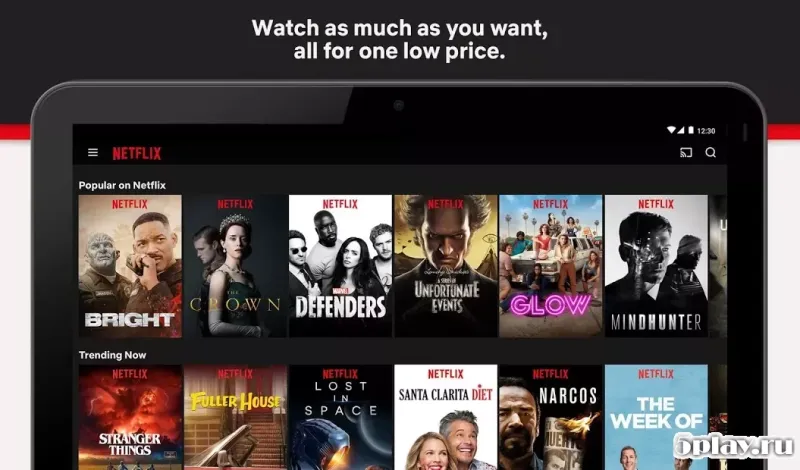
The platform features an unlimited selection of films, series, and live broadcasts, all curated to keep you entertained for hours. With convenient search functionality and personalized recommendations, finding your next binge-worthy title has never been easier or more intuitive. One key aspect to note is that all content within the app is presented in English.
While this offers a broad international appeal, it is important to mention that subtitles are not available in this specific version, which may affect accessibility for some users. Despite this limitation, the app is sure to please lovers of high-quality drama and action.
How to install the app
- Check the version, Android compatibility, developer and source in the app details block.
- Open the official app page on Google Play if a link is available.
- Before installing, review app permissions and use only sources you trust.
Frequently asked questions
Is Netflix available for Android devices?
Yes, Netflix offers an official client application designed specifically for the Android operating system, allowing users to stream content directly on their mobile devices or tablets.
Does Netflix require a subscription?
Yes, Netflix is a paid service. You need to purchase a subscription plan to unlock access to its vast library of exclusive videos, films, and serialized content.
Can I watch Netflix without an internet connection?
Yes, the application supports autonomous operation. You can download content to your device and watch videos offline without needing an active internet connection during playback.
What language is the content in Netflix?
All content within the application is presented in English. It is important to note that subtitles are not available in this version, which may impact accessibility for non-English speakers.

No comments yet. Be the first!