
Notepad - simple notes
Open in Google PlayApp details
- Version
- 1.45.1
- Updated
- 08.08.2026
- Category
- Tools
- Compatibility
- Android 6.0+
- Package name
com.atomczak.notepat- Developer
- atomczak
- Source
- Official Google Play page
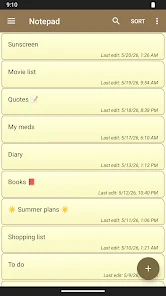
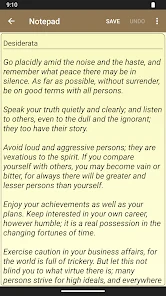
Notepad - simple notes is a streamlined Android application designed for users who value speed and simplicity in managing text content. The interface is minimalist and intuitive, making it easy for anyone to create, edit, and organize notes without a steep learning curve. You can generate unlimited text notes without restrictions on length or quantity, limited only by your device's storage capacity.
This makes it an ideal tool for jotting down quick ideas, recording important reminders, or drafting longer documents on the go. The app supports importing and exporting notes in TXT format, ensuring seamless data transfer between different devices and applications. A standout feature is the ability to share notes directly with other apps, such as sending them via email.
For enhanced organization, the application includes a widget that allows you to create or edit entries directly from the home screen, acting like digital sticky notes that are always within reach. This functionality helps keep your most critical information visible and accessible at all times. Data security and reliability are prioritized with automatic saving features and the option to back up your notes into a ZIP file.
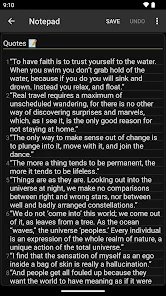
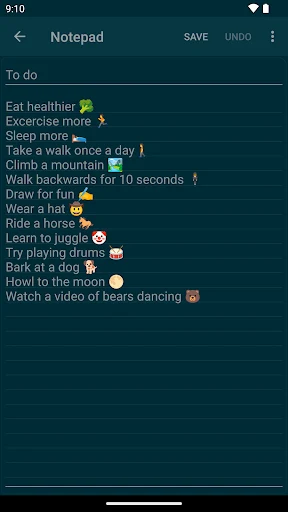
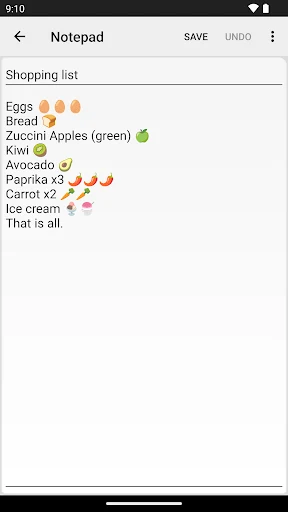
You can manage your notes using categories and search for specific content quickly. The app also offers customization options, including various color themes and a dark mode for comfortable viewing in low-light conditions.
How to install the app
- Check the version, Android compatibility, developer and source in the app details block.
- Open the official app page on Google Play if a link is available.
- Before installing, review app permissions and use only sources you trust.
Frequently asked questions
Can I lock Notepad - simple notes with a password?
Yes, the application supports password protection as well as biometric authentication using your fingerprint or facial recognition data for enhanced security.
Does the app support exporting notes to other formats?
The app allows you to import and export notes in TXT format and back up your data into a ZIP file for easy transfer to other devices or cloud storage.
Is there a widget available for the home screen?
Yes, a dedicated widget is included that lets you create or edit notes directly from your Android home screen, acting like digital sticky notes for quick access.
Can I use dark mode in this application?
Yes, the app features multiple color themes including a dark mode option, which is useful for reducing eye strain when using the app in low-light environments.
Similar apps




No comments yet. Be the first!