

Notes - Notepad and to do list
Open in Google PlayApp details
- Version
- 3.7.2.4349
- Updated
- 18.08.2026
- Category
- Tools
- Compatibility
- Android 12+
- Package name
com.caller.notes- Source
- Official Google Play page
The Notes - Notepad and to do list application serves as an exceptional tool for recording notes on Android devices, offering a multitude of useful features that transform it from a simple notepad into a powerful assistant for daily tasks. Its intuitive interface ensures ease of use, allowing users to quickly create notes and to-do lists without any learning curve. This design philosophy makes it accessible to everyone, from students to busy professionals who need to organize their workflow efficiently.
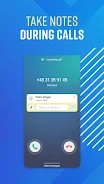
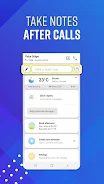
One of the standout capabilities is the ability to create notes after phone calls. The app automatically recognizes callers, enabling you to record important information immediately after a conversation ends. This feature is particularly useful for business professionals who need to track follow-ups or for individuals who want to remember details discussed during calls without interrupting the flow of the interaction.
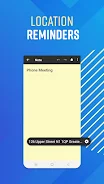
It bridges the gap between communication and organization seamlessly. Location-based reminders add another layer of utility to this Android app. You can set notifications for specific notes that will trigger when you arrive at a designated place.
This geo-fencing functionality ensures that you never forget essential items or tasks when you are in the right environment.
How to install the app
- Check the version, Android compatibility, developer and source in the app details block.
- Open the official app page on Google Play if a link is available.
- Before installing, review app permissions and use only sources you trust.
Frequently asked questions
Does the app support location-based reminders?
Yes, the app allows you to receive notifications for important notes when you arrive at a specific location.
Can I recover deleted notes?
Yes, you can restore deleted notes within nine days of their removal using the recovery feature.
Is the interface easy to use?
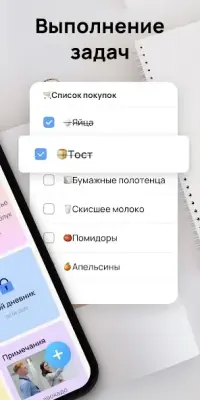
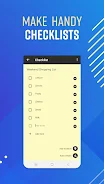
Yes, the app features an intuitive interface designed for quick note creation and list management.
Can I link notes to contacts?
Yes, you can connect notes to your contacts to receive reminders after phone calls or interactions.
Similar apps







No comments yet. Be the first!