
Open Camera
DownloadApp details
- Version
- 1.48.2
- Updated
- 16.10.2026
- Category
- Arcade
- Compatibility
- Android 4.0.3
- Package name
net.sourceforge.opencamera- Source
- Official Google Play page
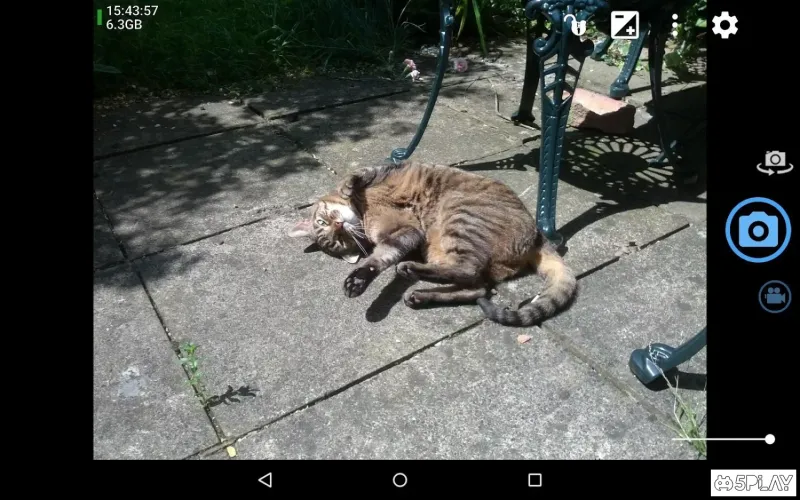
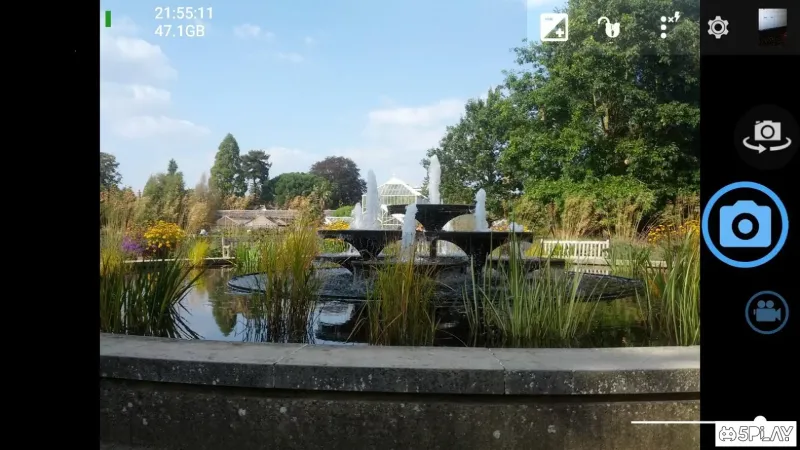
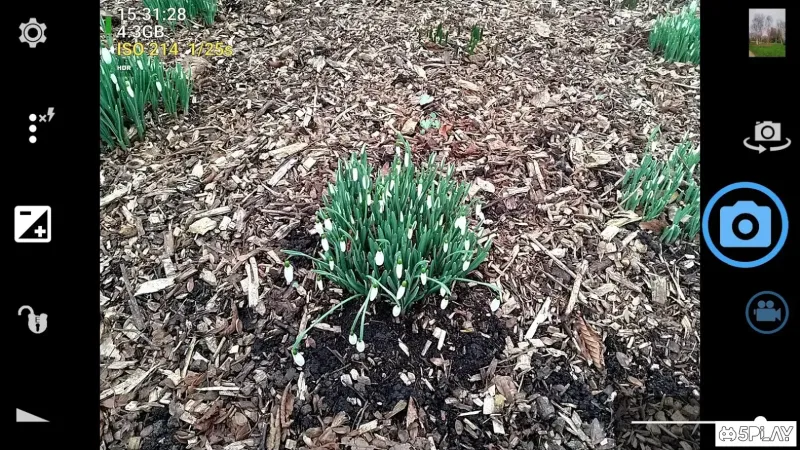
Open Camera is a powerful photography and video recording application developed by Cambridge developers, replacing the standard utility on Android devices. This app offers a wide array of tools designed to help you take vibrant and well-saturated photos, enhancing your shooting process significantly. Upon first launch, the app may surprise you with its unique layout and controls, but you'll quickly become accustomed to its features.
Beyond standard camera functions like timer and burst mode, Open Camera provides a variety of unique options. You can add text to your images, set date and location metadata, apply various color effects and filters, and even retain images in a background stream without interrupting the process. Additionally, it includes multiple autofocus modes and a face detection feature for improved photography.
The video settings are equally impressive, allowing you to customize resolution and bitrate, specify video length, and even insert subtitles. The app ensures that you can capture high-quality images in low-light conditions thanks to its built-in flash support. With physical button support for specific functions, Open Camera enhances your shooting experience, making it an excellent alternative to the default camera application.
Open Camera is perfect for both casual mobile photography enthusiasts and professional photographers. It boasts an extensive range of features that can be challenging to find in other applications.
How to install the app
- Check the version, Android compatibility, developer and source in the app details block.
- Open the Downloads tab and use the official source or an available catalog link.
- Before installing, review app permissions and use only sources you trust.
Frequently asked questions
What features does Open Camera offer?
Open Camera offers a wide range of features including autofocus modes, video settings, and filters.
Can I customize video settings in Open Camera?
Yes, you can adjust resolution, bitrate, and even add subtitles to your videos.
Is Open Camera suitable for professional photographers?
Absolutely! Open Camera provides advanced tools that cater to both amateurs and professionals.
Does Open Camera support low-light photography?
Yes, it includes built-in flash support for capturing quality images in low-light conditions.
Similar apps




No comments yet. Be the first!