

PC Simulator
Open in Google PlaySpaceAPK does not provide APK files. A listed Google Play link is a reference: check the store for availability, version, price and paid features. The catalog version is not offered as a downloadable file.
App details
- Recorded version
- 1.6.0
- Updated
- 04.12.2021
- Category
- Arcade
- Compatibility
- Android 4.1
- Package name
com.yiming.pc- Source
- Google Play reference
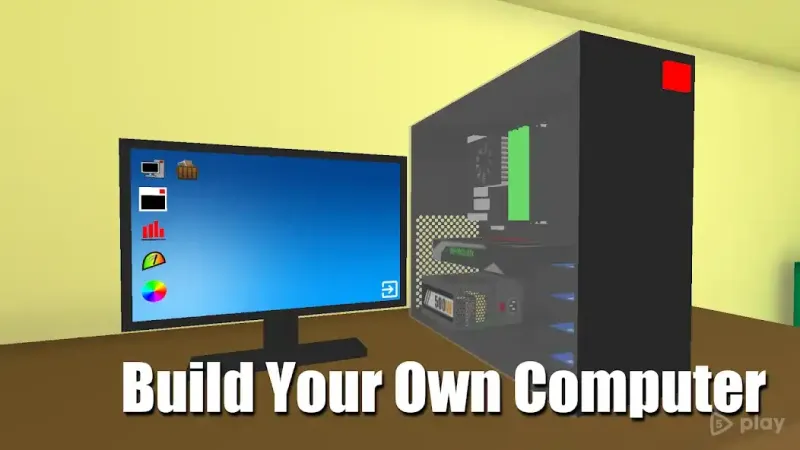
PC Simulator offers a unique and engaging experience for anyone interested in computer hardware. This application serves as both a hobby and a practical tool for real-life understanding of PC assembly. Players are invited to collect their own personal computer by selecting from a vast array of components.
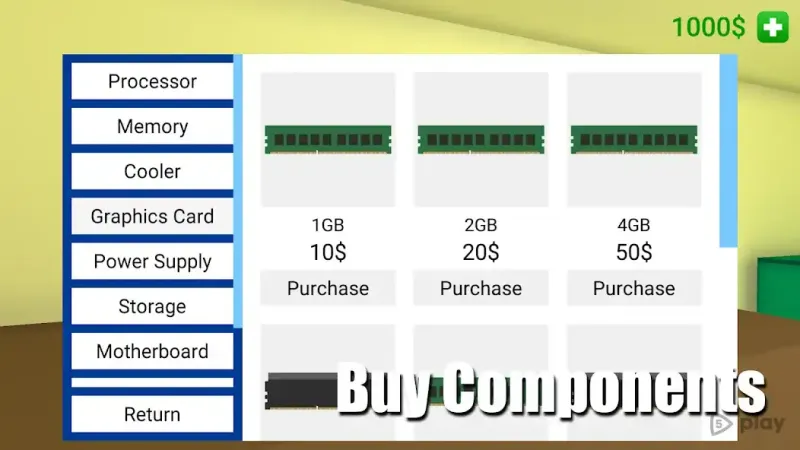
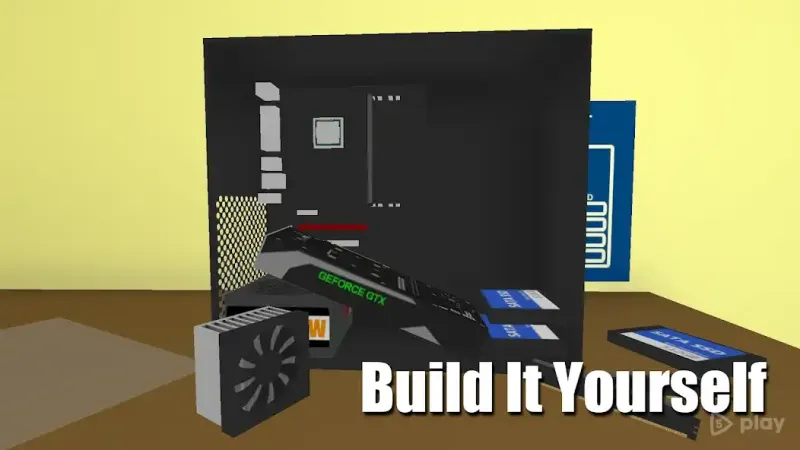
The game provides an extensive library of computer parts, allowing users to choose processors, motherboards, sound cards, video cards, hard drives, power supplies, and more. This variety ensures that every build can be tailored to specific needs and preferences. The core gameplay revolves around assembling these components to create a functional computer.
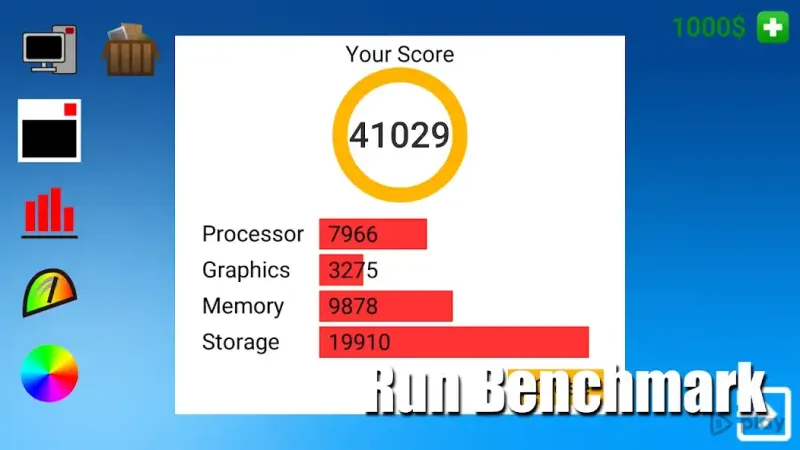
Users can mix and match different parts to build practically any configuration they desire. Once the assembly is complete, the next step is to test the system's performance. The simulator includes benchmarking tools and similar software to verify the productivity and stability of the constructed PC.
This feature helps players understand how different hardware combinations affect overall system performance. Learning the intricacies of PC building is made accessible and fun through this APK. The skills acquired during the virtual assembly process can be surprisingly useful in real life.
Gamers and tech enthusiasts alike can gain a better understanding of how components interact with each other. This knowledge is particularly valuable for those who plan to build or upgrade their own computers in the future.
Availability and source
- Check the version, Android compatibility, developer and source in the app details block.
- Open the official app page on Google Play if a link is available.
- Before installing, review app permissions and use only sources you trust.
Frequently asked questions
What components can I use to build a computer in PC Simulator?
You can choose from a wide variety of computer parts including processors, motherboards, sound cards, video cards, hard drives, and power supplies to create your custom build.
How do I test the performance of my assembled PC?
After assembling your computer, you can use built-in benchmarking tools and similar software to verify the productivity and performance of your custom configuration.
Is PC Simulator useful for real-life PC building?
Yes, the skills gained from assembling virtual components can be directly applied to real-life PC building, helping you understand how different hardware parts interact and fit together.
Can I run this APK on any Android device?
PC Simulator is designed to run smoothly on most Android devices, offering a lightweight and engaging experience for users interested in computer hardware and assembly.
Similar apps








No comments yet. Be the first!