

Photo Warp
DownloadApp details
- Version
- 2.0.7
- Updated
- 16.10.2026
- Category
- Arcade
- Compatibility
- Android 2.3
- Package name
hu.tonuzaba.android- Source
- Official Google Play page
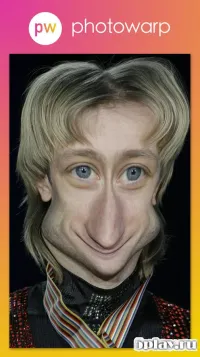
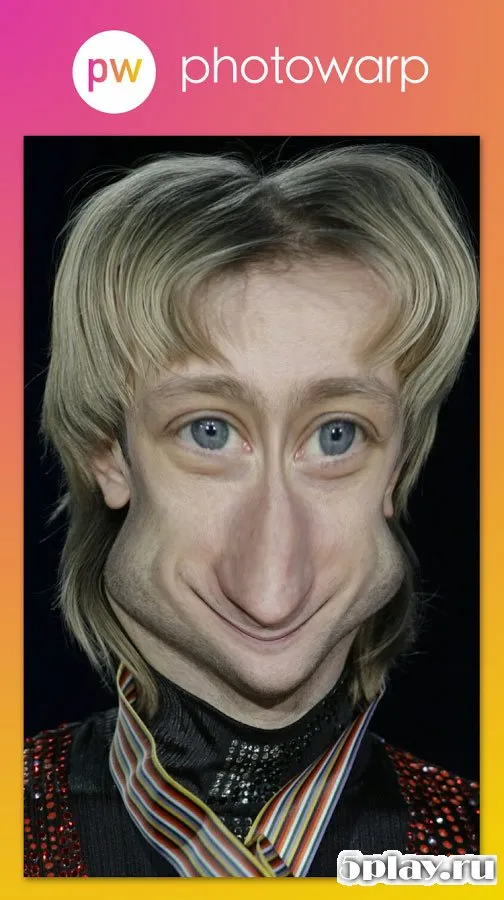
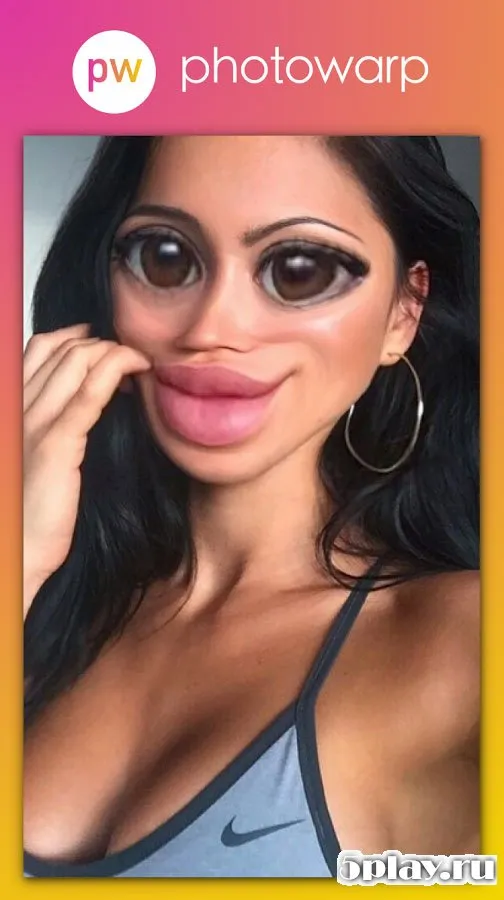
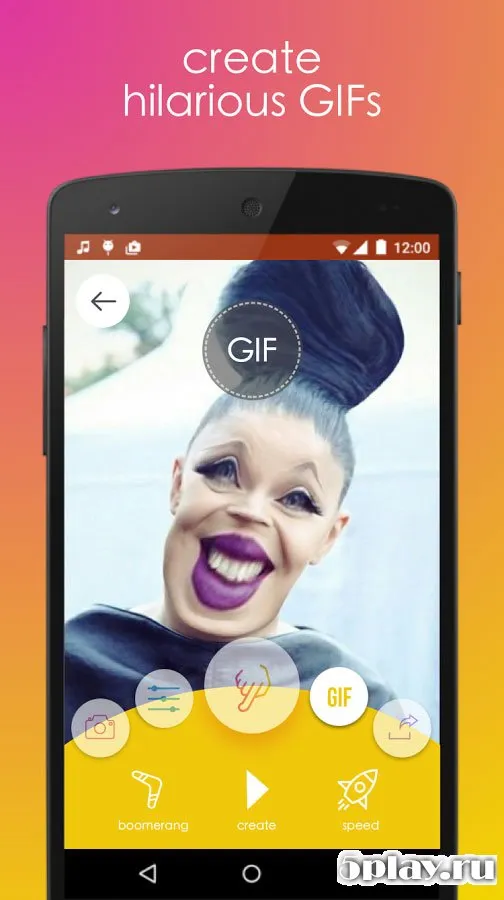
Photo Warp is a creative Android application that allows you to easily modify your face or change the appearance of your friends. With just a single photograph, your imagination and sense of humor are the only limits. You can add a few kilograms to your figure or, on the contrary, become the epitome of slimness.
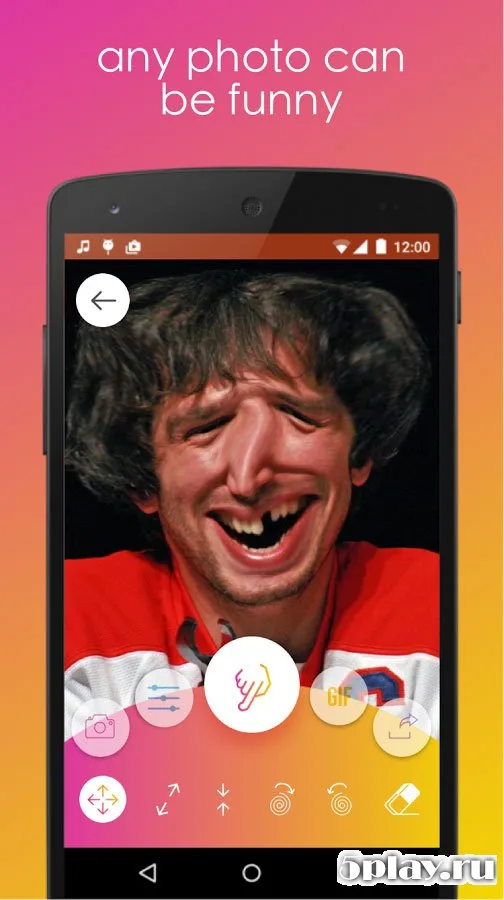
The app lets you create funny goblin-like features, pointed elf ears, or round, chubby outlines. Everything you need to lift your spirits is right at your fingertips. For user convenience, the app includes adjustable brush size and pressure sensitivity.
Pixels are displaced from the center of the tool or around the cursor as you drag it across the image. This precise control allows for detailed and natural-looking distortions. The simplicity of use combined with high processing speed makes the app accessible to everyone, regardless of age.
Even a schoolchild or a pensioner can master the controls with ease. The resulting images can always be saved to the device memory or transferred to an SD card. This ensures that your creative masterpieces are preserved safely.
Whether you are making a quick joke for social media or a detailed artistic edit, Photo Warp provides the tools needed. The interface is intuitive, allowing for smooth navigation between different distortion tools. You can experiment with various facial features and body shapes without any technical knowledge.
How to install the app
- Check the version, Android compatibility, developer and source in the app details block.
- Open the Downloads tab and use the official source or an available catalog link.
- Before installing, review app permissions and use only sources you trust.
Frequently asked questions
How do I save my distorted photos after editing?
You can save your edited images directly to the device memory or export them to an SD card for safekeeping and sharing.
Is Photo Warp suitable for beginners and older users?
Yes, the app features a simple interface and intuitive controls that allow users of all ages, including children and seniors, to use it easily.
What customization options are available for the brush tool?
Users can adjust the brush size and pressure sensitivity to control how pixels are displaced, allowing for precise and detailed edits.
Can I use Photo Warp to change the appearance of friends?
Absolutely, you can upload a photo of a friend and use the distortion tools to modify their face or body shape for fun effects.
Similar apps


No comments yet. Be the first!