

PixelArt: Color by Number / PicsArt Coloring Book
DownloadApp details
- Version
- 3.6.1
- Updated
- 17.10.2026
- Category
- Arcade
- Compatibility
- Android 4.3
- Package name
com.picsart.coloring- Source
- Official Google Play page
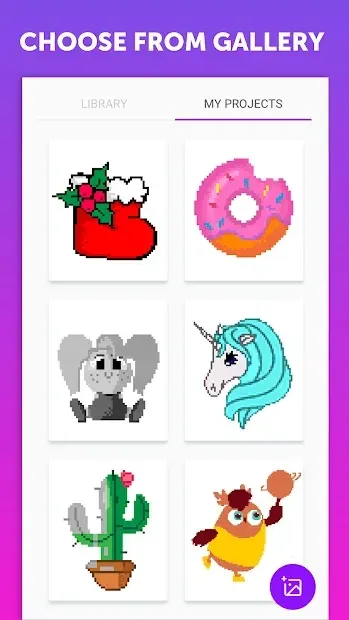
PixelArt: Color by Number / PicsArt Coloring Book is a relaxing Android application designed to provide a soothing digital coloring experience. This app allows users to fill pixelated images with vibrant colors by following a simple number-based system. It serves as an excellent tool for stress relief and creative expression, offering a vast library of pre-made illustrations that cater to various artistic tastes and skill levels.
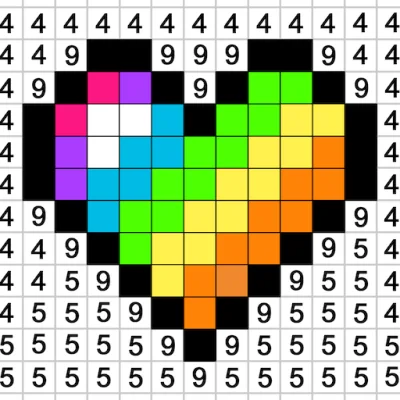
The interface is intuitive, making it accessible for players of all ages who enjoy the therapeutic process of coloring. The core gameplay revolves around matching specific colors to corresponding numbers located within each pixel grid. As you select the correct hue and apply it to the designated area, the image gradually reveals itself, providing a satisfying sense of accomplishment.
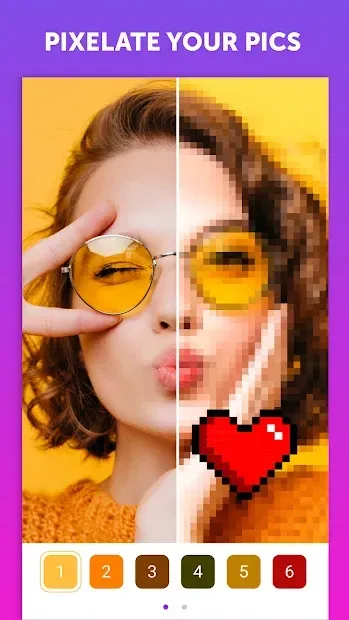
This method ensures that even those without artistic training can create professional-looking artwork. The app includes a wide variety of patterns, from intricate mandalas and nature scenes to popular characters and abstract designs, ensuring there is something for everyone to enjoy. One of the standout features of this APK is the ability to customize your experience by uploading personal photos from your device's memory.
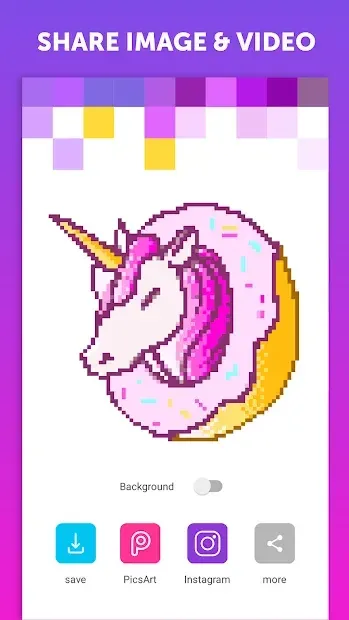
You can convert any image into a pixel art puzzle, allowing you to colorize your own memories or favorite pictures. This functionality transforms the app from a simple coloring book into a personalized creative studio.
How to install the app
- Check the version, Android compatibility, developer and source in the app details block.
- Open the Downloads tab and use the official source or an available catalog link.
- Before installing, review app permissions and use only sources you trust.
Frequently asked questions
What is PixelArt: Color by Number / PicsArt Coloring Book?
It is a relaxing Android app that lets users color pixelated images by matching numbers to specific colors, offering both pre-made designs and custom photo uploads for a personalized creative experience.
Can I use my own photos in the PixelArt app?
Yes, the app allows you to upload images from your mobile device's memory and convert them into pixel art puzzles, enabling you to colorize your own pictures and memories digitally.
Is the PixelArt app free to download on Android?
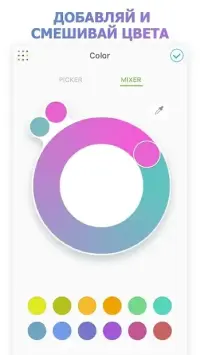
The application is available for download on Android devices, providing a user-friendly interface and extensive color palettes to help you create detailed pixel art masterpieces with ease.
How do I know which color to use for each pixel?
Each pixel in the grid is marked with a number that corresponds to a specific color in the app's palette. Simply select the matching color and tap the pixel to fill it, gradually revealing the complete image.
Similar apps






No comments yet. Be the first!