
Project: Muse
DownloadApp details
- Version
- 4.6.0
- Updated
- 17.10.2026
- Category
- Arcade
- Compatibility
- Android 2.3
- Package name
com.rinzz.projectmuse- Source
- Official Google Play page
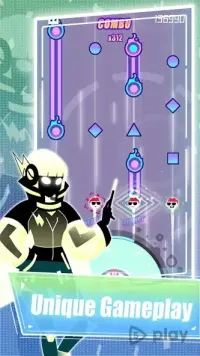
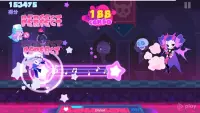
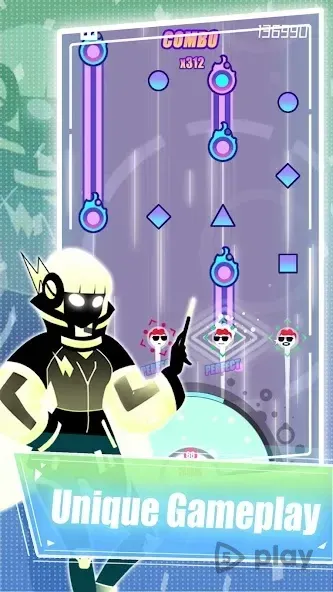
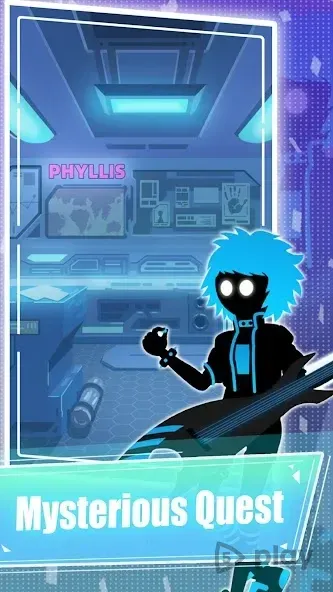
Project: Muse is an exciting rhythm arcade game that challenges your timing and musical intuition. In this engaging mobile experience, players must press piano keys in perfect sync with the beat to create harmonious music. The gameplay is simple yet captivating, requiring quick reflexes and a good ear for rhythm as you navigate through various levels.
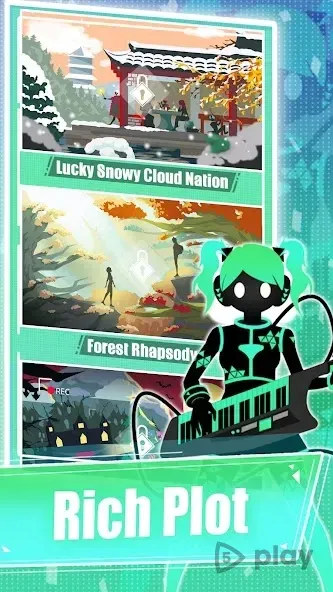
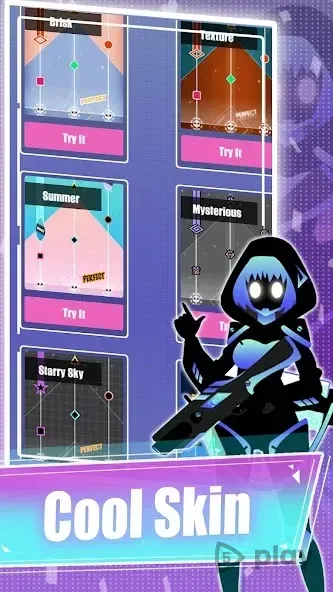
One of the unique features of Project: Muse is its character system. The visual style and musical composition you hear depend on your character selection. This adds a layer of customization and personalization to the game, allowing players to choose avatars that match their aesthetic preferences while enjoying the auditory feedback of their actions.
The game offers a structured learning path for new players. You can start by completing a tutorial section designed to help you understand the controls and mechanics. This ensures that even those new to rhythm games can get up to speed quickly before diving into the more challenging content that follows.
After mastering the basics, you can test your skills by progressing through various levels. The game is known for its high level of musical synchronization, meaning that precision is key. A single mistake can force you to restart the level from the beginning, adding a sense of urgency and excitement to every playthrough.
Project: Muse combines tight gameplay mechanics with attractive graphics, creating a polished Android app experience.
How to install the app
- Check the version, Android compatibility, developer and source in the app details block.
- Open the Downloads tab and use the official source or an available catalog link.
- Before installing, review app permissions and use only sources you trust.
Frequently asked questions
What is Project: Muse?
Project: Muse is a rhythm arcade game where players press piano keys in time with the music beat to create compositions and progress through levels.
Does the game have a tutorial?
Yes, the game includes a tutorial section at the beginning where players can learn the controls and get used to the management of the gameplay mechanics.
What happens if I make a mistake?
The game features a high level of synchronization, so making a single mistake will cause you to restart the level from the beginning, requiring precision.
Can I choose different characters?
Yes, there are several characters available in the game. Your choice of character influences the visual style and the specific musical composition that plays during your session.


No comments yet. Be the first!