

Shift
DownloadApp details
- Version
- 1.0.11
- Updated
- 06.09.2021
- Category
- Arcade
- Compatibility
- Android 4.1
- Package name
com.pixite.shift- Source
- Official Google Play page
Shift is a versatile Android application designed to transform ordinary snapshots into stunning visual masterpieces. This utility serves as an essential tool for users who want to enhance their photography without needing advanced technical skills. The app provides a straightforward interface that allows anyone to achieve professional-looking results with just a few taps, making it accessible for both casual users and photography enthusiasts.
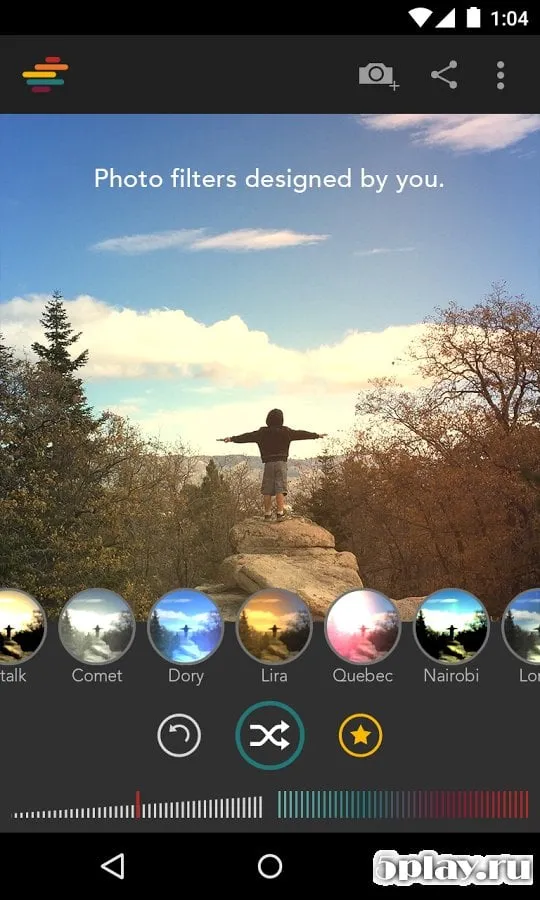
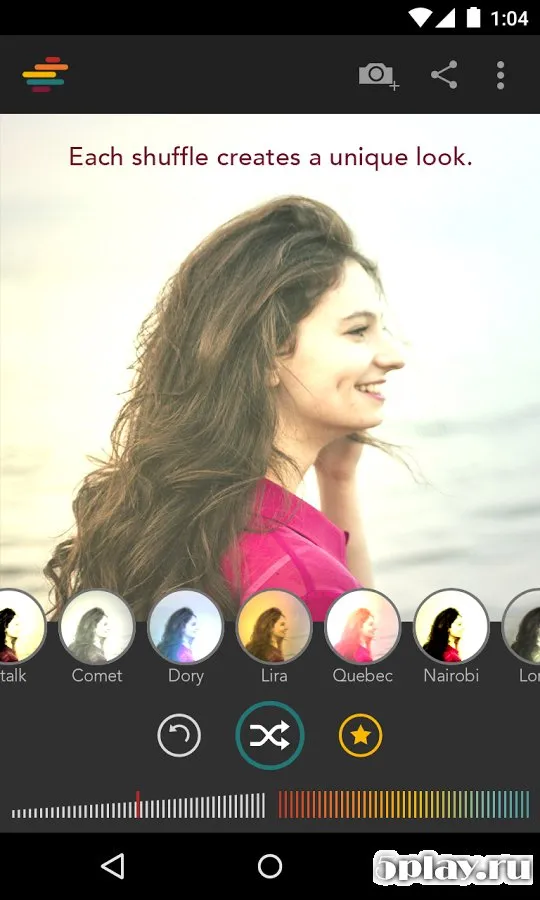
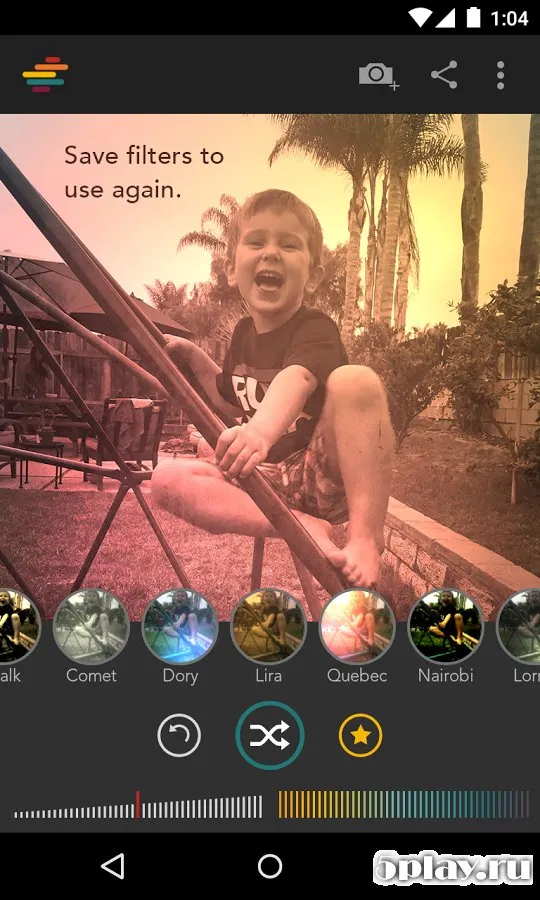
One of the key features of Shift is its extensive library of ready-made filters. These filters cover a wide variety of scenarios and moods, ensuring that you can always find the perfect look for your images. Whether you are capturing a vibrant cityscape, a serene landscape, or a candid portrait, the pre-set options help you apply consistent and high-quality effects instantly.
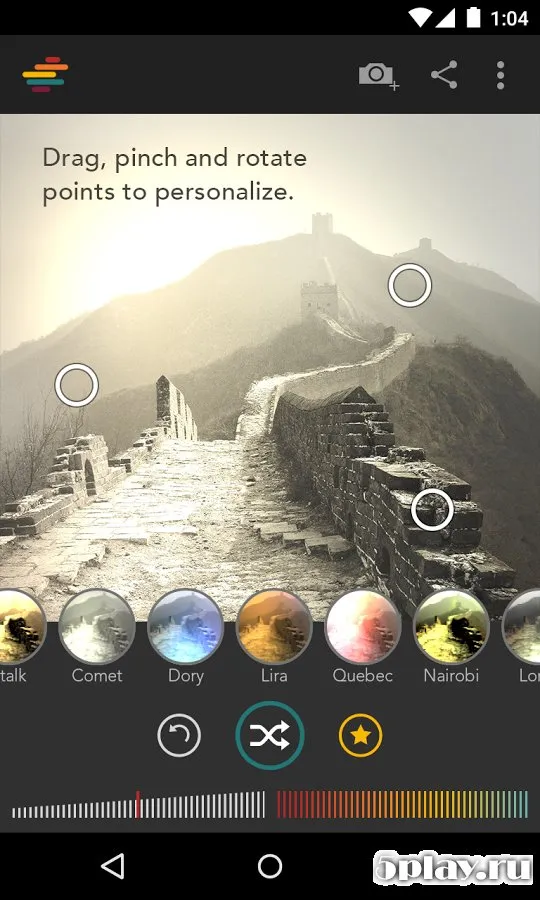
This saves time and ensures that your photos stand out on social media platforms. For those who prefer a more personalized touch, Shift offers robust manual editing capabilities. You can create your own custom filters by adjusting specific color parameters.
The app allows you to manipulate color values using intuitive controls, giving you precise command over the final appearance of your photos. This level of customization enables you to develop a unique style and make your images truly one-of-a-kind. The utility is particularly valuable for users who regularly share photos on social networks.
How to install the app
- Check the version, Android compatibility, developer and source in the app details block.
- Open the Downloads tab and use the official source or an available catalog link.
- Before installing, review app permissions and use only sources you trust.
Frequently asked questions
What is the main purpose of the Shift application?
Shift is an Android utility designed to help users create high-quality photographs by applying various filters and adjusting color parameters for better visual impact.
Can I create my own filters in Shift?
Yes, the app allows you to create custom filters by adjusting color values using intuitive controls, enabling you to personalize the look of your photos exactly as you wish.
Is Shift suitable for professional photographers?
Yes, Shift is useful for professionals who need quick and effective editing tools on their Android devices, offering both ready-made options and advanced manual adjustments.
How does Shift help with social media photos?
Shift enhances the visual quality of your images, making them stand out on social networks by providing a wide range of filters and precise color correction tools.







No comments yet. Be the first!