
Snapseed
Open in Google PlaySpaceAPK does not provide APK files. A listed Google Play link is a reference: check the store for availability, version, price and paid features. The catalog version is not offered as a downloadable file.
App details
- Recorded version
- 2.19.0.201907232
- Updated
- 21.11.2021
- Category
- Arcade
- Compatibility
- Android 4.1
- Package name
com.niksoftware.snapseed- Source
- Google Play reference
Snapseed is a comprehensive and powerful photo editor developed by Google, designed to transform any image stored on your device or SD card into a stunning visual masterpiece. This versatile application stands out in the crowded market of mobile editing tools by offering a perfect blend of professional-grade features and an intuitive user interface. Whether you are a casual user looking to enhance a quick snapshot or a photography enthusiast seeking precise control over your images, Snapseed provides the necessary tools to achieve professional results directly on your Android device.
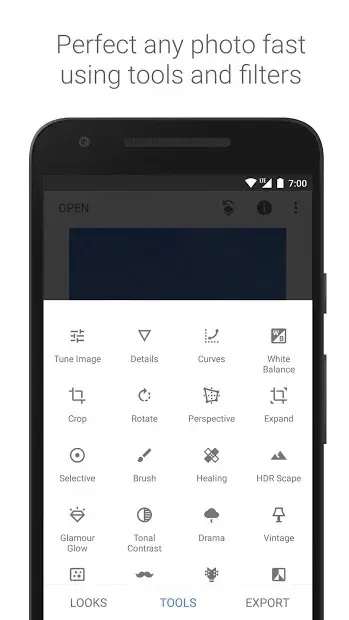
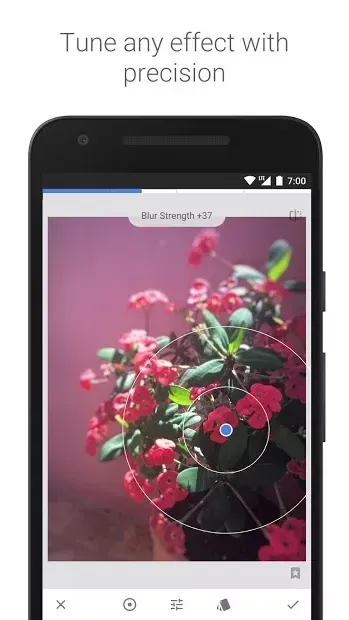
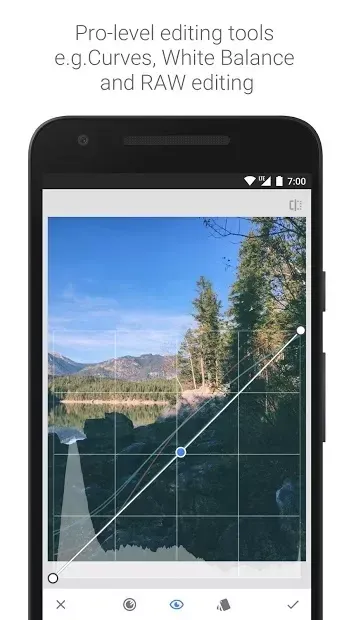
The app includes standard editing instruments such as brightness, contrast, and saturation adjustments, but it also features unique tools rarely found in similar programs. You can refine image sharpness, correct perspective distortions, and apply selective edits to specific areas of your photo without affecting the rest of the image. The interface is clean and logical, making it easy to navigate through the extensive list of filters and effects.
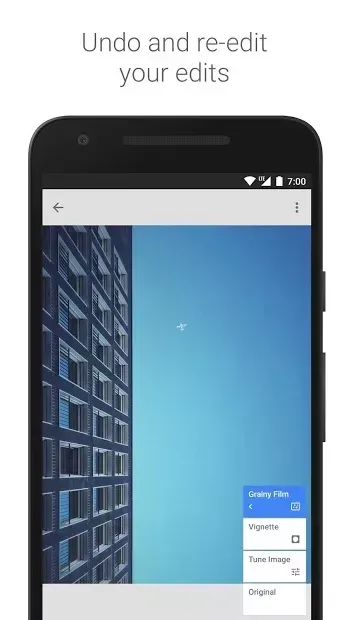
Each tool is designed to be user-friendly, ensuring that even complex adjustments can be performed with minimal effort and maximum precision. One of the key strengths of Snapseed is its non-destructive editing capability. This means that you can experiment with various filters and adjustments without permanently altering the original image.
Availability and source
- Check the version, Android compatibility, developer and source in the app details block.
- Open the official app page on Google Play if a link is available.
- Before installing, review app permissions and use only sources you trust.
Frequently asked questions
Is Snapseed free to use on Android devices?
Yes, Snapseed is completely free to download and use on all Android devices without any hidden costs or advertisements.
Does Snapseed support RAW image editing?
Yes, Snapseed supports RAW image formats, allowing for high-quality edits with greater detail retention and color depth.
Can I edit specific parts of an image in Snapseed?
Yes, the selective adjustment tool allows you to target specific areas of an image for precise edits without affecting the rest.
Is Snapseed suitable for beginners?
Yes, Snapseed features an intuitive interface and logical menu structure, making it accessible for users of all skill levels.
No comments yet. Be the first!