
Solitaire
Open in Google PlayApp details
- Version
- 1.24
- Updated
- 29.11.2021
- Category
- Arcade
- Compatibility
- Android 2.3
- Package name
uk.co.aifactory.solitaire- Source
- Official Google Play page
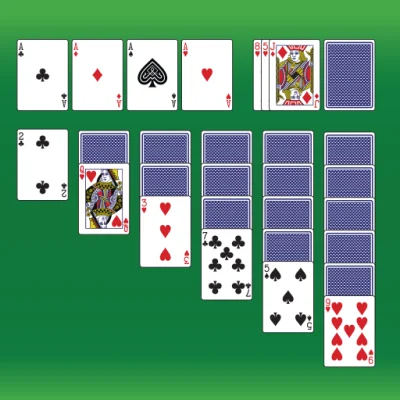
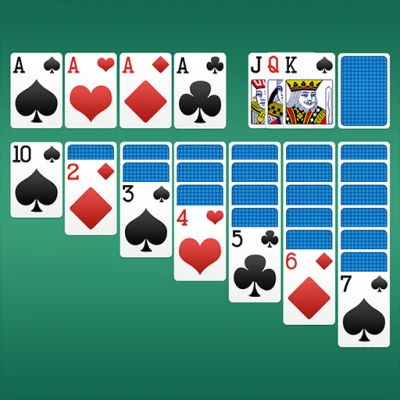
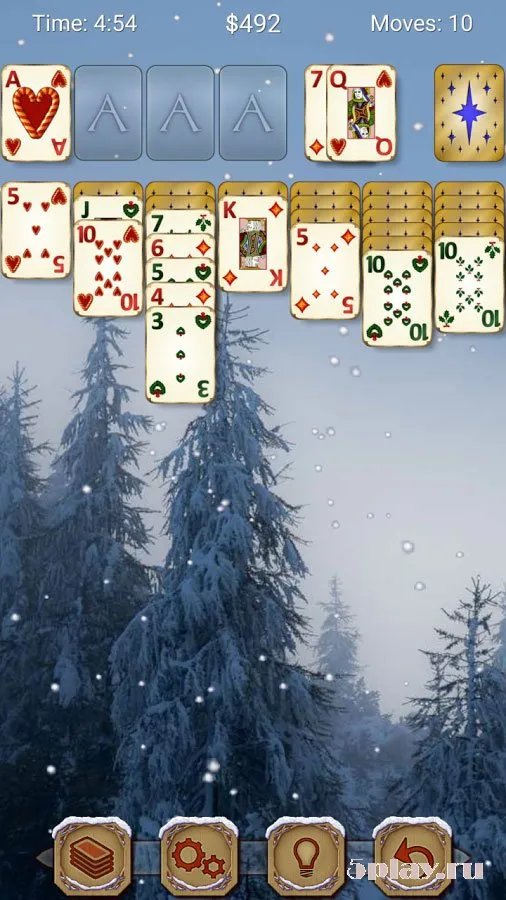
Solitaire is a widely recognized and beloved card game that is now available for smartphones and tablets running the Android operating system. This classic pastime has been optimized for mobile devices, allowing players to enjoy the timeless experience of Klondike Solitaire on the go. The game offers a seamless interface that adapts to various screen sizes, ensuring a comfortable and engaging experience whether you are using a smartphone or a tablet.
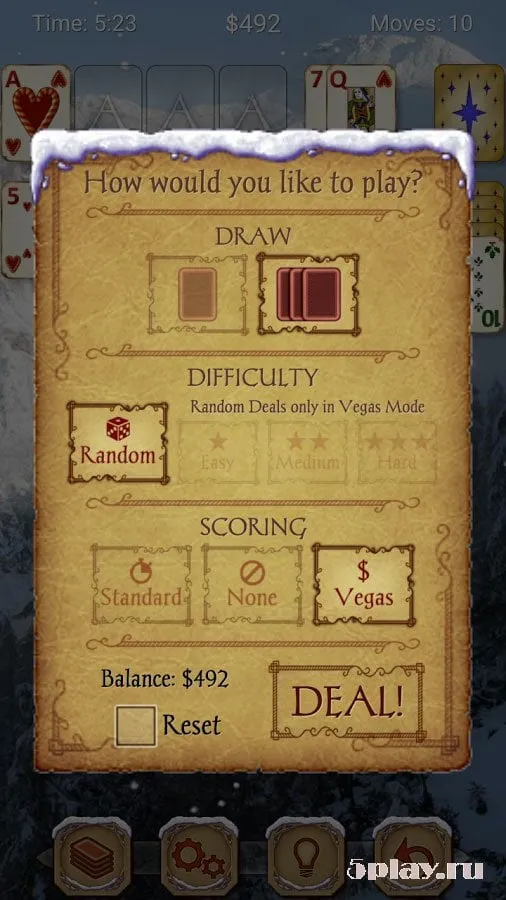
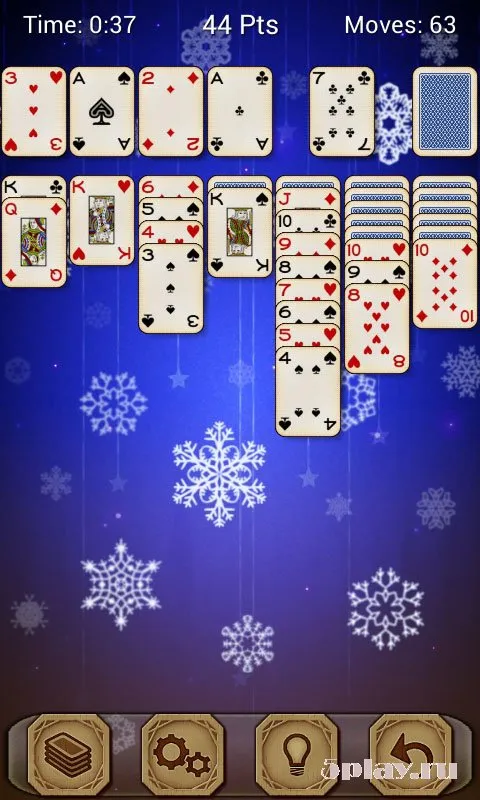
It is the perfect way to pass time during commutes, breaks, or quiet evenings at home. The application provides two distinct game modes: Standard and Vegas. Players can customize the background color to their preference and choose their preferred dealing style, with options to reveal one card or three cards at a time.
This flexibility allows users to tailor the gameplay to their skill level and personal taste. The game automatically saves your progress, so you can pause and resume at any time. If you receive a call or if the battery runs low, your current game state is preserved, ensuring you never lose your place in the middle of a challenging round.
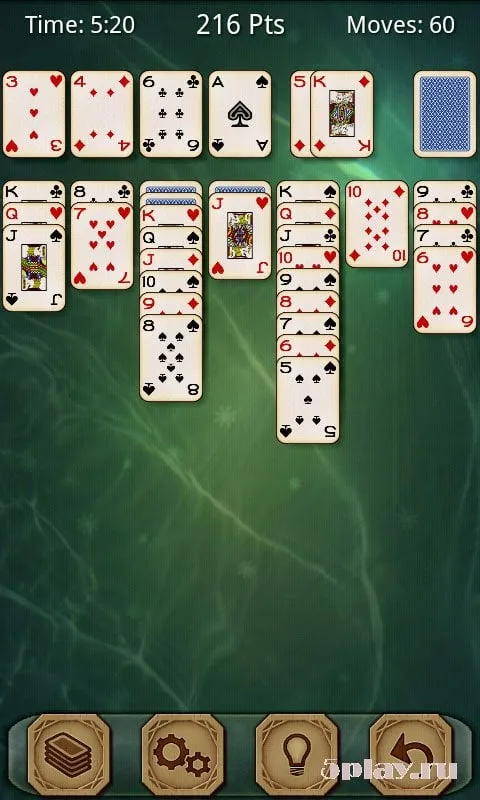
The core gameplay involves dealing fifty-two cards face up into five columns. Four columns will hold seven cards each, while the other four columns will hold eight cards. The layout includes eight empty slots designated as the "house" and "free" foundations.
Cards are moved one by one within columns, alternating colors and descending in rank.
How to install the app
- Check the version, Android compatibility, developer and source in the app details block.
- Open the official app page on Google Play if a link is available.
- Before installing, review app permissions and use only sources you trust.
Frequently asked questions
What are the two game modes available in Solitaire?
The Solitaire app offers two distinct game modes for players to enjoy: the Standard mode and the Vegas mode. These options allow users to select their preferred style of play, catering to different skill levels and preferences for classic card game enthusiasts.
Does the game save my progress automatically?
Yes, the game automatically saves your current progress. If you exit the app due to a call, low battery, or other interruptions, your game state is preserved. You can resume exactly where you left off without losing any of your moves or card positions.
How many cards are dealt in the initial layout?
The initial layout consists of fifty-two cards dealt face up into five columns. Specifically, four of these columns will contain seven cards each, while the remaining four columns will hold eight cards each, creating a balanced and challenging starting position for the game.
Can I customize the appearance of the game?
Yes, players can customize the background color of the game to their liking. Additionally, users can choose their preferred dealing style, opting to reveal either one card or three cards at a time. This flexibility enhances the user experience by allowing personalization of the gameplay environment.





No comments yet. Be the first!