
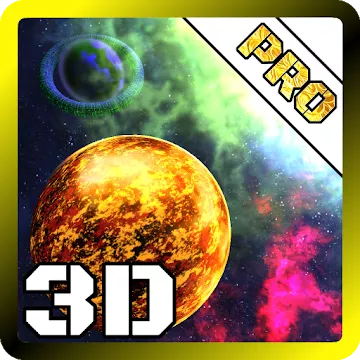
Space Live Wallpaper 3D
DownloadApp details
- Version
- 1.4
- Updated
- 16.10.2026
- Category
- Arcade
- Compatibility
- Android 4.1
- Package name
com.zamdevelop.planetswallpaper- Source
- Official Google Play page
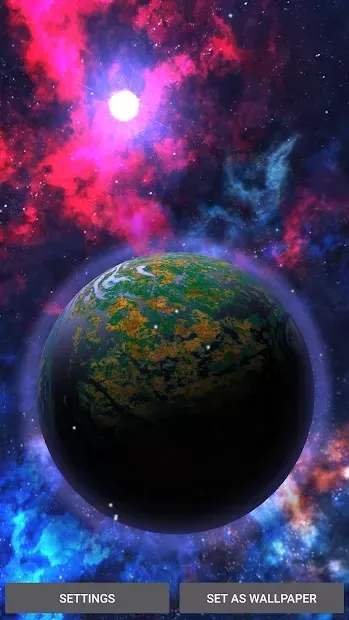
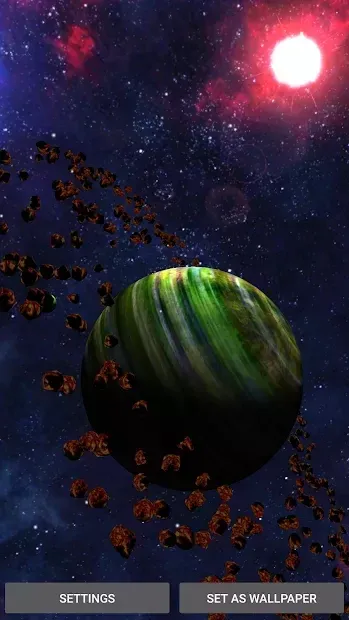
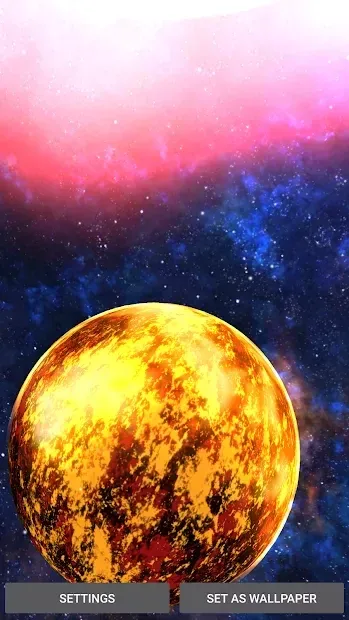
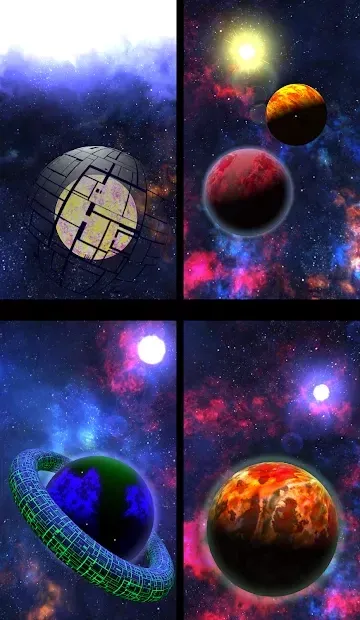
Space Live Wallpaper 3D is a captivating Android application that transforms your device screen into a dynamic journey through the solar system. Developed by Zam Develop, this live wallpaper offers a visually stunning experience that brings the cosmos to life right on your smartphone or tablet. The app is designed to provide an immersive look at the universe, making it perfect for astronomy enthusiasts and anyone who appreciates high-quality visual effects on their mobile device.
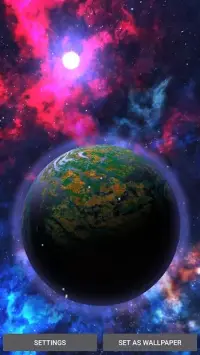
One of the standout features of Space Live Wallpaper 3D is its realistic depiction of celestial bodies. The visuals include detailed planets, stars, and the vastness of space, all rendered with impressive clarity. When you rotate your phone, the perspective shifts as if you are looking out of a spaceship window, creating a sense of depth and movement.
This gyroscopic interaction adds a layer of interactivity, making the experience feel alive and responsive to your movements. Upon launching the app, you are greeted by a view of planet Earth with the sun shining brightly in the background. You can navigate between different planets by swiping left or right on the screen.
The interface is intuitive, allowing you to explore various celestial objects with ease.
How to install the app
- Check the version, Android compatibility, developer and source in the app details block.
- Open the Downloads tab and use the official source or an available catalog link.
- Before installing, review app permissions and use only sources you trust.
Frequently asked questions
What is Space Live Wallpaper 3D?
Space Live Wallpaper 3D is an Android app that provides a realistic and interactive 3D view of the solar system as a dynamic screen background.
How do I navigate between planets?
You can navigate between planets by swiping left or right on the screen. The app also supports gyroscopic movement for a more immersive experience.
Can I customize the graphics quality?
Yes, the app includes settings to adjust transition speed, star colors, and overall graphics quality to suit your device's performance and battery life.
Does it work on all Android devices?
It works on most Android devices, but high graphic settings are recommended for powerful smartphones and tablets to ensure smooth performance.
Similar apps


No comments yet. Be the first!