
Spelling Check PRO
Open in Google PlayApp details
- Updated
- 15.10.2021
- Category
- Android applications
- Package name
air.com.littlebigplay.games.premium.spellingcheck- Source
- Official Google Play page
Spelling Check PRO is a high-quality Android application designed to help users improve their English spelling skills through engaging gameplay. The app transforms the traditional process of checking orthography into an interactive experience, making it an ideal tool for language learners and native speakers alike who want to refine their vocabulary and writing accuracy. By integrating educational content with entertainment, the app ensures that users remain motivated while practicing their language skills.
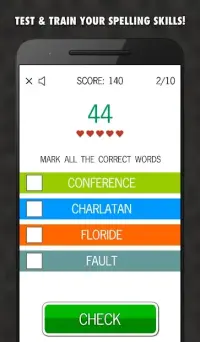
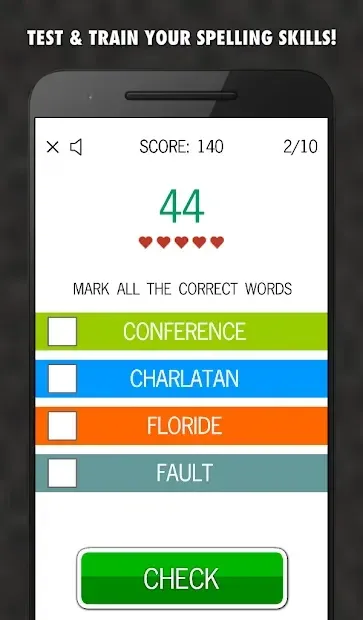
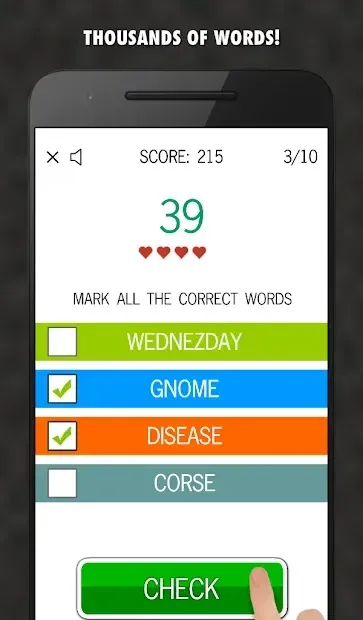
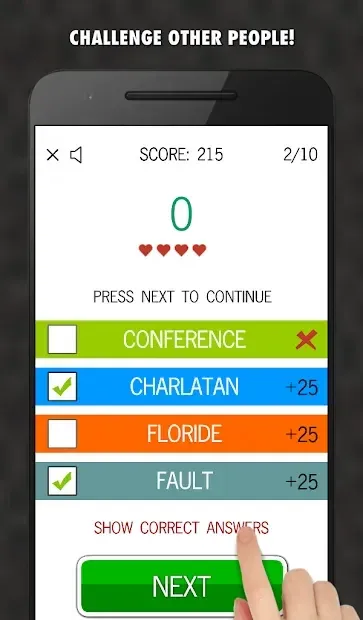
The application features two distinct modes: practice and test. In practice mode, users can familiarize themselves with hundreds of words at their own pace, building a stronger vocabulary base. The test mode challenges users with timed quizzes that assess their knowledge and track their progress.
This dual approach allows users to both learn new words and evaluate their current proficiency levels effectively, ensuring a comprehensive learning experience tailored to individual needs. One of the standout features of Spelling Check PRO is its game-like interface, which presents spelling challenges as puzzles. This gamified approach makes the learning process enjoyable and less tedious compared to standard drills.
The app includes a rating table where users can monitor their improvement over time, providing a clear visual representation of their progress.
How to install the app
- Check the version, Android compatibility, developer and source in the app details block.
- Open the official app page on Google Play if a link is available.
- Before installing, review app permissions and use only sources you trust.
Frequently asked questions
What is Spelling Check PRO?
Spelling Check PRO is an Android app that helps users improve their English spelling skills through interactive games and practice modes.
Does the app have different modes?
Yes, the app features two main modes: a practice mode for learning words and a test mode to assess your current spelling knowledge.
Can I share my results with friends?
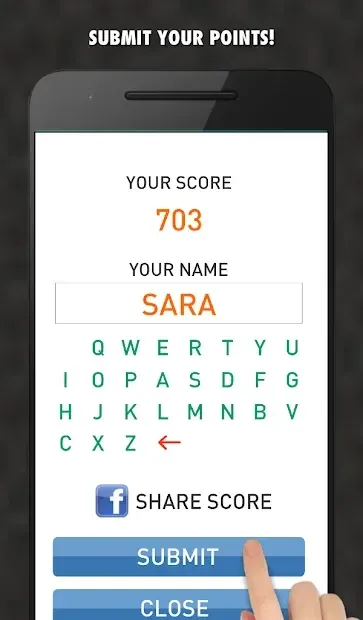
Yes, you can share your scores and achievements on social media platforms to compete with friends and track your progress together.
Is the interface easy to use?
The interface is designed to be simple and intuitive, allowing users of all ages to navigate the app easily and focus on learning.
Similar apps





No comments yet. Be the first!