

Swype Keyboard
DownloadApp details
- Version
- 3.2.4.3020400.50699
- Updated
- 16.10.2026
- Category
- Arcade
- Compatibility
- Android 2.3
- Package name
com.nuance.swype.dtc- Source
- Official Google Play page
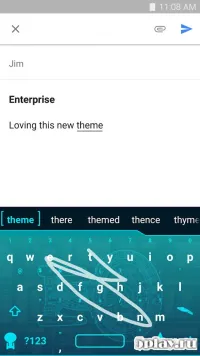
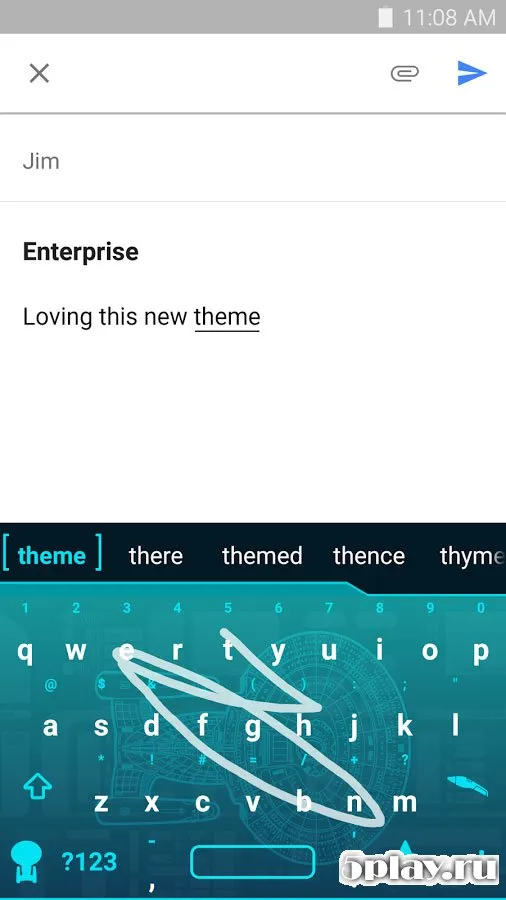
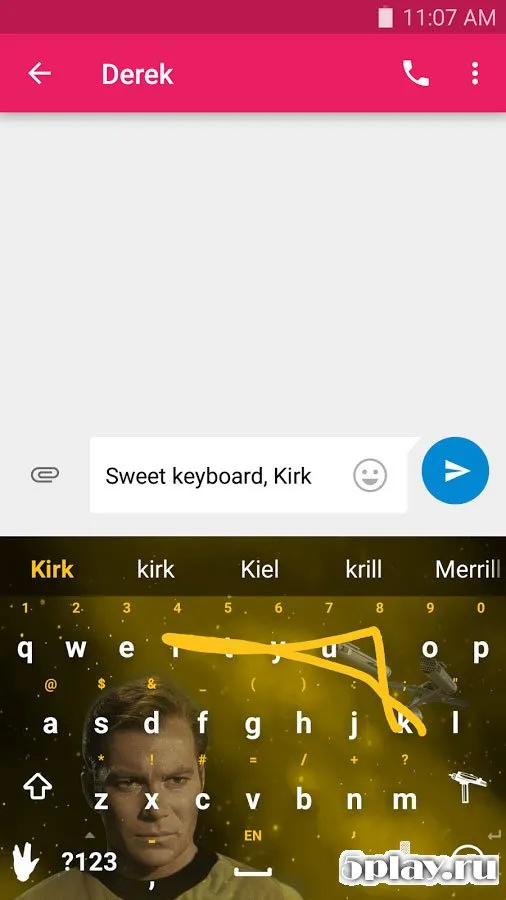
The Swype Keyboard application significantly enhances the process of typing text messages on Android devices. Millions of users have already appreciated the convenience of this software, and their number continues to grow every day. By using this megapopular keyboard, you can type text at the speed of thought.
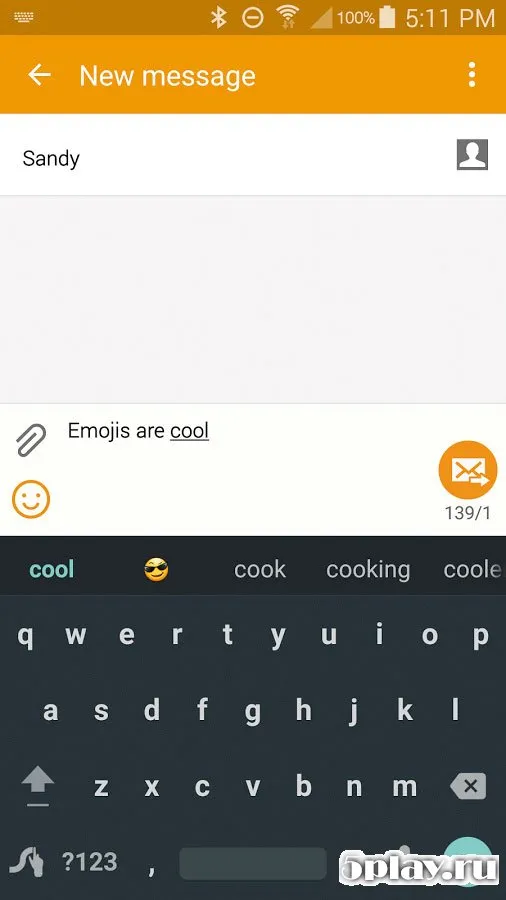
The secret lies in the fact that the program adapts to your specific writing style, making every keystroke feel natural and responsive to your unique habits. A personal language model serves as a reliable helper that predicts the next words as you begin to type. This intelligent prediction engine learns from your usage patterns, reducing the number of taps required to form complete sentences.
The developers have not forgotten about bilingual support, which further increases convenience. Now you can type words simultaneously in two languages, making it easier to switch between English and other languages without changing settings manually. If something goes wrong, everything can be corrected using the built-in editor.
This feature ensures that typos or incorrect predictions do not disrupt your flow. You can easily edit your text before sending it, ensuring that your message is clear and accurate. The editor is intuitive and integrates seamlessly with the typing experience, allowing for quick corrections without losing your train of thought.
If you do not want to type a message manually, you can always use voice input.
How to install the app
- Check the version, Android compatibility, developer and source in the app details block.
- Open the Downloads tab and use the official source or an available catalog link.
- Before installing, review app permissions and use only sources you trust.
Frequently asked questions
Does Swype Keyboard support bilingual typing?
Yes, the application supports bilingual typing, allowing users to type words simultaneously in two different languages without switching modes.
How does the predictive text feature work?
The predictive text feature uses a personal language model that learns your writing style and predicts the next words to speed up typing.
Can I use voice input with Swype Keyboard?
Yes, you can use voice input which accurately converts your speech into text, allowing for hands-free typing with high accuracy.
Is there a built-in editor for corrections?
Yes, there is a built-in editor that allows you to easily correct any mistakes or typos in your text before sending the message.
Similar apps





No comments yet. Be the first!