
Tiny Scanner Pro: PDF Doc Scan
DownloadApp details
- Version
- 4.2.5
- Updated
- 16.10.2026
- Category
- Arcade
- Compatibility
- Android 3.0
- Package name
com.appxy.tinyscan- Source
- Official Google Play page
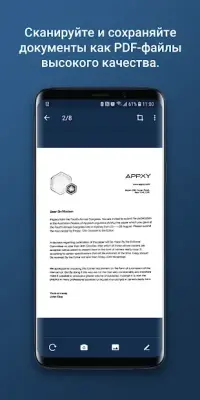
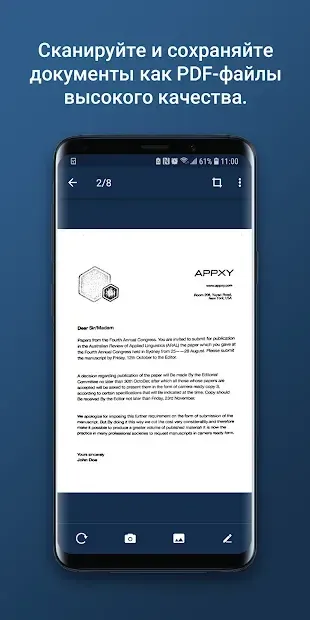
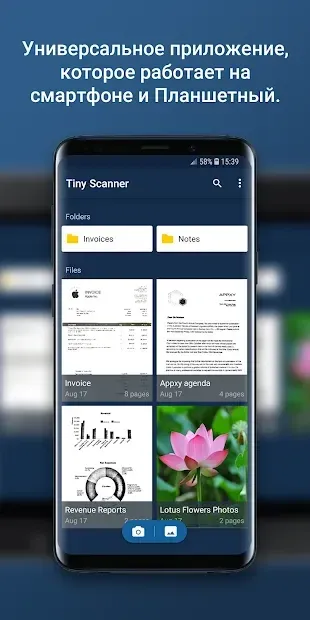
Tiny Scanner Pro: PDF Doc Scan is a powerful and intuitive mobile application designed to transform your smartphone into a versatile document scanner. By utilizing the high-quality camera of your Android device, this app allows you to capture crisp, clear images of physical documents and convert them instantly into professional PDF files. Whether you are at home, in the office, or on the go, this tool ensures that you can digitize important paperwork with ease and precision.
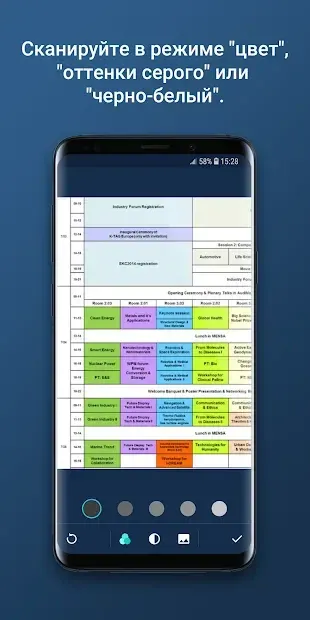
The application excels in its ability to handle various types of documents, including receipts, invoices, business cards, and official papers. It offers both color and black-and-white scanning modes, giving you the flexibility to choose the best output for your specific needs. The smart edge detection feature automatically identifies the boundaries of your document, ensuring that the final scan is perfectly framed without any unnecessary background clutter.
This automation saves time and reduces the need for manual cropping. For users who require more control, Tiny Scanner Pro also provides the option to manually adjust the page dimensions. This feature is particularly useful when dealing with documents that have irregular shapes or when you need to fit specific content into a precise layout.
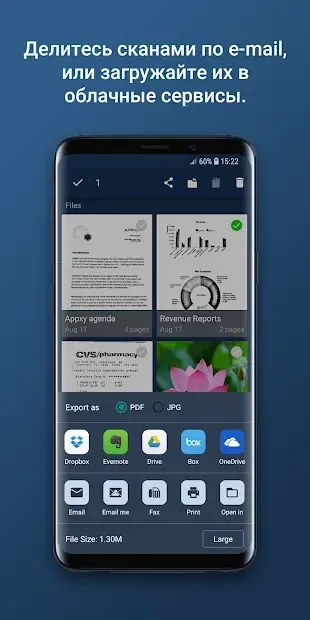
The app organizes your scanned files efficiently, sorting them either by document name or by date.
How to install the app
- Check the version, Android compatibility, developer and source in the app details block.
- Open the Downloads tab and use the official source or an available catalog link.
- Before installing, review app permissions and use only sources you trust.
Frequently asked questions
Does Tiny Scanner Pro support both color and black and white scanning?
Yes, the app allows users to choose between color and black-and-white modes for their document scans to suit their specific needs.
How does the app organize scanned documents?
Scanned documents are automatically sorted by file name or by date, making it easy to find specific files later.
Can I manually adjust the page size during scanning?
Yes, users have the option to manually set the page dimensions if they require more control over the final output format.
What types of documents can be scanned with this app?
The app is designed to scan various documents including receipts, invoices, business cards, and other important paper files.
Similar apps
No comments yet. Be the first!