

TripTrap
Open in Google PlaySpaceAPK does not provide APK files. A listed Google Play link is a reference: check the store for availability, version, price and paid features. The catalog version is not offered as a downloadable file.
App details
- Recorded version
- 1.8.8
- Updated
- 08.11.2021
- Category
- Arcade
- Compatibility
- Android 4.1
- Package name
com.duellogames.triptrap_android- Source
- Google Play reference
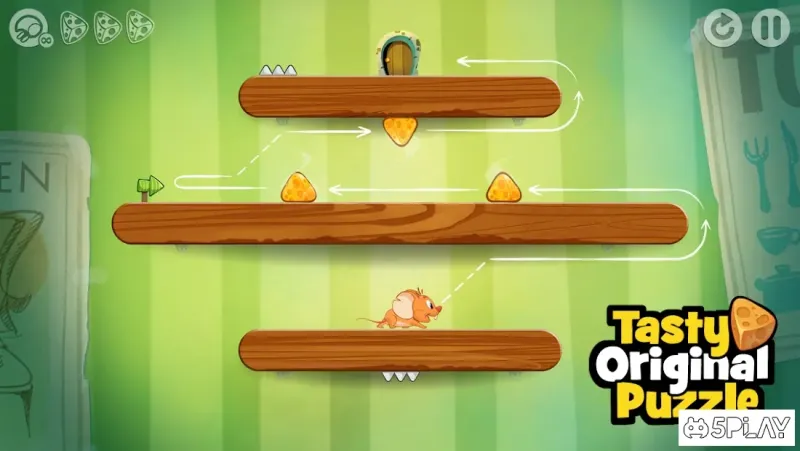
TripTrap offers a delightful blend of charming visuals and intuitive one-touch controls, making it an accessible yet engaging experience for players of all skill levels. The game stars a cute mouse named Ced, whose simple quest to find food turns into a delightful arcade challenge. With its polished graphics and straightforward gameplay mechanics, TripTrap delivers a satisfying mobile gaming experience that is easy to pick up but hard to put down.
The story begins when Ced discovers that his refrigerator is completely empty. Hungry and determined, he heads to the kitchen where a large, delicious block of cheese awaits. To reach this tasty prize, players must tap the screen to change Ced's direction.
This simple mechanic forms the core of the game, requiring quick reflexes and strategic planning to navigate through various obstacles and reach the goal. As you progress through the early levels, the process of gathering cheese remains relatively straightforward. The obstacles are minimal, allowing you to get a feel for the controls and rhythm of the game.
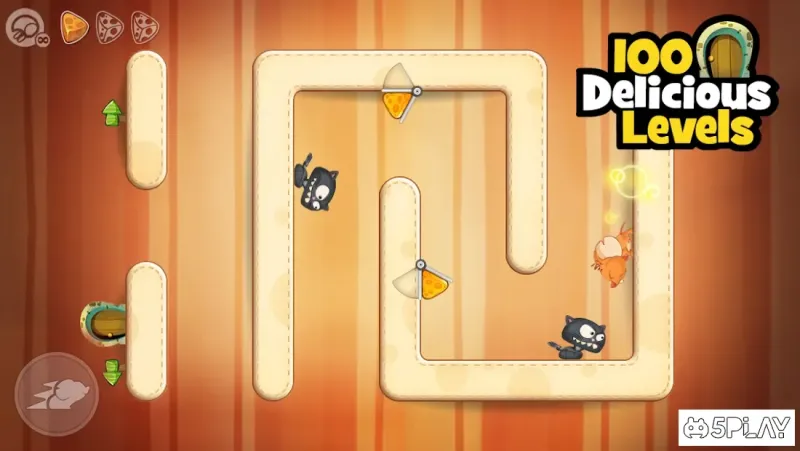
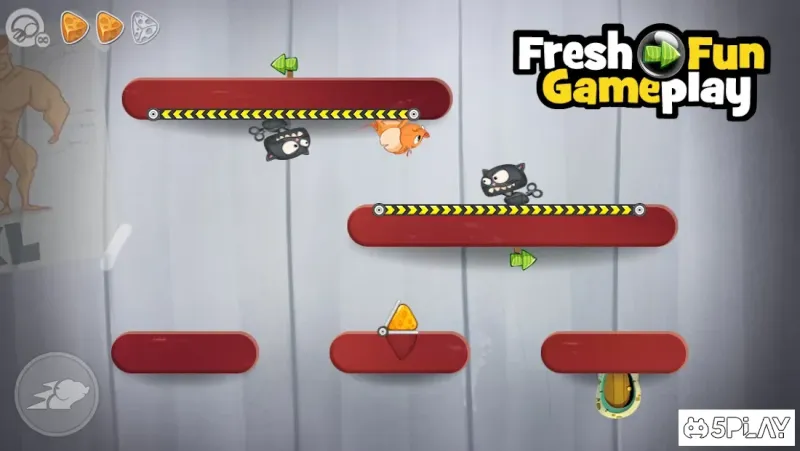
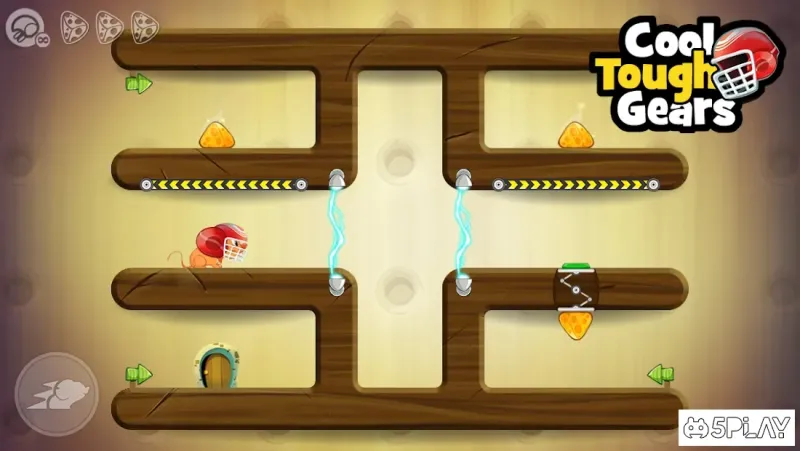
However, as you advance, the difficulty increases significantly. The stages begin to feature traps, holes, and other hazards that will challenge your ability to maneuver Ced safely to the cheese. The increasing complexity of the levels ensures that the game remains engaging throughout.
You will need to carefully plan your taps and anticipate the movement of obstacles to avoid falling into pits or getting stuck.
Availability and source
- Check the version, Android compatibility, developer and source in the app details block.
- Open the official app page on Google Play if a link is available.
- Before installing, review app permissions and use only sources you trust.
Frequently asked questions
What is the main objective in TripTrap?
The main objective is to guide the mouse character Ced through various kitchen levels by tapping the screen to change direction and reach the cheese while avoiding obstacles.
How do you control the character in TripTrap?
You control the character by tapping the screen to change his direction. This one-touch mechanic makes the game easy to learn and play on any Android device.
What happens as you progress in the game?
As you progress, the levels become more difficult with added traps, holes, and other hazards that make it harder to reach the cheese, requiring better timing and precision.
Similar apps

No comments yet. Be the first!