
App details
- Version
- 3.3.3e
- Updated
- 28.11.2021
- Category
- Arcade
- Compatibility
- Android 4.0
- Package name
com.gameloft.android.anmp.gloftuohm- Source
- Official Google Play page
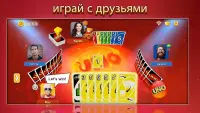
UNO is a beloved classic card game that brings the excitement of family gatherings to your Android device. This APK version allows you to enjoy the timeless fun of matching colors and numbers with friends and players from around the world. Whether you are playing solo or with a group, the game offers a seamless experience optimized for mobile screens.
The interface is clean and intuitive, making it easy for players of all ages to dive right into the action without a steep learning curve. The core objective remains simple yet thrilling: be the first to get rid of all your cards. You must match the top card in the discard pile by color, number, or symbol.
Special action cards like Skip, Reverse, and Draw Two add layers of strategy and surprise to every round. With its vibrant graphics and engaging sound effects, UNO captures the essence of the physical card game while adding digital conveniences like auto-play and quick match options. This version of UNO includes several exciting game modes to keep the experience fresh.
You can enjoy the classic mode, duel mode for intense one-on-one battles, and team modes that require coordination with partners. The game also features various themes and avatars, allowing you to personalize your profile and stand out in the lobby. These customization options ensure that your gaming session feels unique and tailored to your preferences.
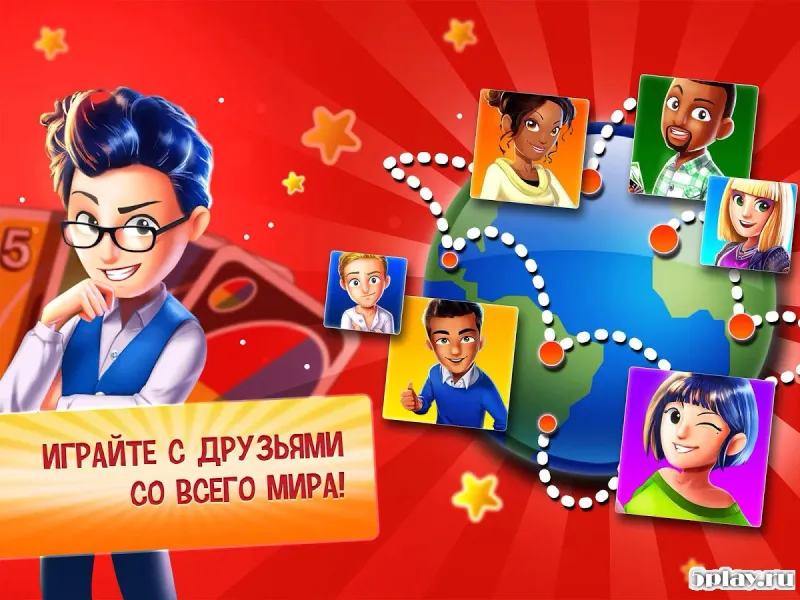
One of the standout features of the UNO APK is its global multiplayer capability.
How to install the app
- Check the version, Android compatibility, developer and source in the app details block.
- Open the official app page on Google Play if a link is available.
- Before installing, review app permissions and use only sources you trust.
Frequently asked questions
Is the UNO APK free to play on Android devices?
Yes, the UNO APK is free to download and play on Android devices. You can enjoy classic modes, duels, and team games without any initial cost, though there may be optional in-app purchases for cosmetic items or extra features to enhance your gaming experience.
Can I play UNO offline without an internet connection?
Yes, you can play UNO offline in single-player modes or against bots. However, to play with friends or compete in global multiplayer matches, you will need an active internet connection to sync your game data and connect with other players in real-time.
What game modes are available in the UNO APK?
The UNO APK offers multiple game modes including Classic, Duel, Team, and Elimination. Each mode provides a different level of challenge and social interaction. You can also customize your experience with various themes, avatars, and special visual effects to make your gameplay unique and engaging.
How do I invite friends to play UNO on my Android phone?
You can invite friends by sharing a unique game link or code directly from the app. Once they download the APK and open the link, they will join your game room instantly. This feature makes it easy to gather a group and start playing together regardless of their current location or device type.


Version history
Below are the catalog pages found for this app. When a source changelog is available, it will be added separately.
No comments yet. Be the first!