
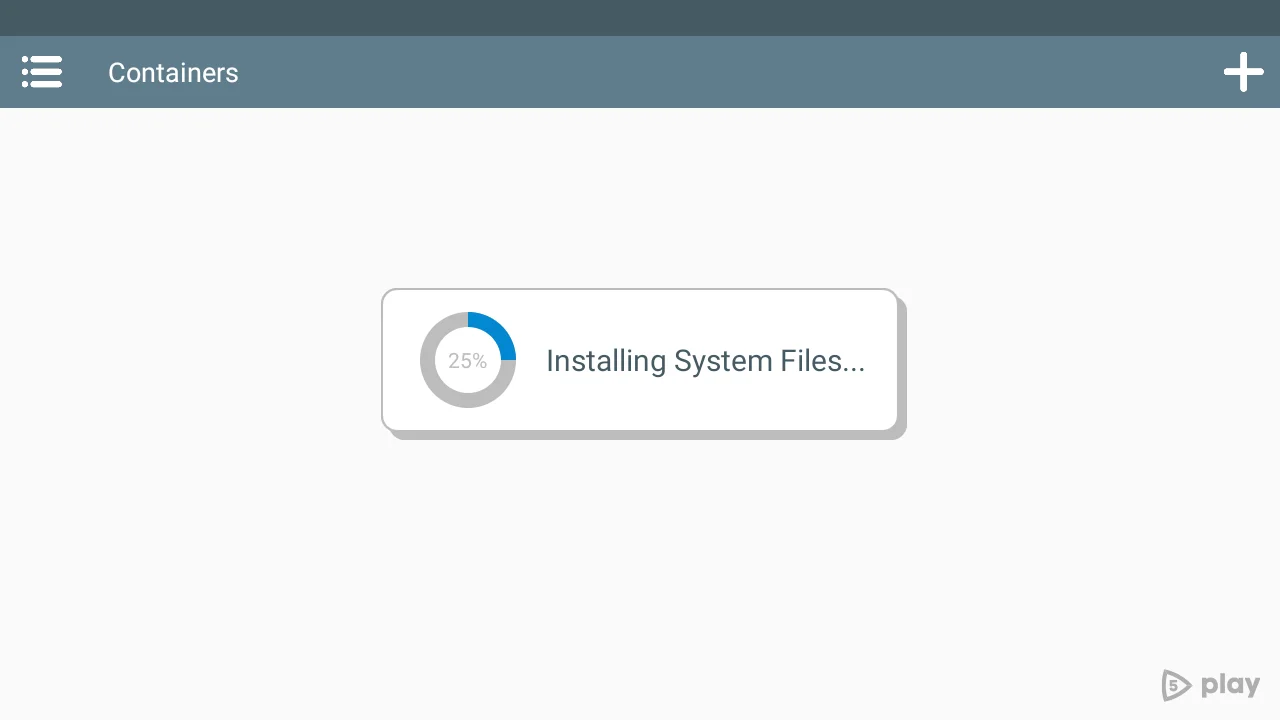
Winlator 7.1
DownloadApp details
- Updated
- 18.10.2026
- Category
- Miscellaneous
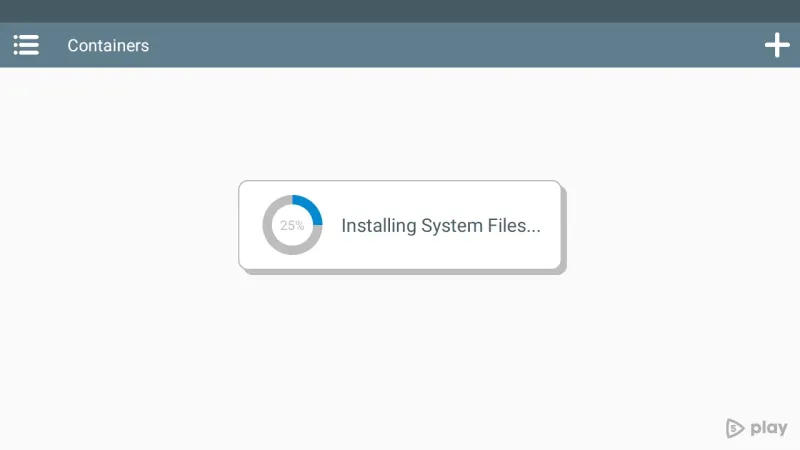
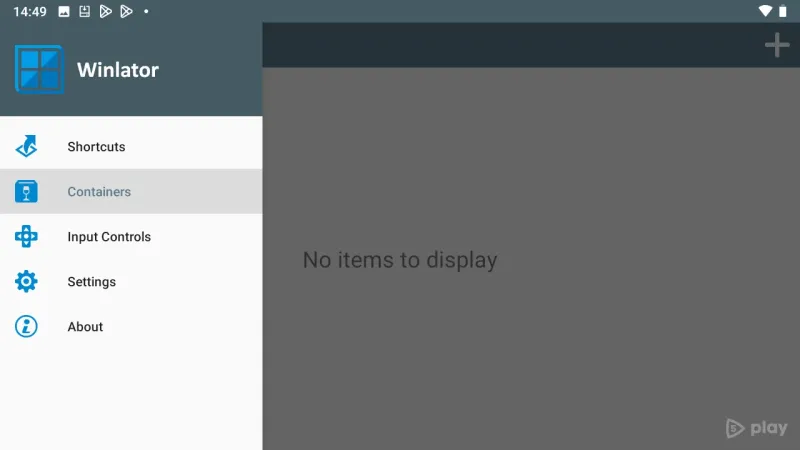
Winlator 7.1 is an innovative Android application that empowers users to run Windows applications (X86_64) seamlessly on their devices. By leveraging advanced technologies such as Wine and Box86/Box64, Winlator opens up new possibilities for compatibility with Windows on Android. This app is perfect for those who want to enjoy their favorite Windows software without being restricted to a PC.
The user-friendly interface ensures that even those who are not tech-savvy can easily navigate and utilize the app's features. With Winlator 7.1, you can explore a wide range of Windows applications directly on your Android device, making it a versatile tool for both personal and professional use. Whether you need to access specific software for work or simply want to play your favorite Windows games on the go, Winlator has you covered.
The application is optimized for performance, providing a smooth experience that minimizes lag and maximizes usability. Additionally, Winlator 7.1 is regularly updated to improve functionality and expand compatibility with more applications. The development team is committed to enhancing the user experience by addressing any issues that may arise and incorporating user feedback into future updates.
This ensures that you always have access to the latest features and improvements. Installing Winlator 7.1 is straightforward, and the app is designed to be lightweight, so it won’t take up too much space on your device. Embrace the freedom to run Windows apps anywhere with Winlator 7.1, your go-to solution for bridging the gap between Android and Windows environments.
How to install the app
- Check the version, Android compatibility, developer and source in the app details block.
- Open the Downloads tab and use the official source or an available catalog link.
- Before installing, review app permissions and use only sources you trust.
Frequently asked questions
What is Winlator 7.1?
Winlator 7.1 is an app that allows you to run Windows applications on Android devices.
How does Winlator work?
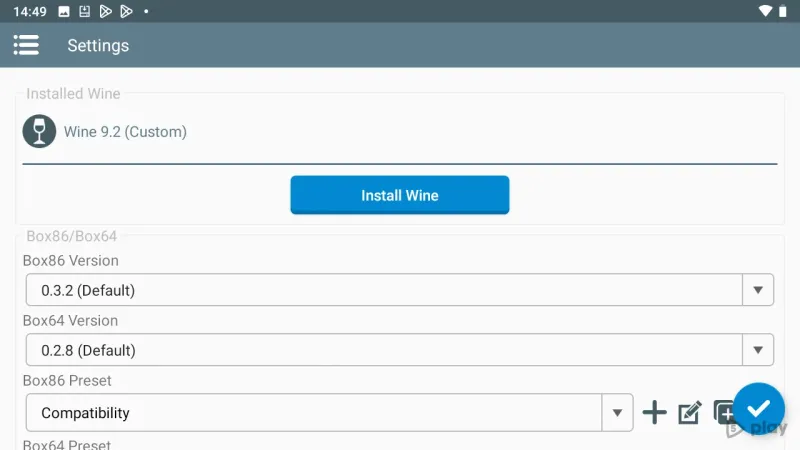
It uses technologies like Wine and Box86/Box64 to provide compatibility with Windows software.
Is Winlator easy to use?
Yes, Winlator features a user-friendly interface that simplifies navigation and usage.
Can I run games with Winlator?
Yes, Winlator supports various Windows games along with other applications.
Similar apps








No comments yet. Be the first!